Cart upsell
Shopify’s free complementary products, shown in the cart you design.
You pick complementary products in Shopify’s free Search and Discovery app. Smootify shows them in the mini cart and on the cart page, in your design.
- Works in the mini cart and on the cart page
- Products picked by Shopify recommendations
- Fully designed in Webflow or Astro
- Complementary products come from Shopify’s free Search and Discovery app, so install it first.
- Hide the block when there is nothing to show with the has-cart-upsells condition.
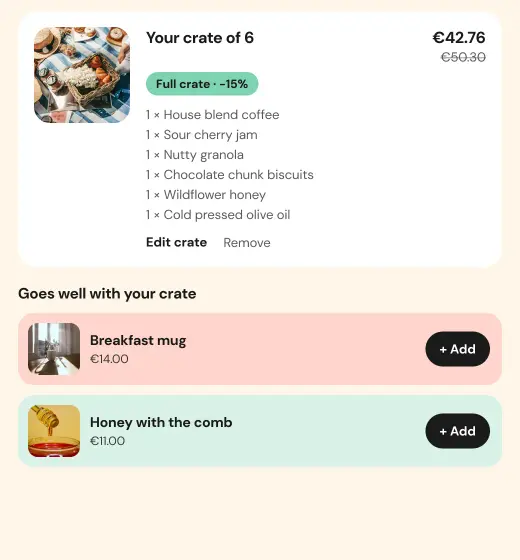
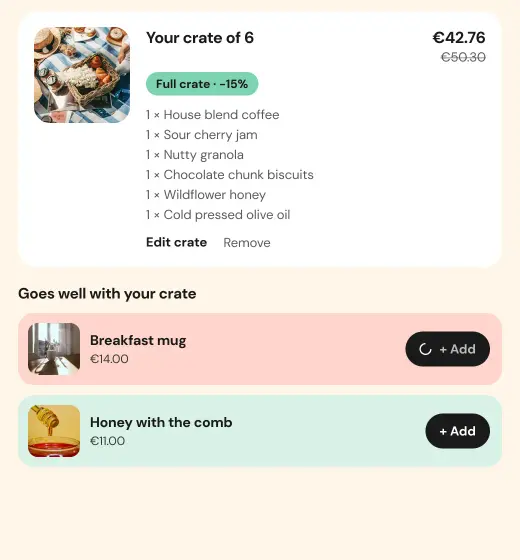
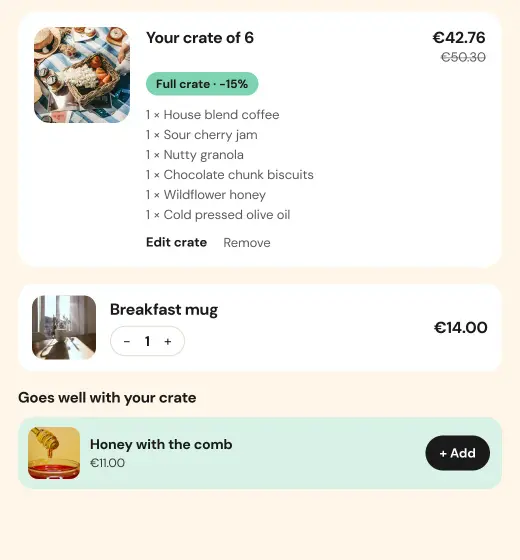
What stores build with it.
Examples of what a store builds with this add-on and plain elements, in Webflow or Astro.
Complete the order in the mini cart
A stool in the cart suggests its seat pad, one click from the cart.
Complete the look
A shirt in the cart suggests the chinos and the belt that go with it: you pick the pairs once in Search & Discovery.
On the cart page too
The same suggestions, in a layout of their own, on the full cart page.
Often used together.
Magic add-ons
Extras attached to a product, with their own titles and images at checkout.
Read moreLast viewed
The products a customer looked at recently, one click away.
Read moreStart in Figma.
Go live on Shopify.
Free to build, pay only when you go live. One Shopify app with 17 add-ons, billed on the store’s Shopify invoice.
- One Shopify app with 17 add-ons, on the Shopify bill
- Free to build, pay only when you go live
- Works on Basic, Grow and Advanced
- Your 1.x store keeps working
- Every element stays yours to change
- Docs indexed in llms.txt