Icons, as real SVGs in Webflow.
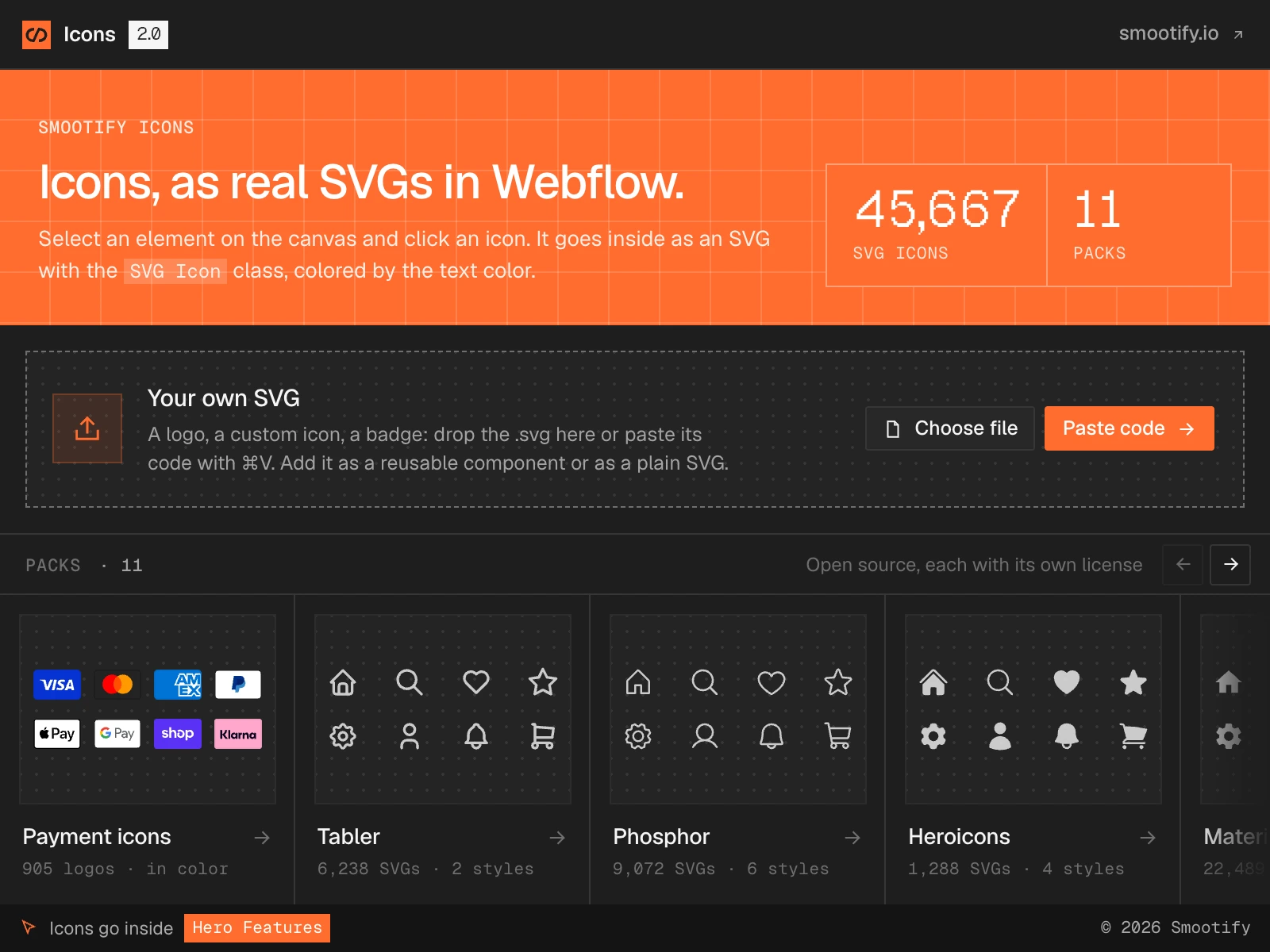
Select an element on the canvas and click an icon. It goes inside as an SVG, not an image, and takes the text color. 45,667 icons in 11 open-source packs, Shopify’s payment logos among them, plus any SVG of your own.
Free, on any Webflow site, with or without Smootify.
How Smootify Icons works
A real SVG, not an image
Each icon goes into the page as SVG code with the class SVG Icon. It takes the text color, so changing a color in Webflow recolors it.
It goes where you selected
Select an element on the canvas, then click an icon. The bar at the bottom of the app always says where the icon will go, before you click.
Pinned, so nothing breaks
Each pack is pinned to its published version. When a pack renames an icon in a later release, the ones on your site stay as they are.
11 packs. 45,667 icons. All open source.
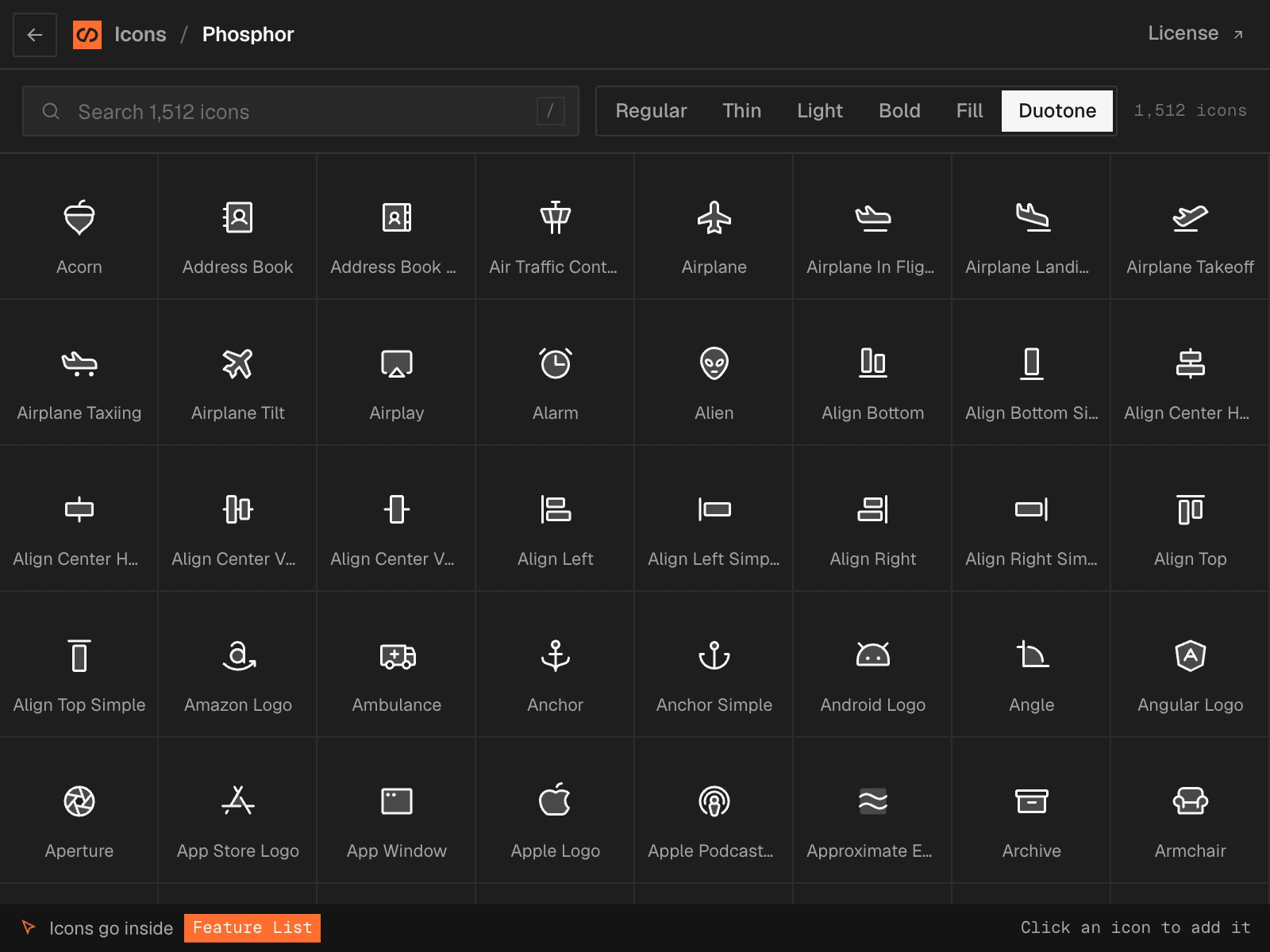
The open-source sets designers already use, each with its own license, plus a pack of payment logos in color. Search by name or label, and switch a pack’s style with one click.
- Payment icons905 logos, in color
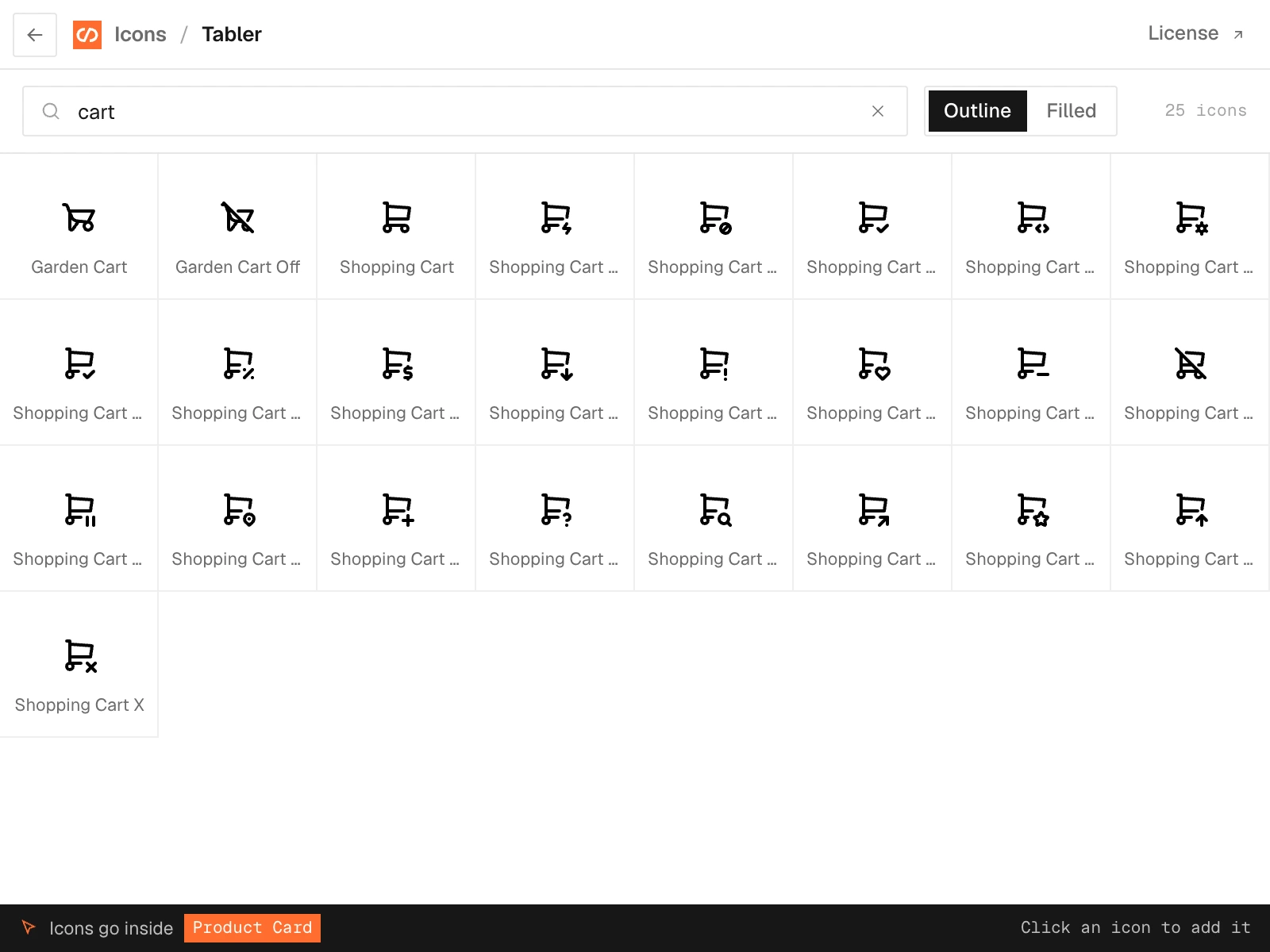
- TablerOutline and Filled
- PhosphorRegular to Duotone
- HeroiconsSolid, Outline, Mini, Micro
- MaterialIcons and Symbols
- Lucide
- Iconoir
- Flowbite
- Eva
- Mono
- css.gg
Search on names and labels. Type “cart” in Tabler or “shop pay” in the payment icons. Styles are one click away: Solid, Outline, Mini and Micro in Heroicons, Regular to Duotone in Phosphor.
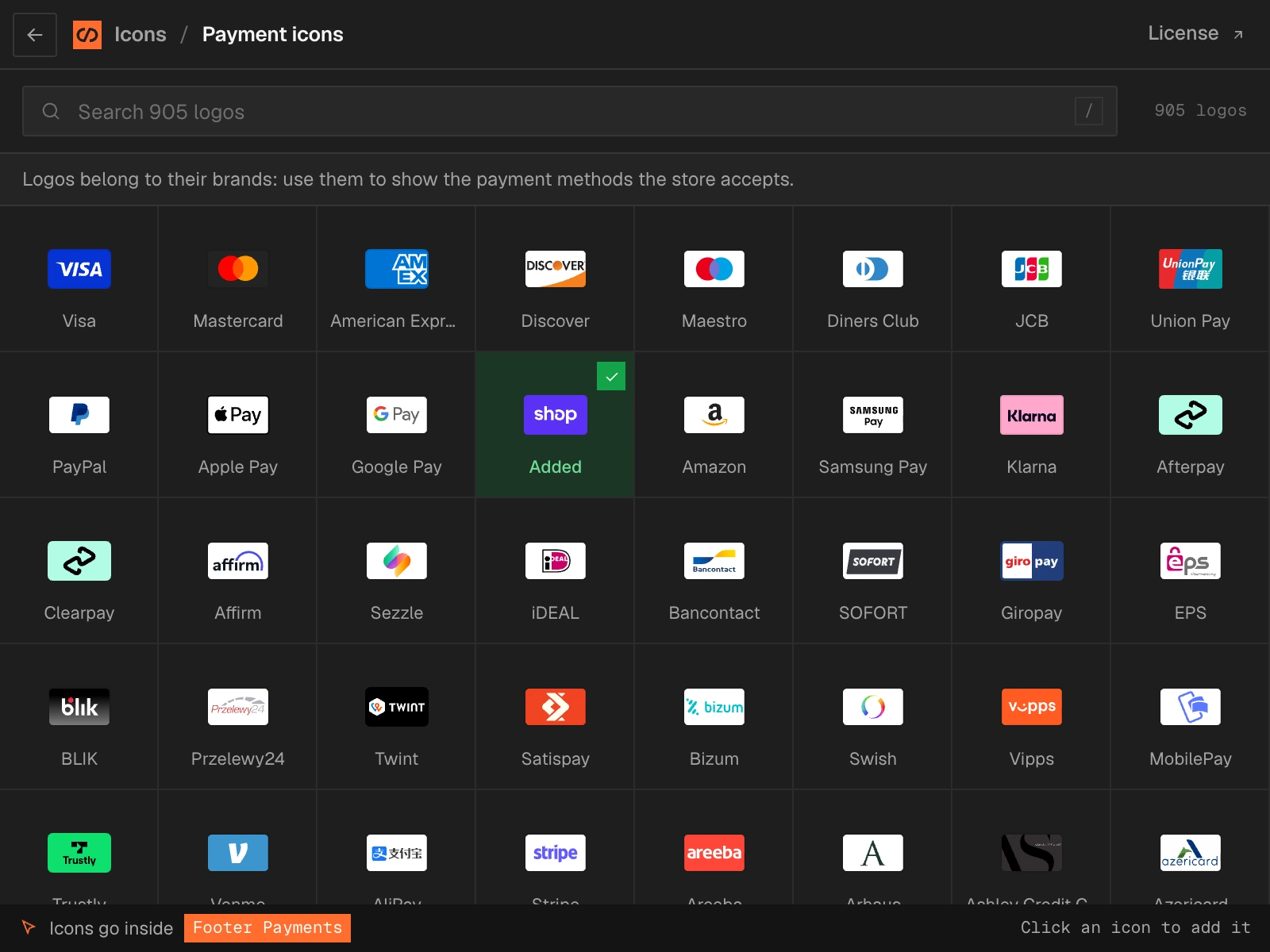
905 payment logos, in color.
The footer every store needs
Visa, Mastercard, PayPal, Apple Pay, Shop Pay, Klarna, iDEAL, Twint and hundreds more: Shopify’s open-source payment icons, kept in their brand colors.
One size, one class
Each logo goes in with the class
Payment Iconat 38×24, so a row of them lines up without styling each one.
Logos belong to their brands. Use them to show the payment methods your store accepts, as the app says above the grid.
Your logo or icon, as a component.
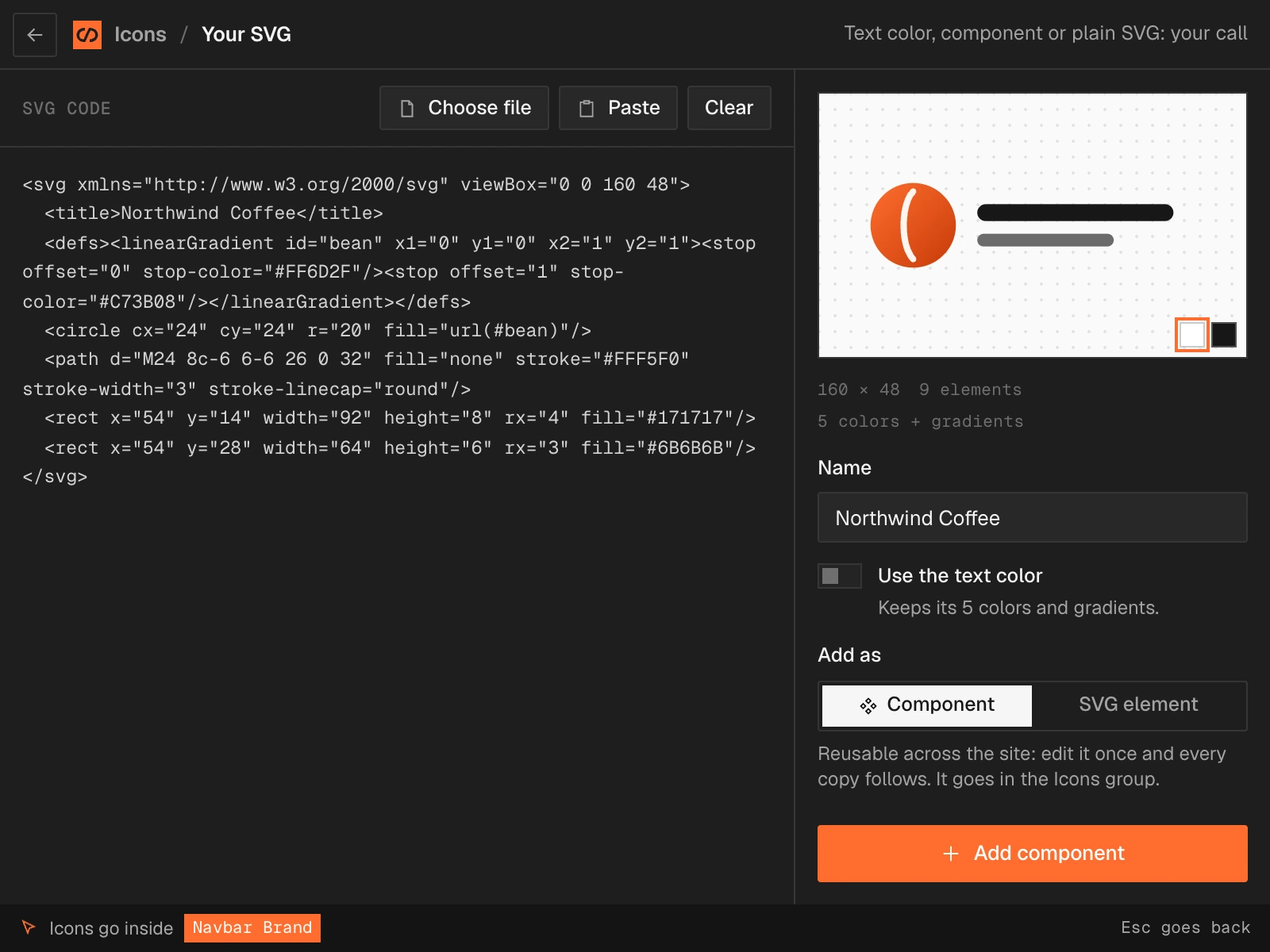
A logo, a custom icon, a badge: drag the file into the app or paste its code with ⌘V, and decide how it goes in.
- Drop it or paste it. Choose a file, drag it in, or paste the SVG code. The preview shows its size, its elements and its colors.
- Text color, or its own. A one-color SVG follows the text color, like the icons of the packs. A logo with several colors or gradients keeps them.
- Component or plain SVG. Add it as a reusable component in the Icons group, so you edit it once and every copy follows, or as a plain SVG element.
Light or dark, like the Designer
The app follows the Designer’s light and dark themes, in the same style as Smootify 2.0 and this site.
Building a store? See the Smootify Webflow app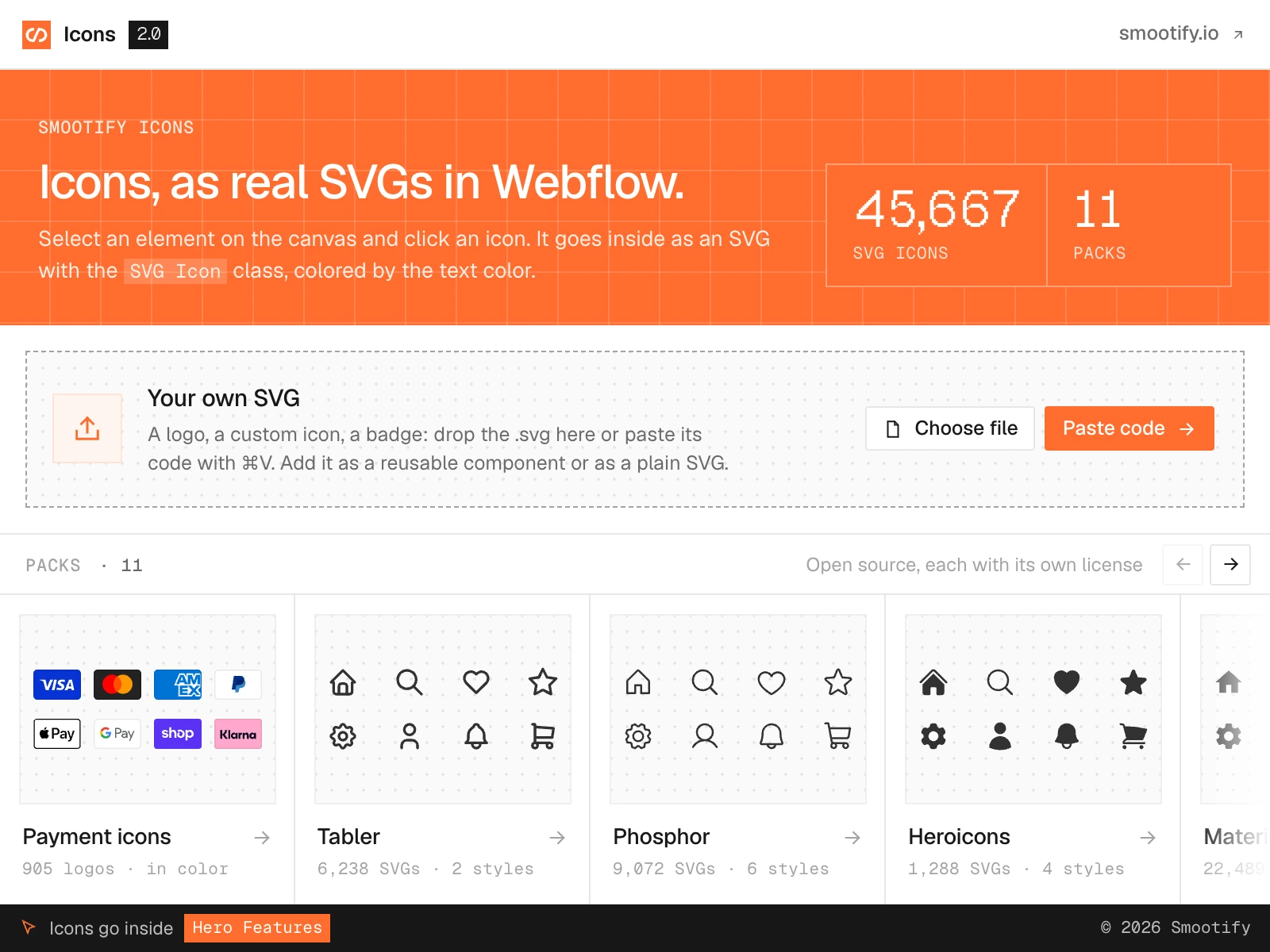
Add your first icon
in the Designer.
Free to install. 45,667 open-source icons, 905 payment logos and your own SVGs, on any Webflow site.
- One Shopify app with 17 add-ons, on the Shopify bill
- Free to build, pay only when you go live
- Works on Basic, Grow and Advanced
- Your 1.x store keeps working
- Every element stays yours to change
- Docs indexed in llms.txt