
2.0 Beta

Smootify 2.0 is in public beta. Your 1.x store keeps working. Move when you want.

What changed
Case studies

Real stores, taken apart by the people who built them.

Agencies and freelancers show how they built Shopify stores in Webflow with Smootify: the brand, the design, the stack and the part Smootify plays. Each one links to the builder’s own project page.

five builds

Built with Smootify.

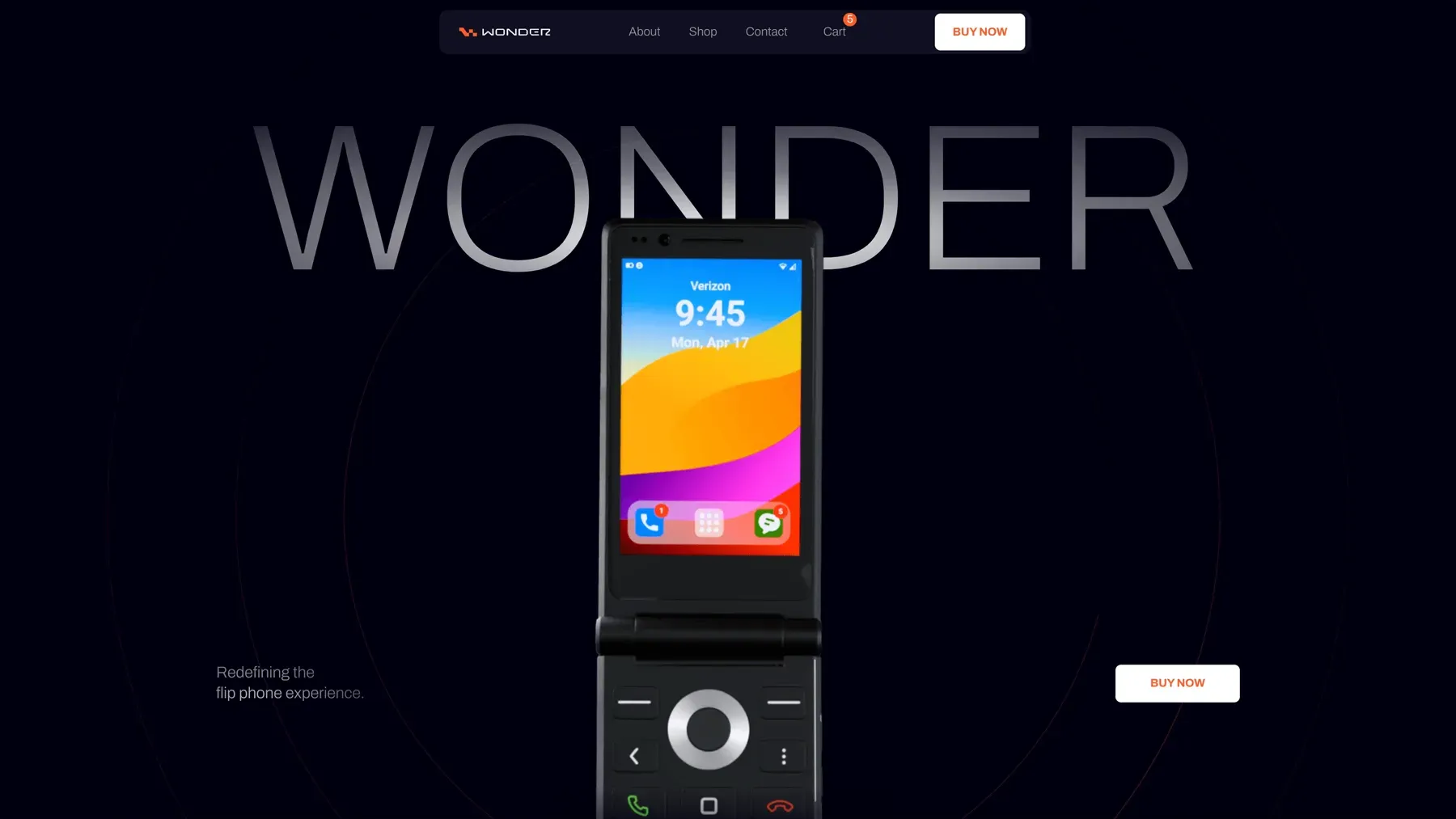
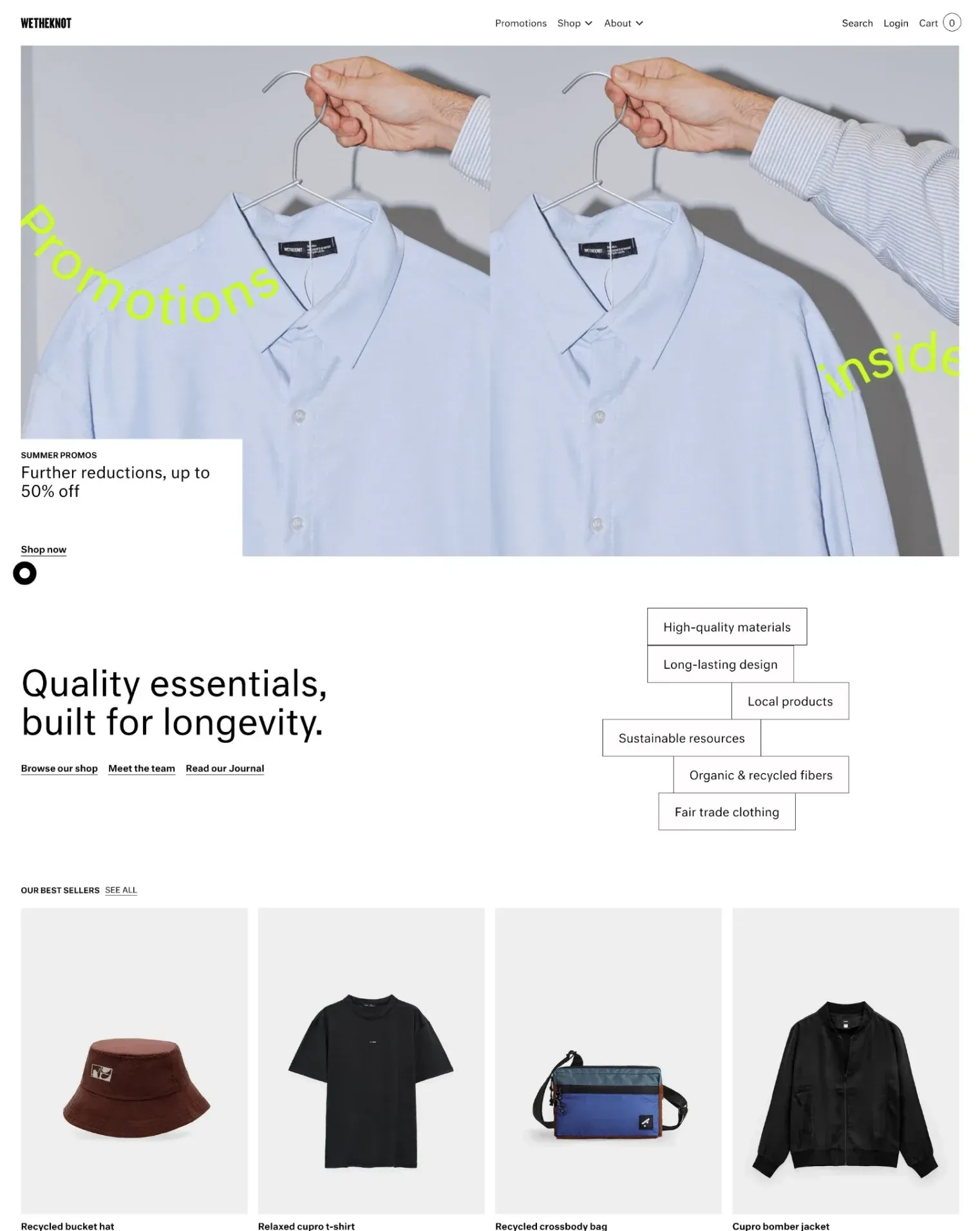
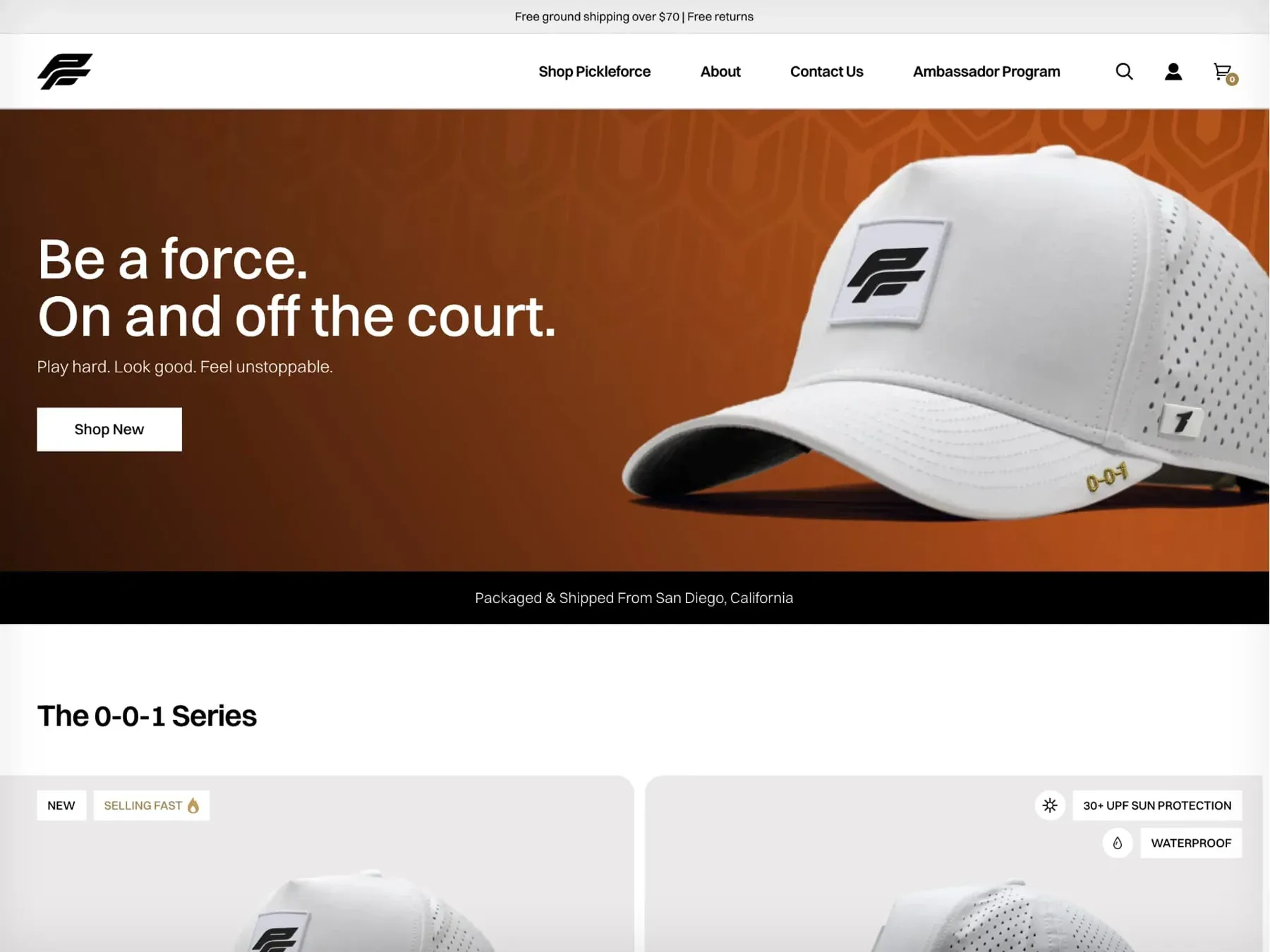
Snacks, a flip phone, slow fashion, a social impact label and a pickleball brand. Pick one.

01 / 05

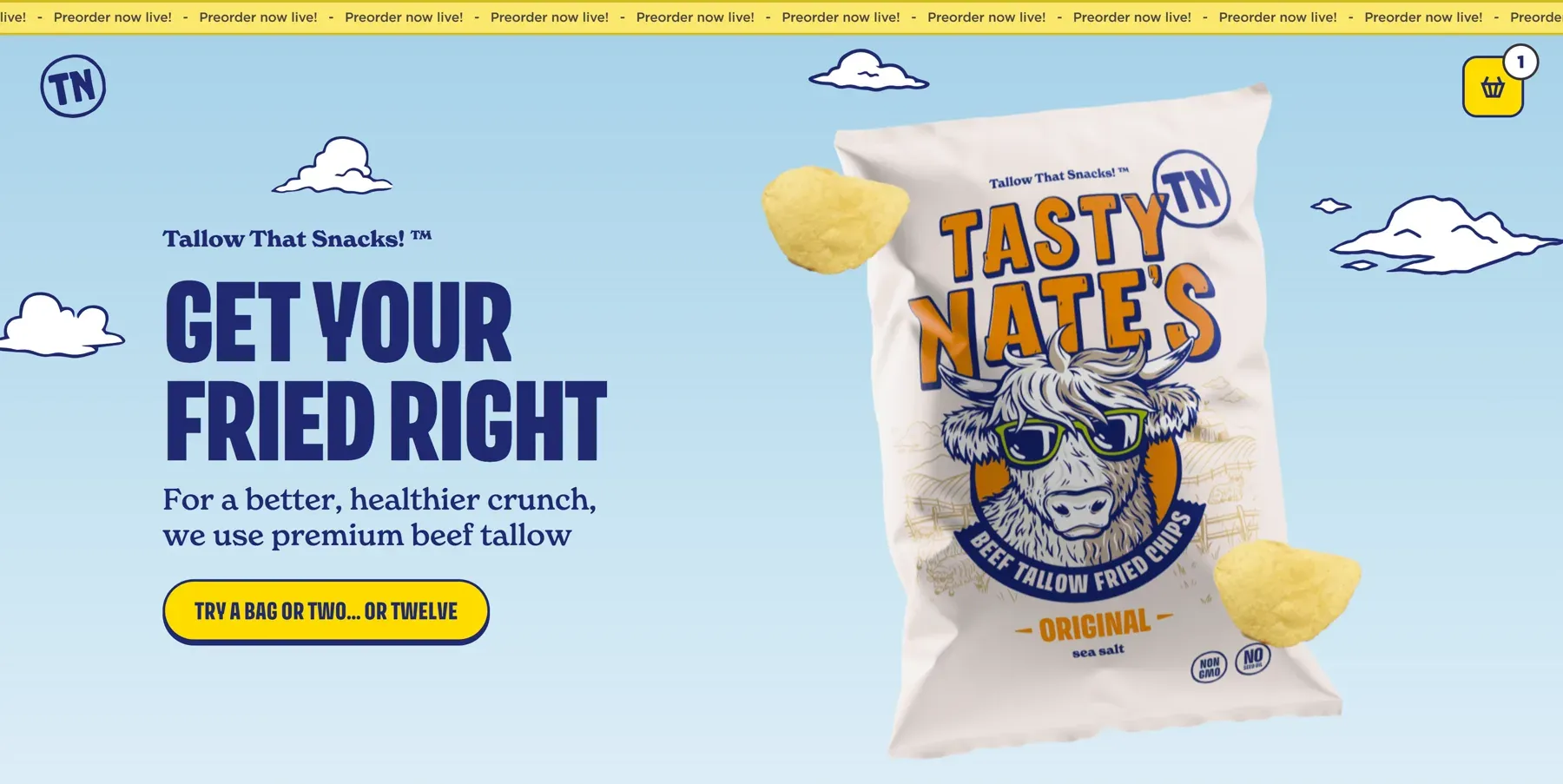
A headless store with a lot of personality, for a beef tallow chips brand. Figma, Webflow, Smootify and Shopify behind a playful snack store: 3D product, animated illustrations, bundles and a monthly subscription.

By Andrew Ehrensperger · United States · On Contra ↗
Read the case study
the 2.0 demo stores

Three demo stores, taken apart.

Each demo store has a teardown: every mechanic on the page, how it is built and the Shopify settings it needs. Chapters follow the mechanics, not the industry. Each teardown is on the store’s template page.

Teardown 01

Millimetro

Made to order

Furniture made to measure, with tops in oak, walnut and laminate.
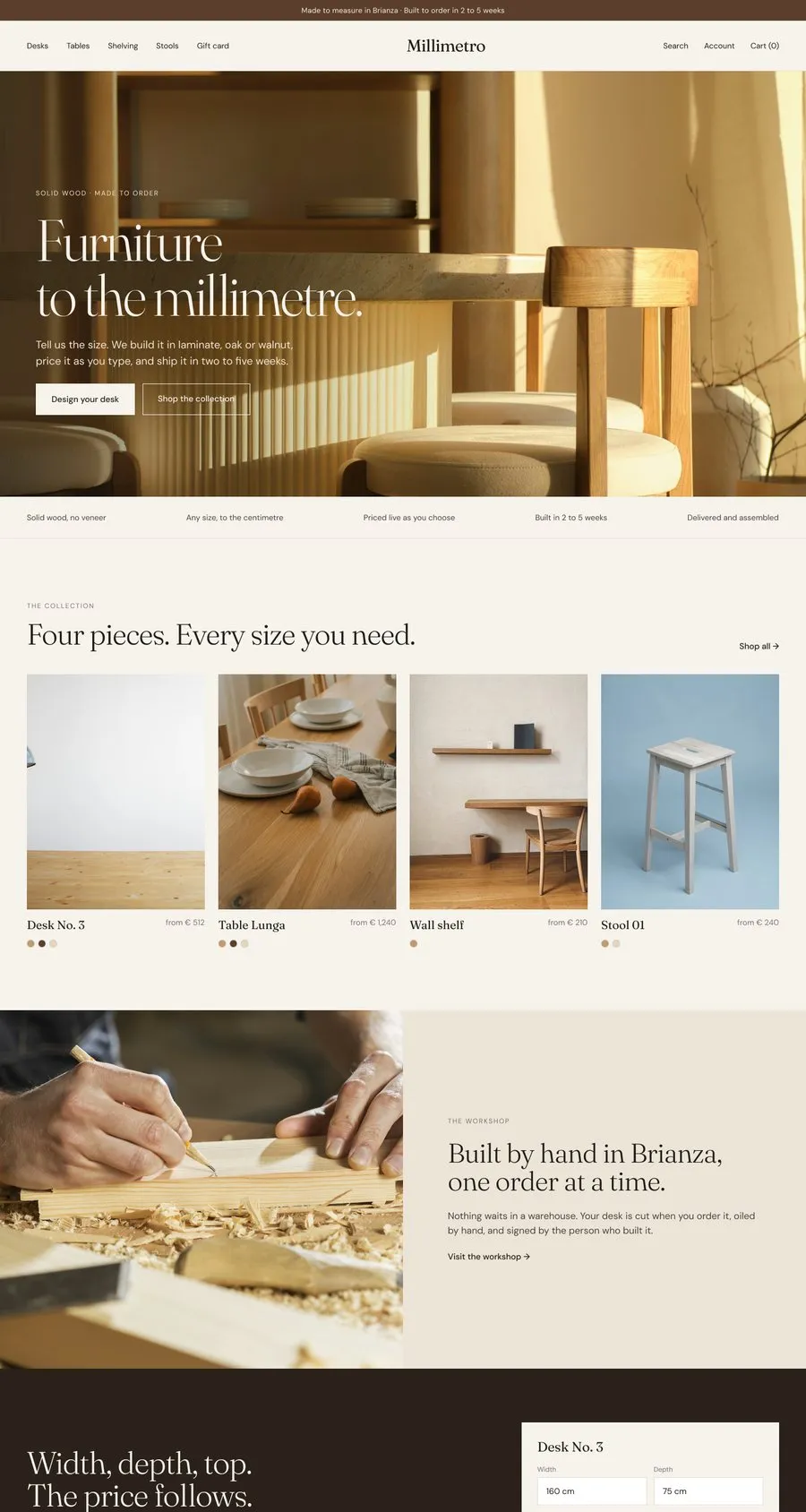
Millimetro home page, designed in Figma
Live in the 2.0 public beta

Plan Server

Made to order, the solution
  1. 01

    A price from a formula

    The top you pick sets the base price, width times depth adds the surface, engraving is priced per letter with [price] + 0.3 * [length]. A product no set of three Shopify options can express.

    Read about it now
  2. 02

    Options the merchant edits in Shopify

    Dynamic properties: questions defined in Shopify and rendered by one control per type in Webflow. Properties starting with _ reach the order without showing at checkout.

    Read about it now
  3. 03

    Swatches that are woods, not colors

    Where a swatch gets its color or image: the native Shopify swatch first, then the Options metaobject, field by field. And the price of that wood on the button.

  4. 04

    A gift card at the customer’s price

    Name your price: the customer types the amount, inside a minimum and maximum you set, and no new variant is created.

    Read about it now
  5. 05

    Alerts that bring people back

    Back in stock, price drop and waiting list as one form, one metaobject and a Shopify Flow, without an email app.
Teardown 02

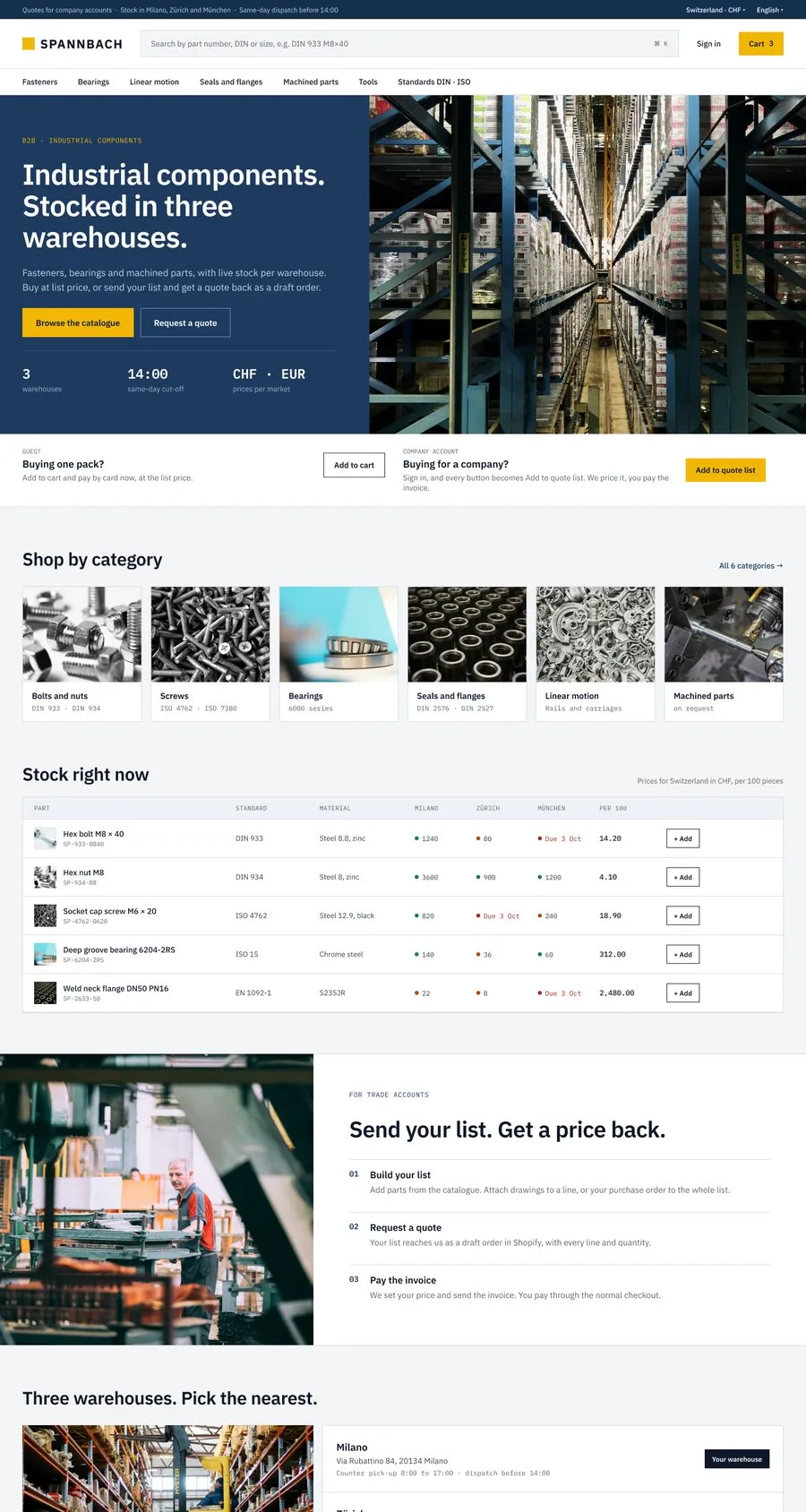
Spannbach

B2B and wholesale

Industrial components for trade buyers, with a public catalog beside it.

Spannbach home page, designed in Figma
Live in the 2.0 public beta

Plan Server

B2B and wholesale, the solution
  1. 01

    The cart becomes a quote

    The buyer sends the cart, you get a draft order in Shopify, set your price and send the invoice. Payment stays in the Shopify checkout.

    Read about it now
  2. 02

    Two tracks, one catalog

    Signed-in company buyers see “Request a quote”, everyone else sees “Add to cart”. Conditional visibility on the customer, no second site.

  3. 03

    Specs from metafields

    separator="repeat" clones one designed row for every value of a list metafield. No nested Collection Lists.

  4. 04

    Documents that stay on the customer

    A VAT certificate uploaded once to the customer record, a purchase order attached to the quote. Files land in Shopify Files, not a third-party bucket.

    Read about it now
  5. 05

    Data collected into Shopify

    Warranty registration and reseller applications written into Shopify as metaobjects, next to the customer, instead of a table inside Webflow.

    Read about it now
  6. 06

    Markets and languages

    Prices and currencies set per market in Shopify, pages translated with Webflow Localization.

    Read about it now
Teardown 03

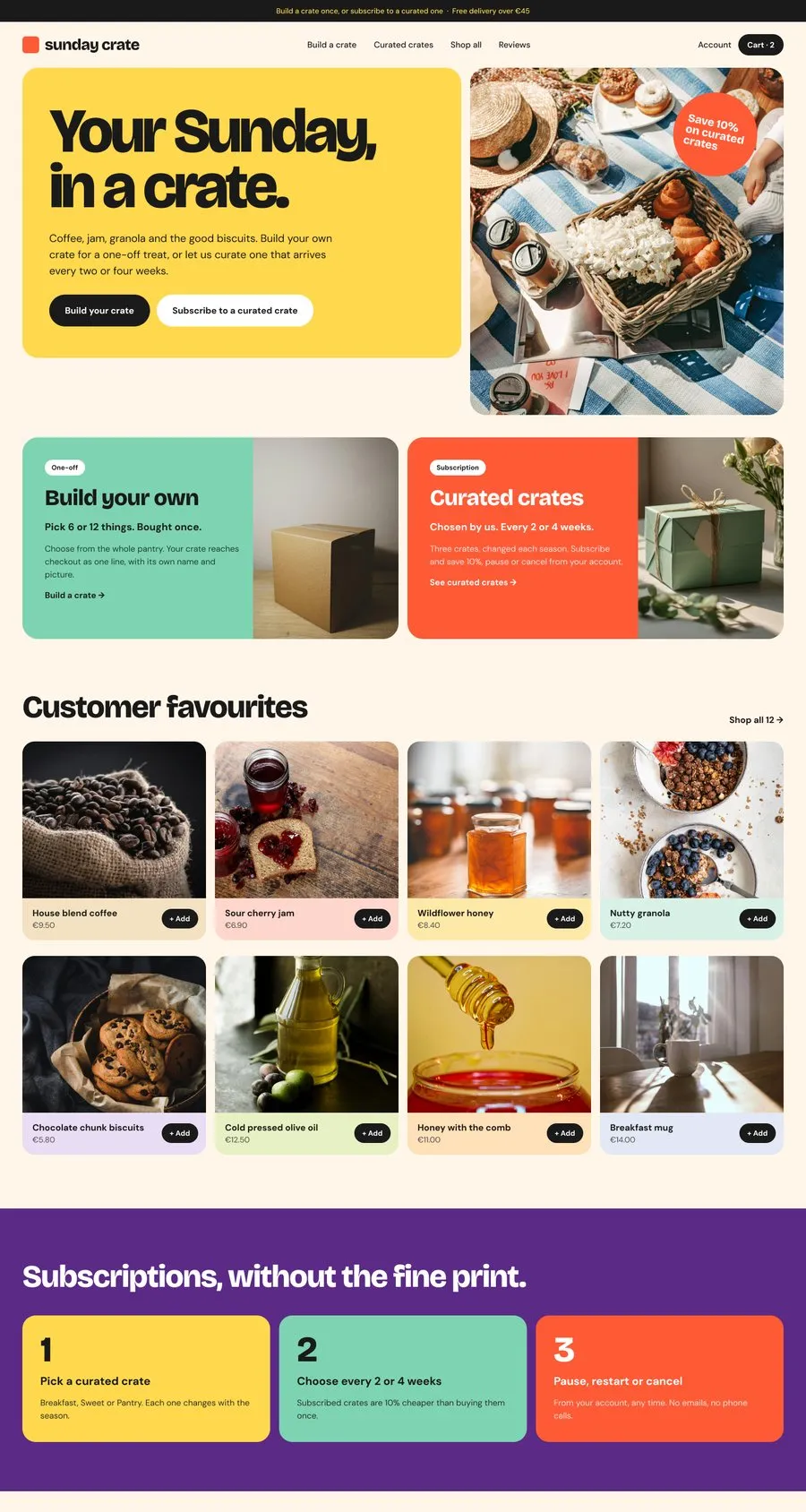
Sunday Crate

Boxes and subscriptions

Boxes: build your own once, or take a curated one on subscription.

Sunday Crate home page, designed in Figma
Live in the 2.0 public beta

Plan Free for the box, Server for delivery booking and reviews

Boxes and subscriptions, the solution
  1. 01

    A box that checks out as one line

    Magic box: the customer picks within your rules, the box reaches checkout as one line with its own title and image. Included on every plan, Free too.

    Read about it now
  2. 02

    Why the box is not a subscription

    Shopify refuses to merge cart lines that carry a selling plan. The pattern that works: the custom box bought once, curated boxes as simple products on subscription.

    Read about it now
  3. 03

    Reviews without an app

    A review is a metaobject: written on the site, moderated as a draft in Shopify, shown with the same elements as any other data.

  4. 04

    A cart that raises the order

    Upsells computed on what is in the cart now, a free-shipping bar and a countdown that actually does something when it ends.

    Read about it now
  5. 05

    Search and filters

    Filters from Shopify Search & Discovery, which is free in Shopify, rendered in your own design.

    Read about it now
  6. 06

    Merchandising without the CMS

    Best sellers, related products and recently viewed, filled from Shopify by one data-id. Lists the Webflow CMS cannot hold.

What ships with each one.

A teardown you cannot open is a blog post. Each one comes with the pieces to rebuild it.

The live store

Open it, add to cart, check out. Every mechanic in the teardown is on a page you can try.

The Figma file

The pages of the store as a file to duplicate, built on the wireframe kit.

The Shopify Flows

Where a mechanic runs on Flow, such as alerts and review requests, the flow ships as a file to import.

Where it breaks

Each chapter ends with the settings that fail silently: Storefront access, the add-on switch, the plan.

Read the teardown.
Then build your own.

Every mechanic in the teardowns already has a page. Start free, pay only when you go live.

  • One app on the Shopify bill, not ten
  • Free to build, pay only when you go live
  • Works on Basic, Grow and Advanced
  • Your 1.x store keeps working
  • Every element stays yours to change
  • Docs indexed in llms.txt