Draft orders
Quote requests from the store, answered from your Shopify admin.
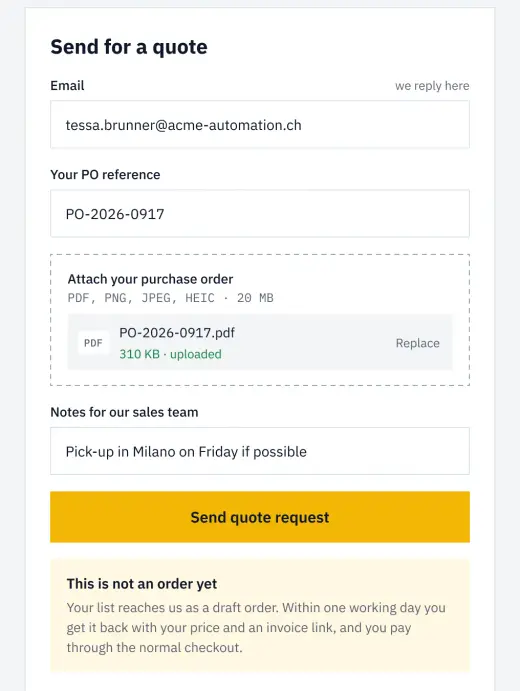
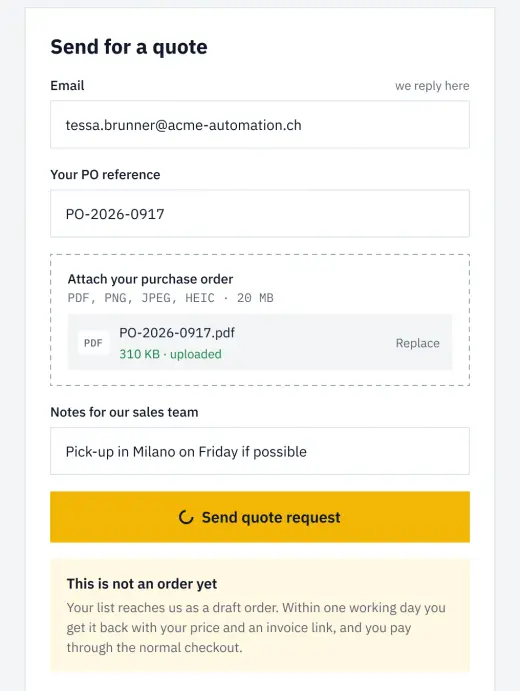
Customers pick products and quantities, add their email and a message, and send a request. You receive a draft order in Shopify, apply a discount if you want, and send the invoice. They pay through Shopify checkout.
- Quote request form on any product or cart
- Draft order created in your Shopify admin
- Discount and invoice from Shopify
- Payment through the normal checkout
- Sent quotes listed in the customer account, with the link to pay
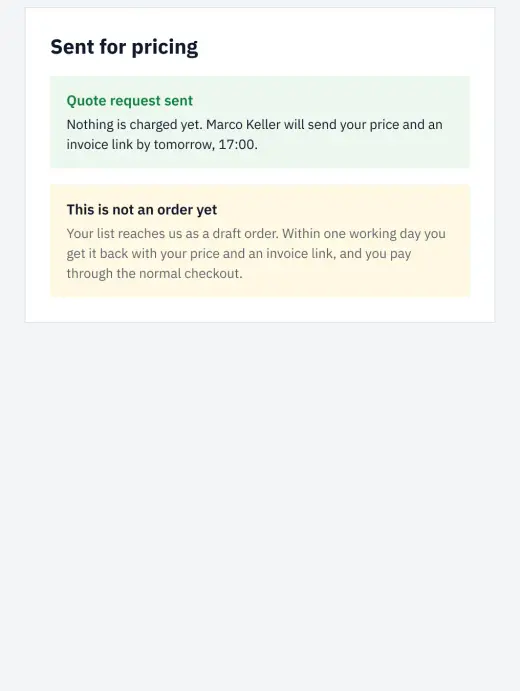
- The success message means quote sent: rewrite it so nobody thinks they bought.
- Signed-in company buyers can see a quote button while everyone else sees the cart, with conditional visibility.
- A Shopify Flow file sends you an email for every quote.
- The account shows only quotes sent with Send invoice, and the Headless channel's Customer Account API needs draft order permissions.
The form field for the address must be named email. On Webflow, copying a form renames its fields, and it is where this breaks most often. Rewrite the success message too: it means quote sent, not order placed.
What stores build with it.
Examples of what a store builds with this add-on and plain elements, in Webflow or Astro.
Wholesale quotes
A shop owner asks for 40 drills and 40 batteries; you answer with a discounted invoice from the Shopify admin.
Events and catering
Guests, date and a message on the request: the price depends on the event, so you send it once you know.
Custom work, priced by you
A curtain rail cut to length, described in the request: you price it in the admin and send the invoice.
Automations on top.
Shopify Flows that react to what this add-on writes into Shopify.
Often used together.
Name your price
The customer sets the amount they pay, inside the limits you give.
Read moreCustomer metafield editor
Let customers edit their own profile fields, stored as Shopify metafields.
Read moreStart in Figma.
Go live on Shopify.
Free to build, pay only when you go live. One Shopify app with 17 add-ons, billed on the store’s Shopify invoice.
- One Shopify app with 17 add-ons, on the Shopify bill
- Free to build, pay only when you go live
- Works on Basic, Grow and Advanced
- Your 1.x store keeps working
- Every element stays yours to change
- Docs indexed in llms.txt