Dynamic properties
Show or hide add-to-cart inputs from Shopify metaobjects, when conditional visibility is not enough.
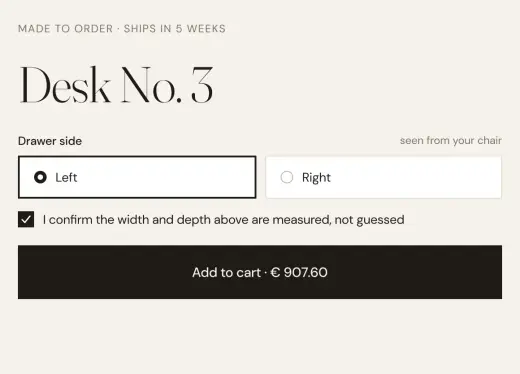
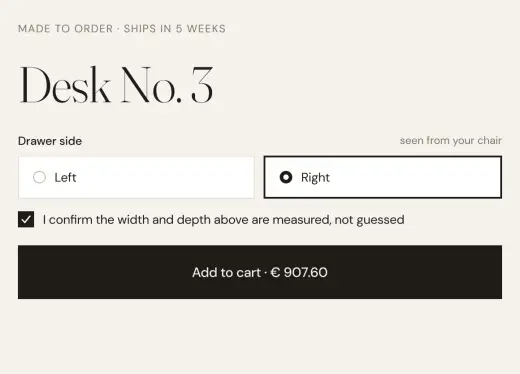
The designer lays out every possible input once. Which ones appear on each product is controlled from Shopify metaobjects, not by duplicating pages.
- Inputs controlled per product from Shopify
- One layout for every product
- Values carried as line item properties
- It fails in silence three ways: add-on off, metafield without Storefront access, metaobject definition without Storefront access.
- label is the field that links the input to the metaobject.
- Properties that start with an underscore are hidden at cart and checkout.

What stores build with it.
Examples of what a store builds with this add-on and plain elements, in Webflow or Astro.
Engraving only where it fits
The engraving field appears on the watches that can be engraved, from a metaobject in Shopify.
Personalisation per product
A monogram and a thread color on the shirts made to order, nothing on the rest.
Measurements where they matter
A collar size on shirts, a length on trousers, from one product template.
Often used together.
Product configurator
Prices calculated live from the options, quantities and formulas you set.
Read moreProduct file upload
Shopify’s own file upload on the product, designed in Webflow or Astro, with the file managed from your admin.
Read moreStart in Figma.
Go live on Shopify.
Free to build, pay only when you go live. One Shopify app with 17 add-ons, billed on the store’s Shopify invoice.
- One Shopify app with 17 add-ons, on the Shopify bill
- Free to build, pay only when you go live
- Works on Basic, Grow and Advanced
- Your 1.x store keeps working
- Every element stays yours to change
- Docs indexed in llms.txt