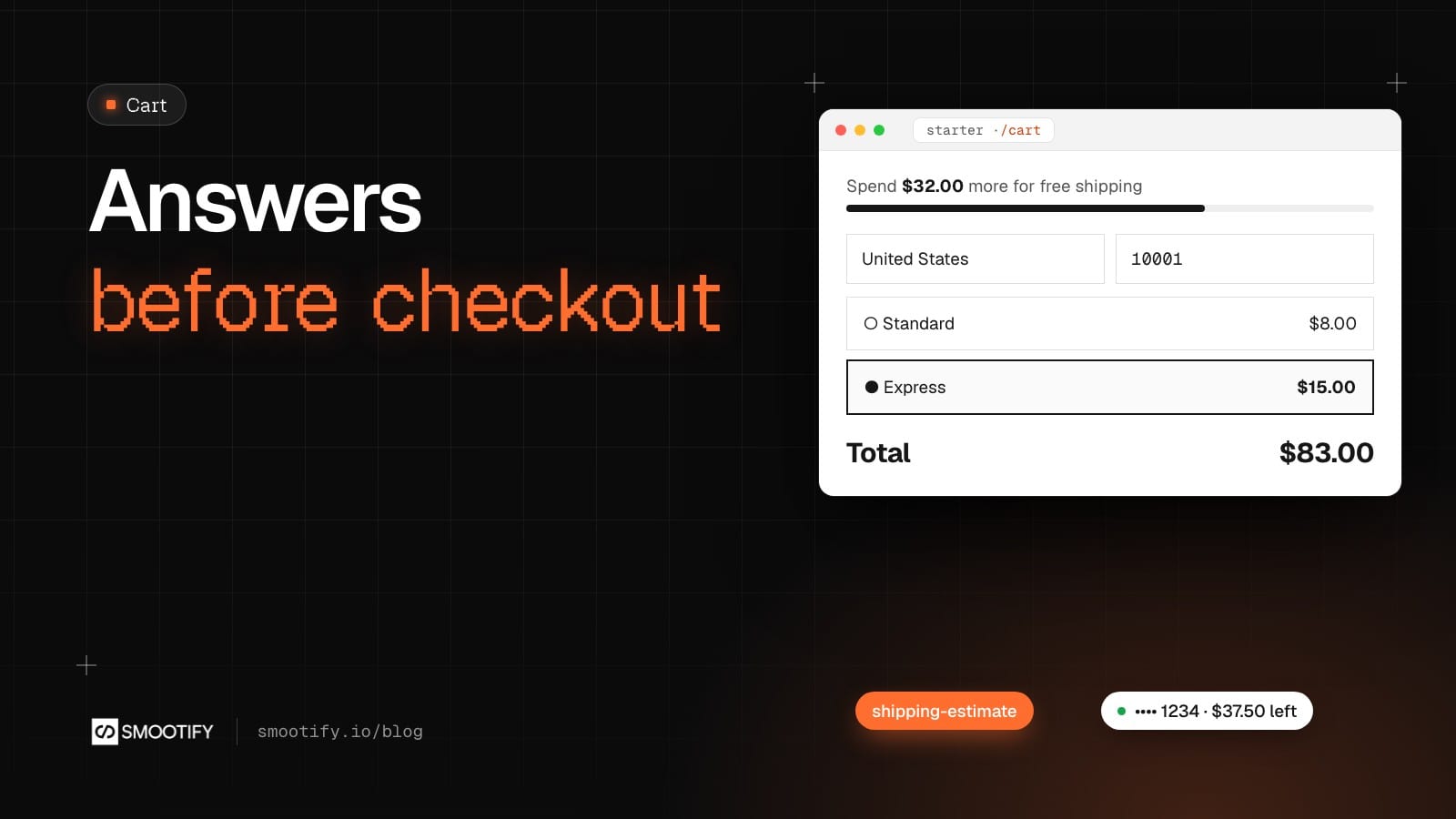
Three questions stop a customer between the cart and the checkout. How much is shipping? How far am I from free shipping? How much is left on the gift card my aunt gave me? On most stores the honest answer is “go to the checkout and find out”, and a share of the people who go there to find out never come back.
Smootify 2.0 answers all three in the cart, with three small pieces you design yourself: a shipping estimate form, a free shipping bar and a gift card balance form. They work on every Smootify plan, the free one included, with no add-on to turn on, in Webflow and in Astro. Everything below is the Smootify starter, live, with a linen shirt in the cart.
How far from free shipping
The bar is the cheapest of the three to add and the one customers notice first. With one Linen Shirt at $68 and a goal of $100, it says what is missing.

It follows the cart wherever you put it, in the cart page, the mini cart or the navbar, and switches to its own message once the goal is reached. Two things are worth knowing:
- The bar only shows the progress. The free shipping itself is a rate or a discount you set up in Shopify with the same amount. Change one, change the other.
- It counts the products, not the shipping. Once the customer picks a delivery option below, the total includes shipping, but the bar does not: $32 stays $32 with Standard or with Express. That is the fix that went out in beta.10.
What delivery costs, before the checkout
The shipping estimate is a form with a country and a postal code. The country is already chosen from the visitor’s market, so most people type five digits and press the button. Smootify puts the address on the visitor’s cart and asks Shopify for its rates.
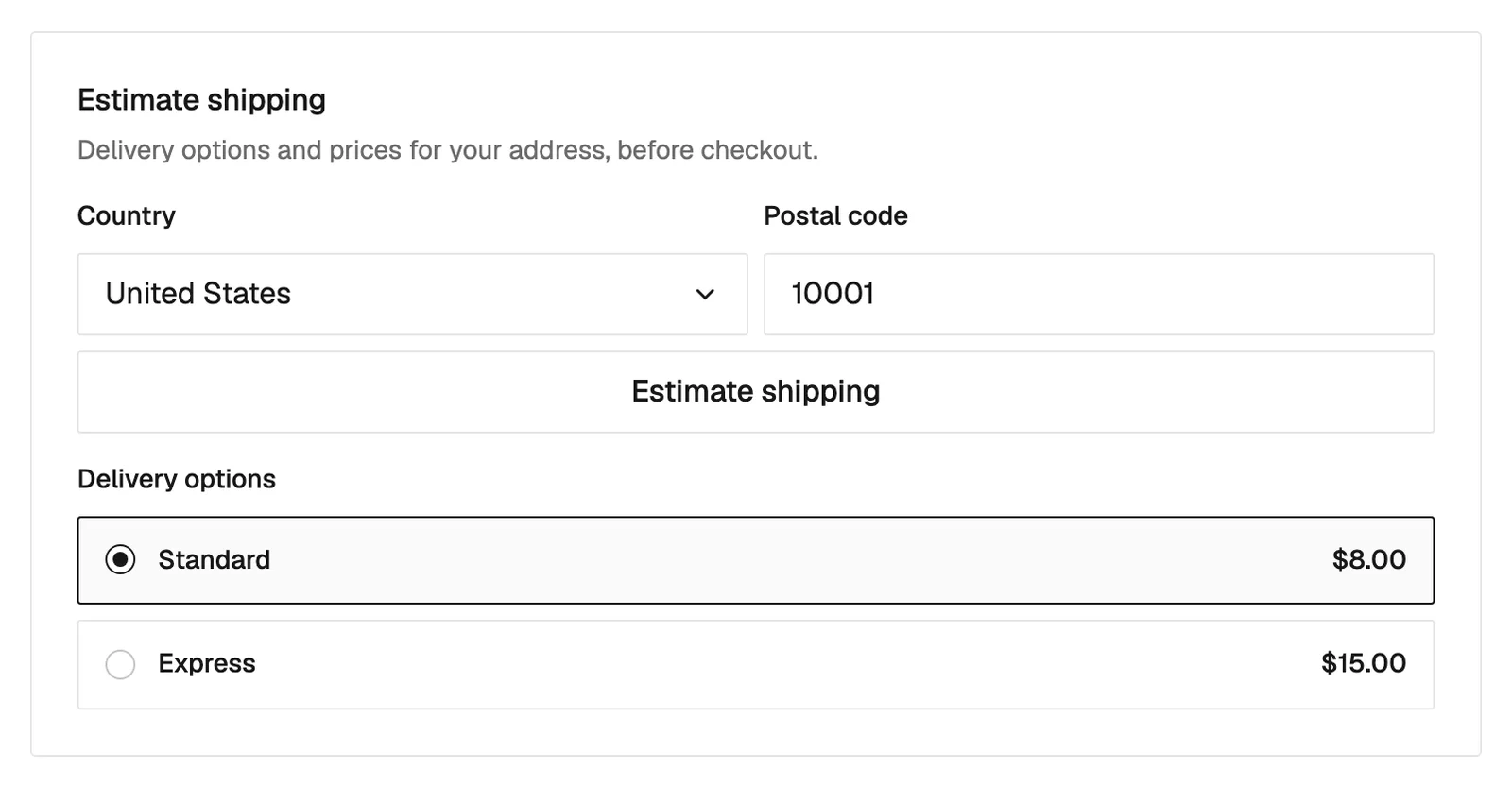
The options are the shipping rates you already set in Shopify, under Settings › Shipping and delivery: nothing to copy into the site. The customer picks one, and the cart’s shipping line and total follow.
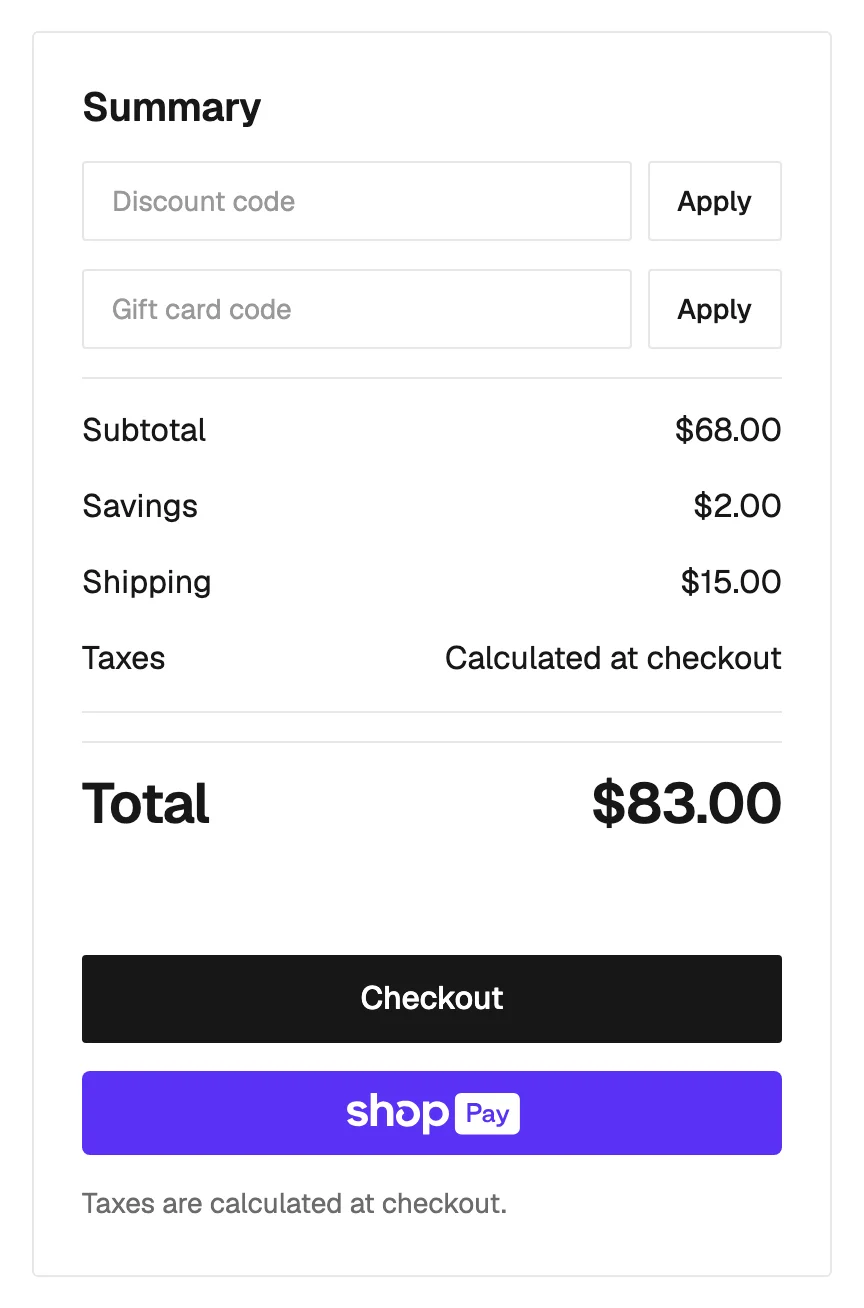
Three details make it feel finished rather than bolted on:
- The checkout starts from the estimate. It opens with the same country, postal code and delivery option already filled in.
- The options follow the cart. Add a second shirt and Shopify is asked again: at $136 the store’s free Standard rate shows “Free”, and the bar above switches to its unlocked message at the same moment.
- An address you already know fills the form. One the visitor typed earlier, or a logged-in customer’s, shows its options as soon as the page loads.
The markup is a Custom element around a Webflow form, and one template for the rates:
Leave the country select with only its placeholder: Smootify fills it with the countries of your markets. The chosen option gets the class is-selected, and data-error-no-options writes the message for an address you don’t ship to, in your site’s language.
What is left on a gift card
The third question used to need an email to the store. The gift card balance form reads it from Shopify without touching the cart: the customer types the code, in capitals or not, with or without spaces, and reads what is left.
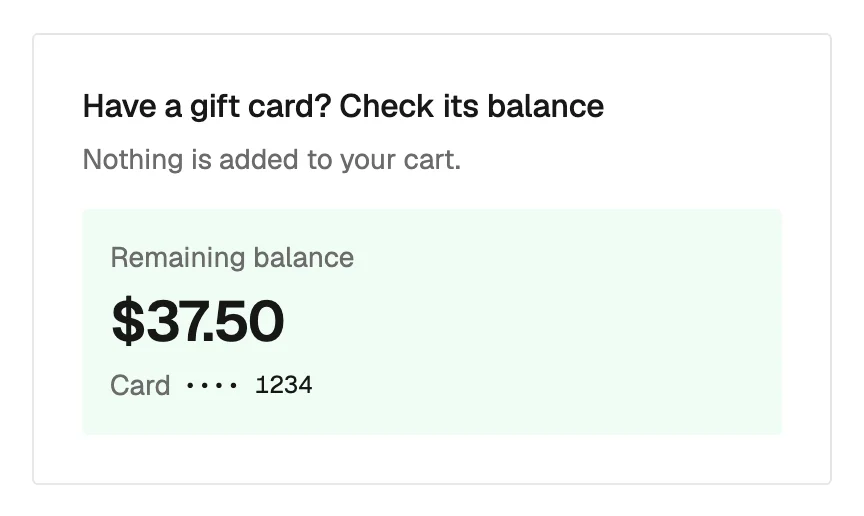
Two choices in it are deliberate. The page shows only the end of the code, •••• 1234, never the whole of it. And Shopify gives the same answer for a wrong code and for a card that is used up, expired or disabled, so the form has one error for all four: “Code not found or already used” says it honestly. To use the card, the customer types it in the cart’s own gift card field, next to the discount code: the balance form never applies anything.
Where each piece goes
- The bar: anywhere the cart is, often twice, in the mini cart and on the cart page.
- The estimate: in the cart, under the lines and above the total. It can also go in the product page, but an empty cart asks Shopify nothing.
- The balance form: in the cart next to the gift card field, in the footer, or on its own “Check your balance” page linked from the gift card product.
Watch it, then build it
The whole cart is in a 3:29 video, Cart extras, recorded on the same starter. The setup is in four guides: Shipping estimate, Gift card balance, Discounts, notes and progress bars for the bar, and for Astro, shipping estimate, cart extras and gift card balance.