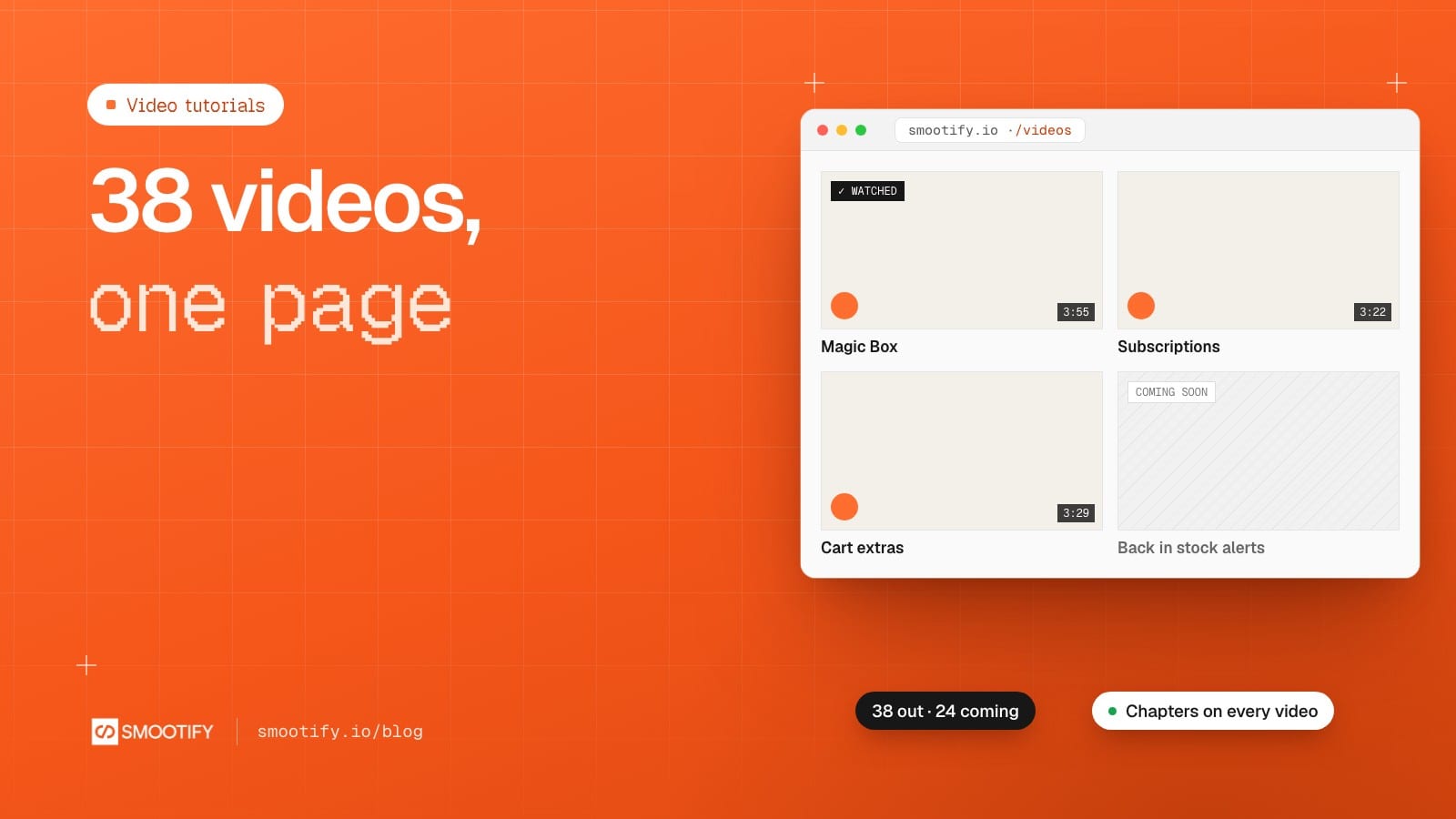
Since the 2.0 launch we have published a video for almost every guide: the two paths from zero to a live store, every add-on, Smootify Studio. Until now they lived inside the guides, one per page, which is right when you are building and wrong when you want to see what there is. Now they are all on one page: smootify.io/videos.
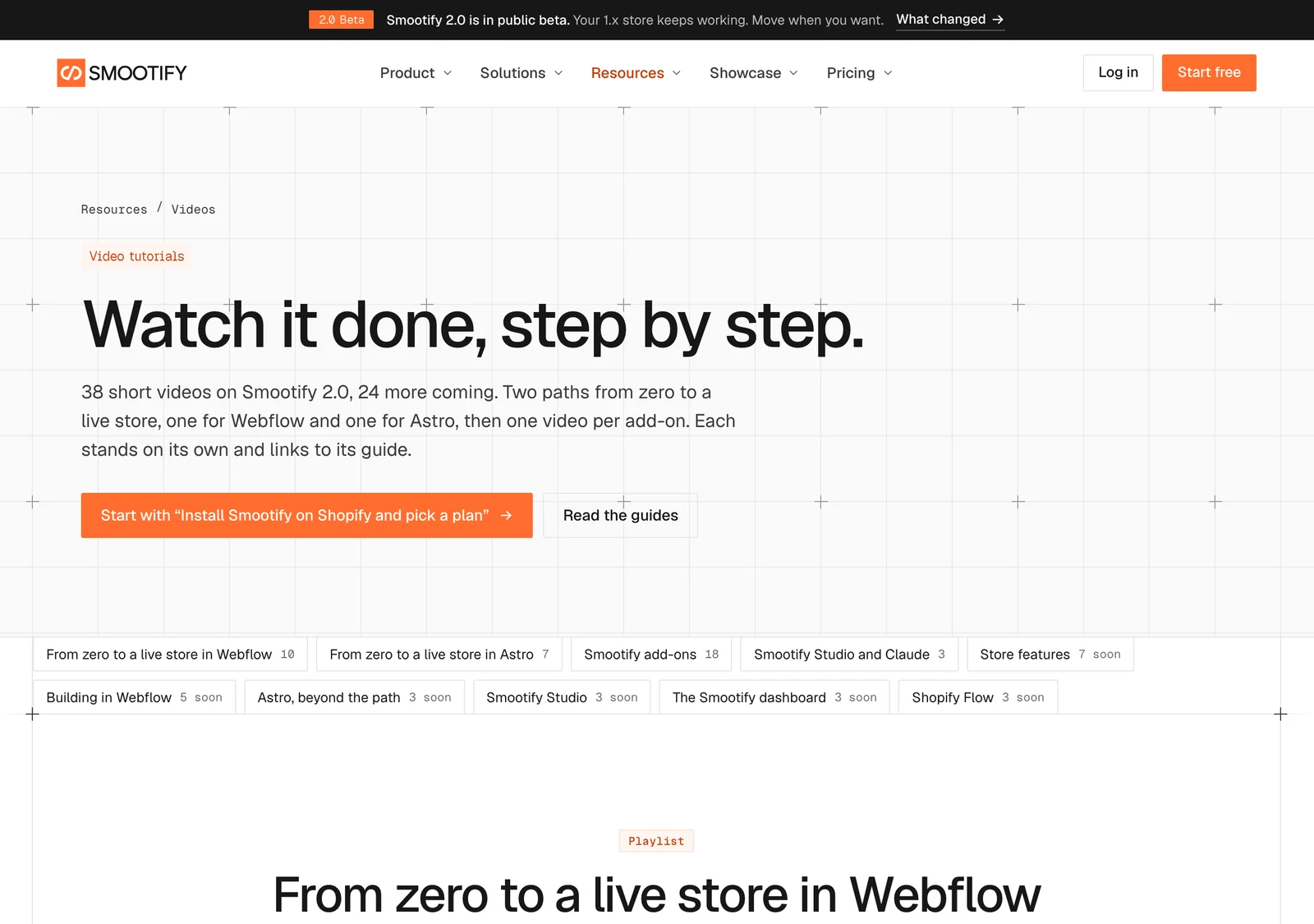
What is on it
- From zero to a live store in Webflow, 10 videos in order: the Shopify app, the Webflow site, the starter, a tour of the app, the CMS, the product page, the cart, accounts, the domain, the last checks.
- From zero to a live store in Astro, 7 videos: the plan, Smootify Studio, the project, Figma to store, the deploy on Cloudflare, what to do after it, the last checks.
- Smootify add-ons, 18 videos, one per add-on and store feature, recorded on our demo stores: Magic Box, the configurator, booking, B2B quotes, markets, subscriptions, reviews and the rest.
- Smootify Studio and Claude, 3 videos: Figma to Webflow with Claude, the first products, the field settings in Chrome.
Most are between two and four minutes. Each stands on its own, and each links to the guide it comes from.
What is coming
The page also lists the 24 videos we have planned and not recorded yet, as “Coming soon”, grouped by area: store features such as back-in-stock alerts and EU withdrawal, building in Webflow, Astro beyond the path, Studio, the dashboard and Shopify Flow. Each one already links to its guide, so the page is also an honest map of what is filmed and what is still only written. When a video comes out, its card turns into a player.
A page per video, and what you have watched
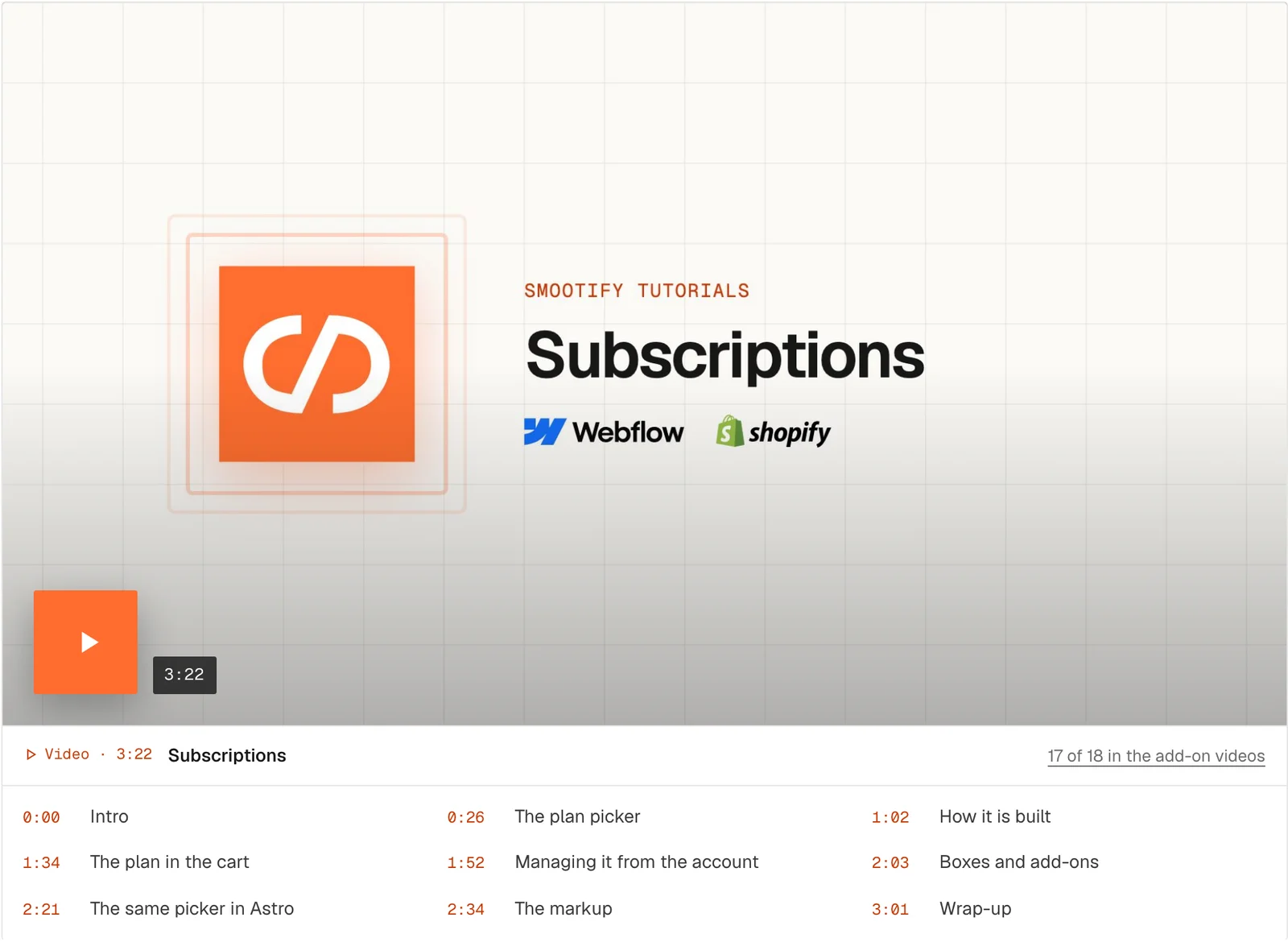
Every published video has its own page, /videos/<name>, with the player, its chapters, the button to its guide and the rest of its playlist. The chapters are under the player and as ticks on the bar: click one to jump, or use Page Up and Page Down from the keyboard.
The page also remembers what you have seen. A video you watched counts as watched once you have actually played 90% of it, skipping to the end doesn’t count, and its card gets a mark, with “n watched” on each playlist’s link.
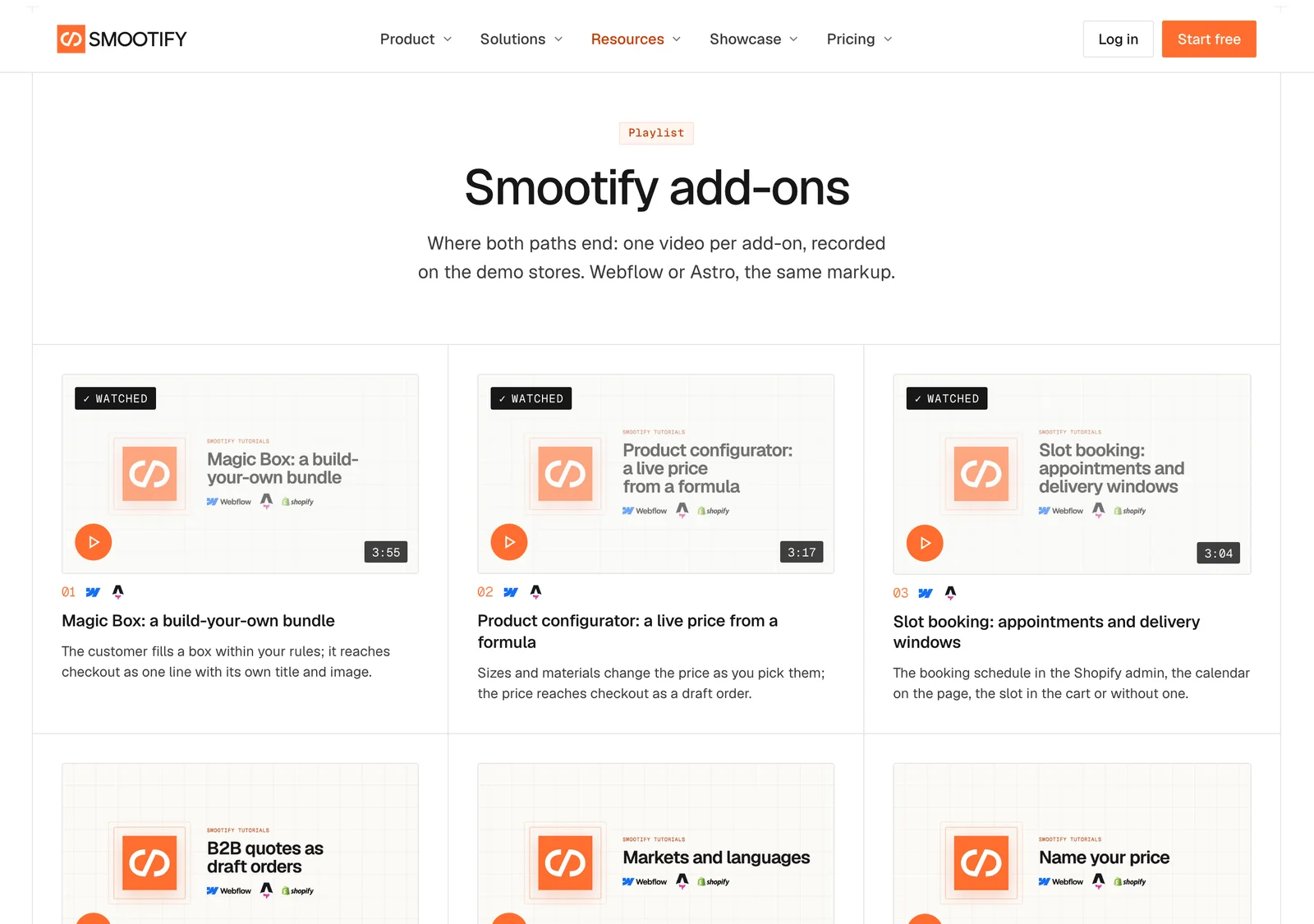
The marks stay in your browser only, in its local storage. Nothing is sent to us, there is no account to make, and a private window starts clean.
Where to start
New to Smootify on Webflow: the first video of the Webflow path, Install Smootify on Shopify and pick a plan, then Next. On Astro: the Astro path. Already building and stuck on one feature: open its playlist and pick the card, or read the guides, which still carry each video under their title.