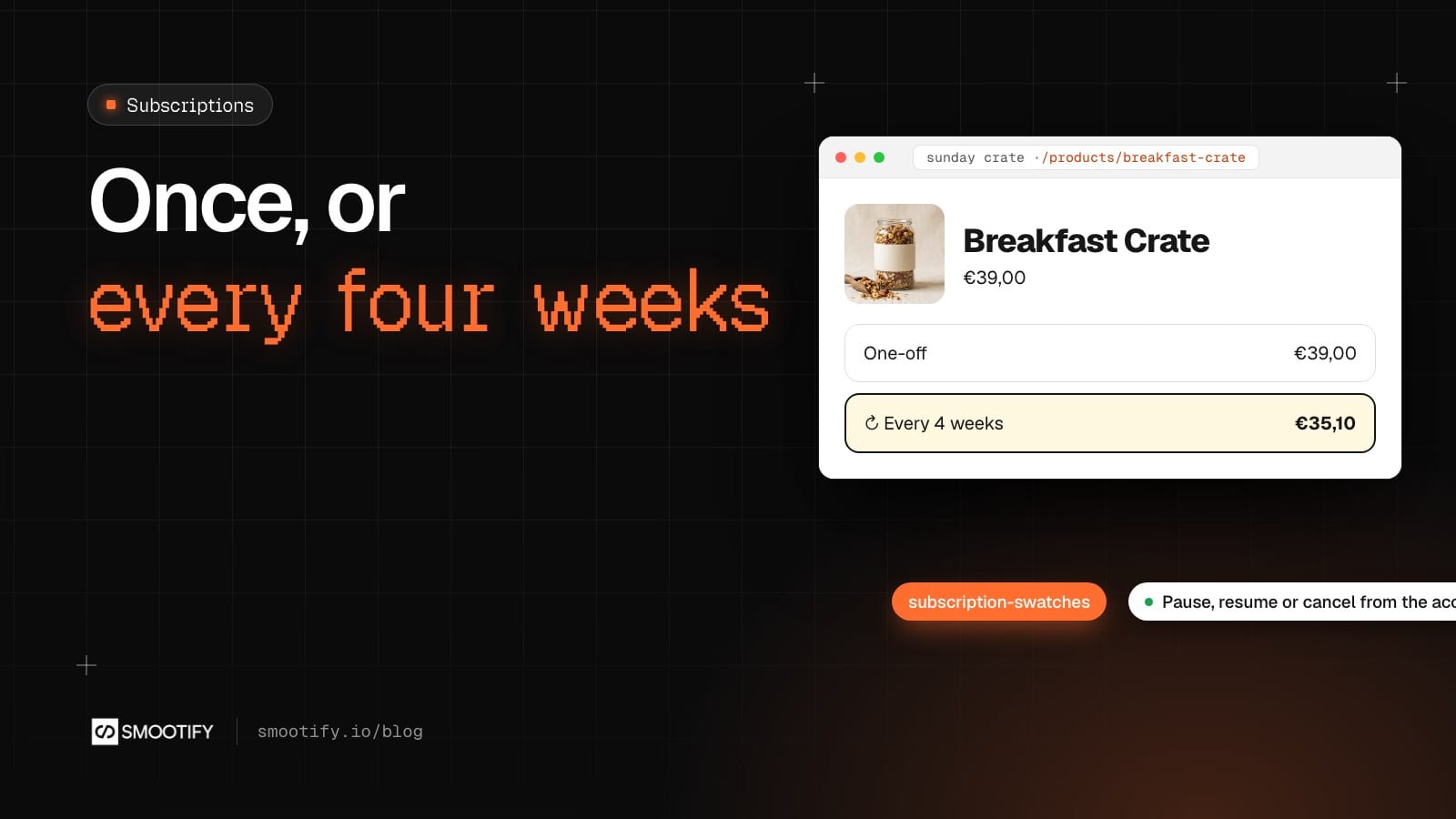
Some products are bought once. Coffee, supplements, pet food and breakfast crates are bought again and again, and a store that sells them without a subscription leaves the second order to the customer’s memory.
On Shopify, subscriptions come from a subscription app: Shopify Subscriptions, which is free, or one of the others in the App Store. The app creates the selling plans, such as “Every 2 weeks, 10% off”, and charges the renewals. Smootify does the part your site needs: it shows the plans on the product, sells them, and lets customers manage their subscriptions from their account. It does not create plans, and you don’t pay Smootify anything extra for it: subscriptions work on every Smootify plan.
Everything below is Sunday Crate, our breakfast-box demo, live, built in Webflow, with an Astro twin.
The plan picker
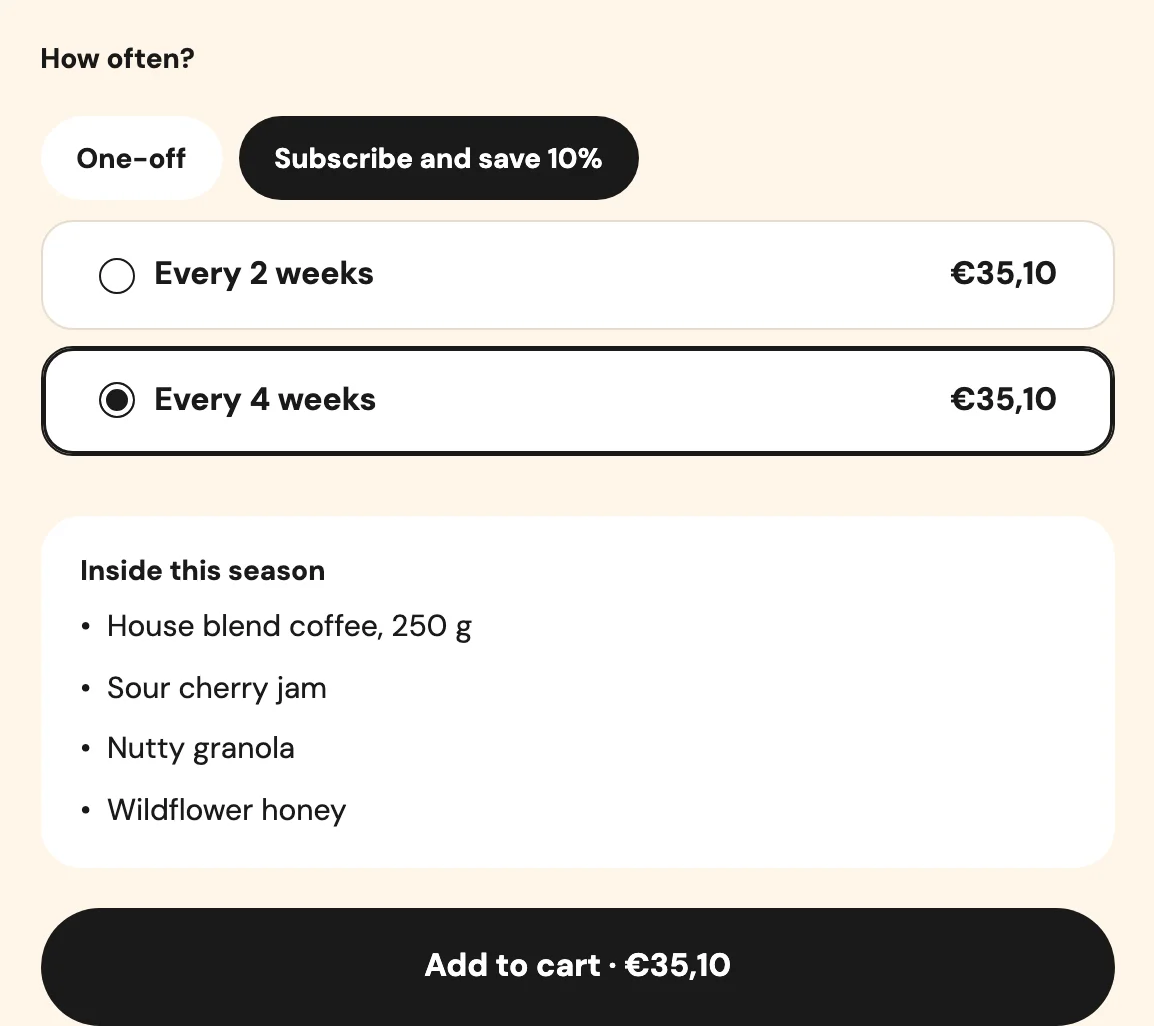
Sunday Crate’s crates have one plan group, “Subscribe and save 10%”, with two plans: every 2 weeks and every 4 weeks. The picker has two tabs, and the page opens on the subscription, because the designer chose a plan to start on.
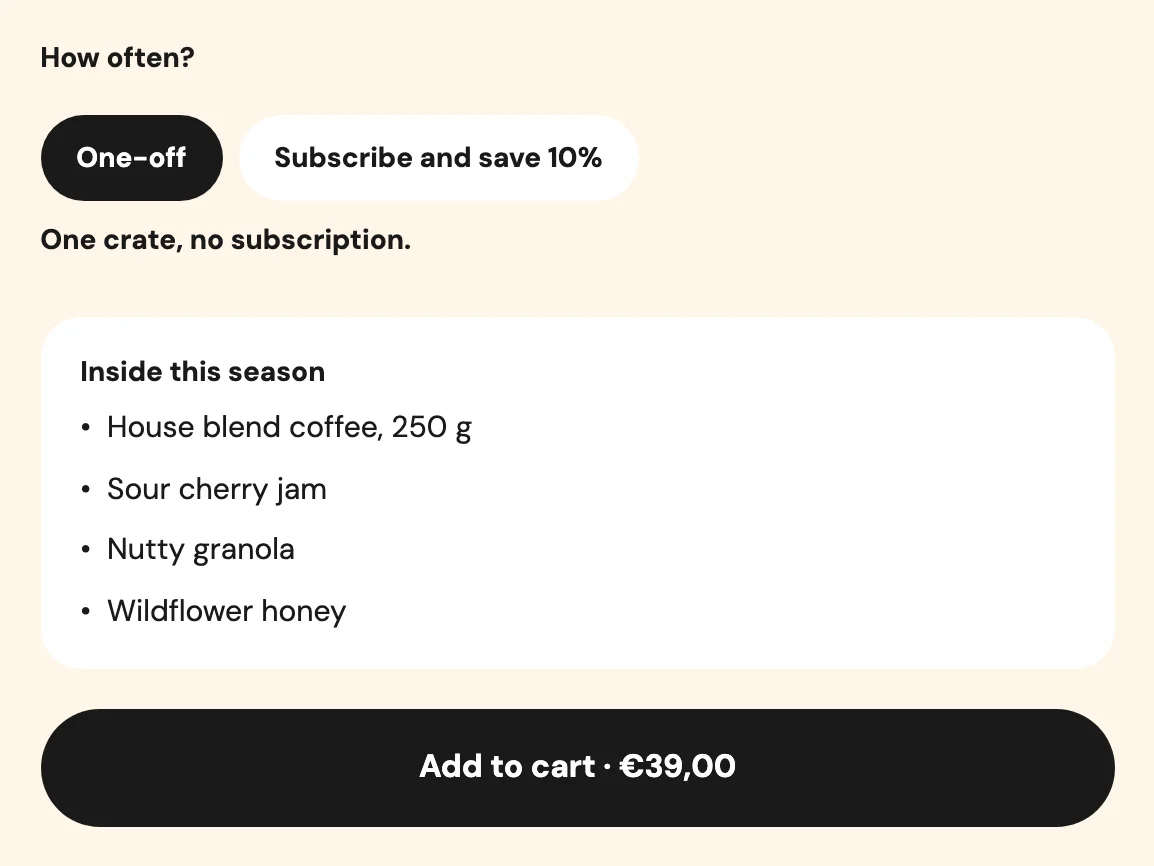
Click One-off and the plan goes away: the price and the button go back to €39,00.
What Smootify does with it:
- A group’s tab picks its first plan at once, so the price changes on the click; the radios then change the plan. Here both plans take 10% off, so the price stays €35,10 either way.
- Every price of the product follows the plan, except one you mark with
data-ignore="subscription-swatches"to keep showing the one-time price. - A price inside a tab or a radio shows that option’s own price, whatever is chosen, which is how each radio can say €35,10.
- The picker shows only the plans the selected variant can use, and disappears for a variant with none.
How it is built
In Webflow, subscription-swatches wraps a native Tabs element:
The first tab is the one-time purchase. The second is the template of a plan group, copied once per group, and its first radio is the template of each plan. Use Webflow’s Radio Button element: a radio built from a Div is not repeated, and its plan never reaches the cart. auto-select-plan picks the group the page opens on, and auto-select-index="1" the second plan in it, which is how Sunday Crate opens on every 4 weeks.
Design the other cases too. A group with a single plan shows the plan’s name in its tab, with the class one-option. A product sold only by subscription loses the one-off tab. In Astro the same element wraps accessible ARIA tabs, and Smootify runs them itself, with no script to write.
In the cart, then in the account
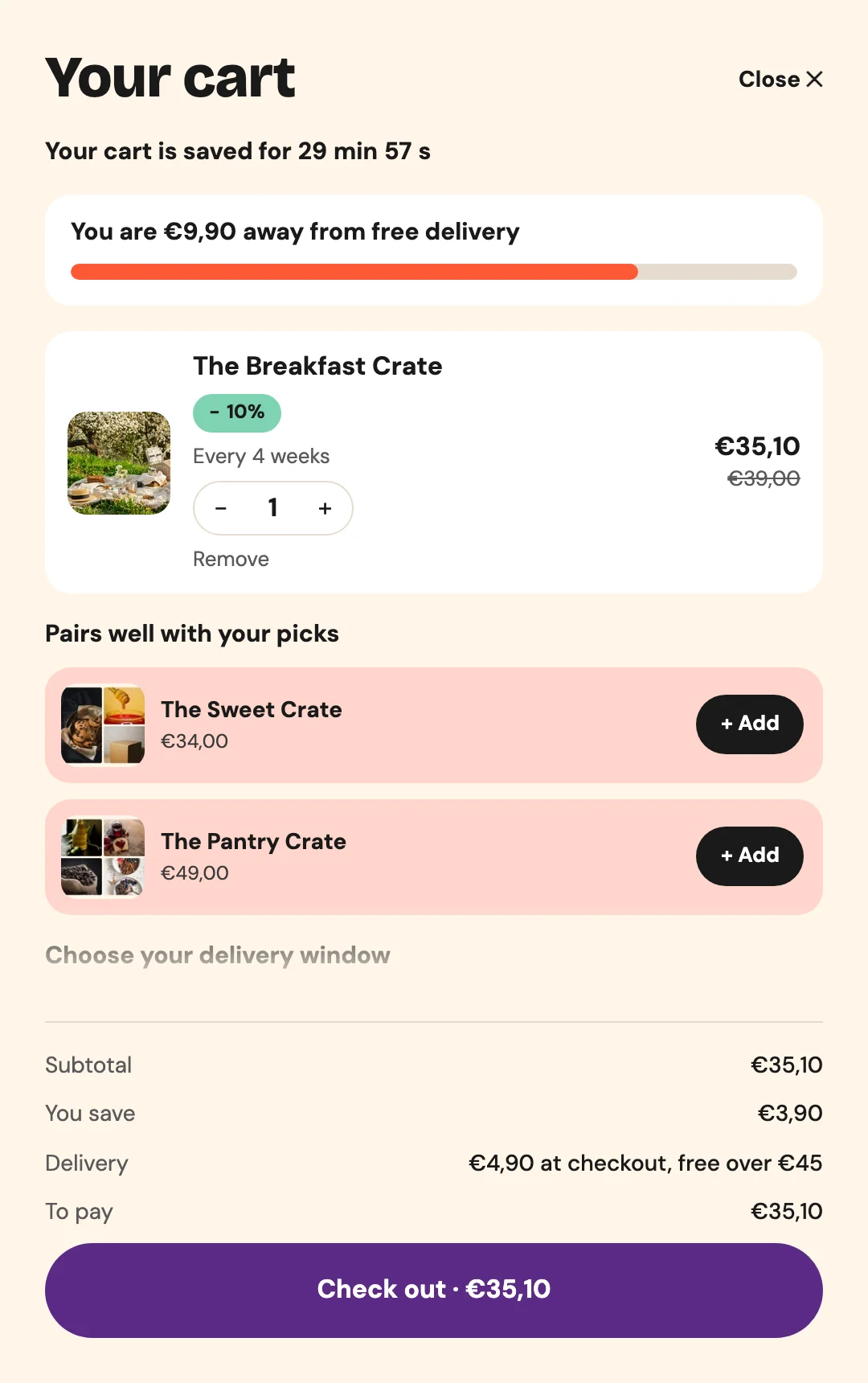
Add the crate and the cart drawer opens with the plan on the line.
The customer pays at Shopify’s usual checkout. After the order, the subscription lives in their account on your site: they see what they get and when, and pause, resume or cancel it without writing to you. Sunday Crate says so under the button: “Pause, restart or cancel from your account. No emails, no phone calls.” The account pages are in their own guide.
The one limit to know
A box the customer builds, with Magic Box, becomes one line at checkout, and Shopify allows no plan on a line made that way. Sunday Crate is open about it right on the product page.
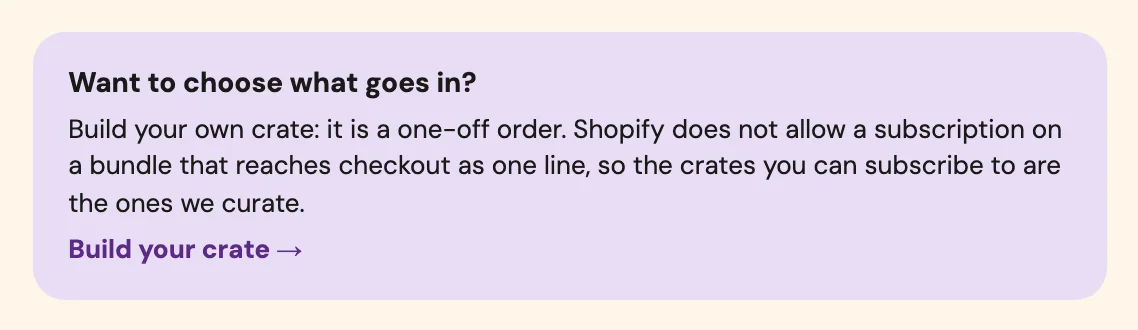
So the curated crates are ready-made products with plans, and the build-your-own crate is sold once. The same goes for add-ons: while a plan is picked, the add-on pickers take is-disabled, and the extras ride along only with a one-time purchase. We wrote about the box case at length in why a build-your-own box can’t be a subscription.
Watch it, then build it
The whole flow is in a 3:22 video, Subscriptions, recorded on Sunday Crate. The setup is in two guides: Subscriptions for the picker and the prices, and Subscriptions in the account for the customer’s side. For Astro: subscriptions and subscriptions in the account.