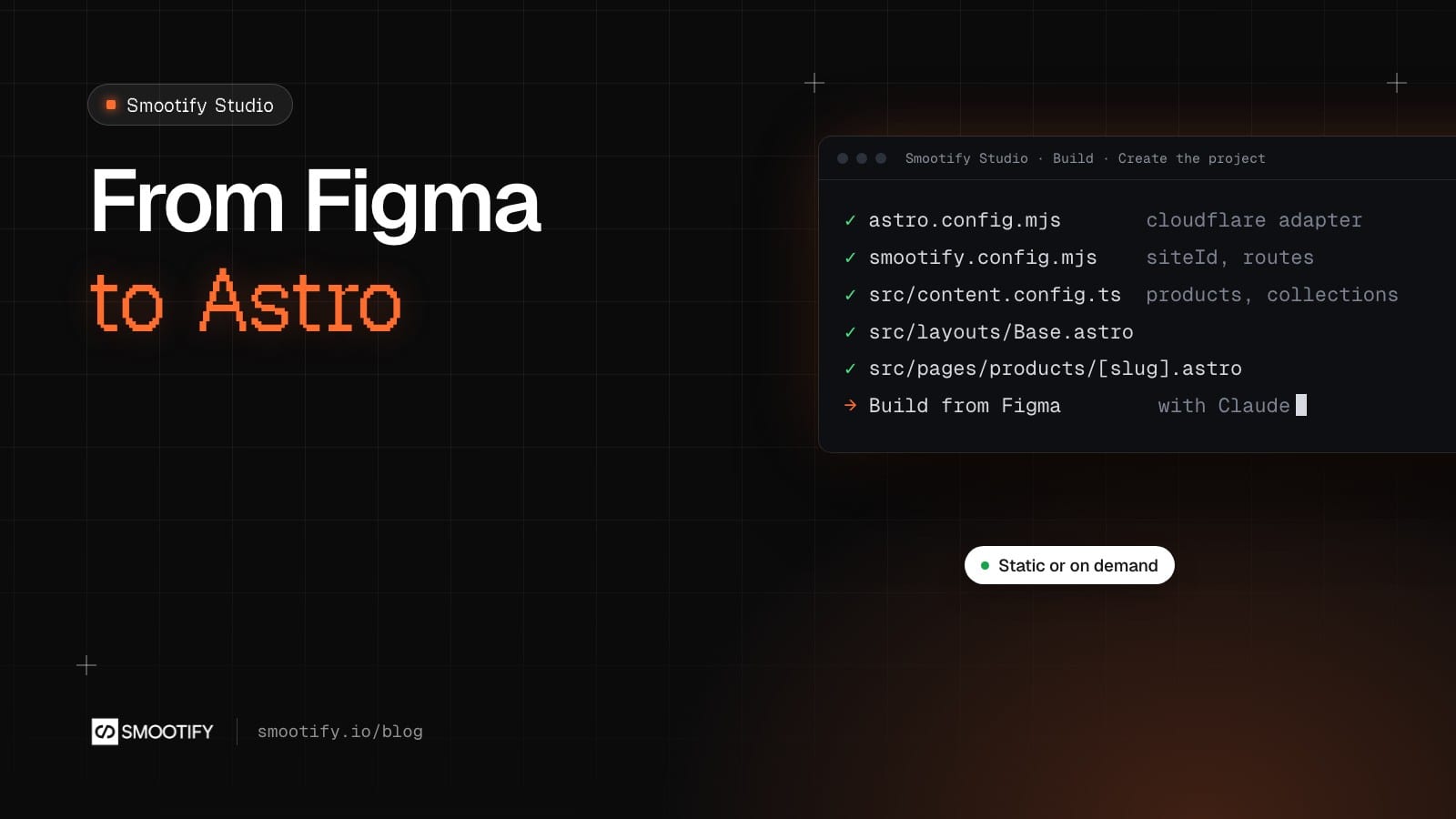
Starting an Astro store by hand means a long list before the first product shows: an adapter, a content config, a layout, the product and collection routes, SEO tags, a sitemap, secrets, a domain. None of it is hard. All of it has to be right, and most of it is the same for every store.
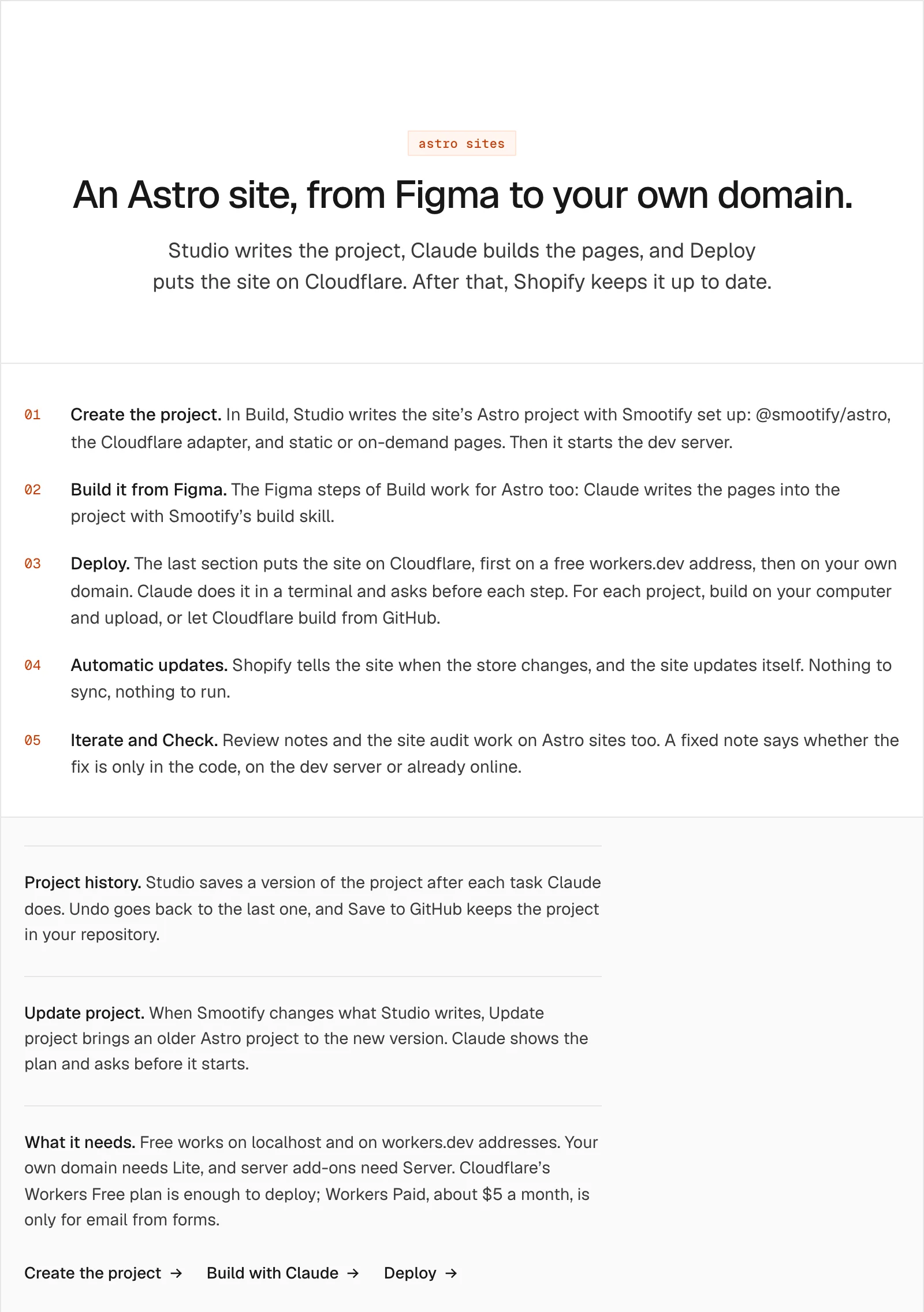
Smootify Studio 2.1, the desktop app for Mac and Windows, does that list for you. It writes the project, Claude builds the pages from your Figma file, and the Deploy tab puts the site on Cloudflare. This post follows an Astro site through Studio, tab by tab.
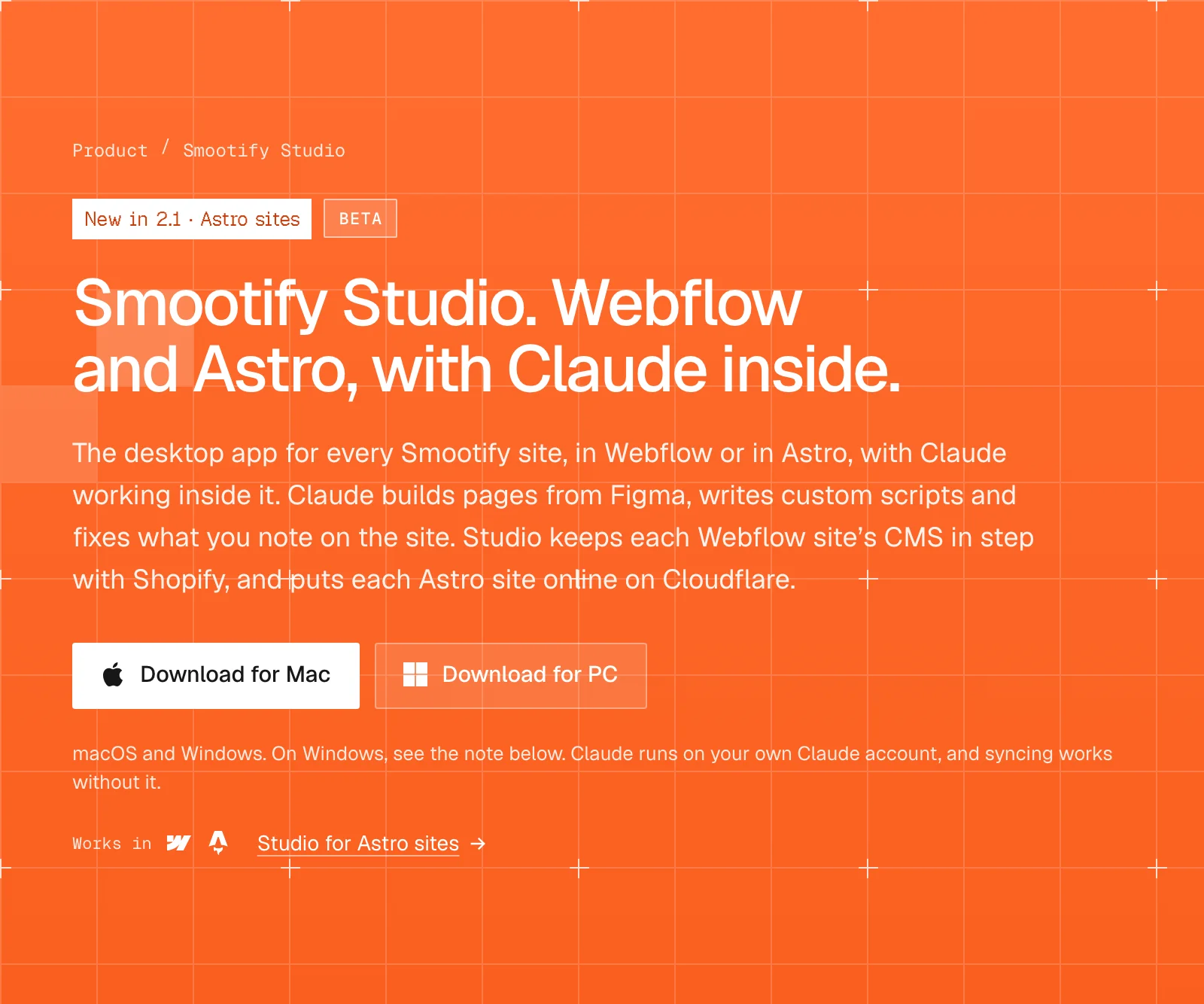
An Astro site has four tabs
Every site sits in Studio’s sidebar with the sections its front end needs. A Webflow site has Setup, Build, Sync, Iterate and Check. An Astro site has Build, Iterate, Check and Deploy. There is no Setup and no Sync, because an Astro site reads Shopify itself, when it is built or when a page is asked for.
1. Build: Studio writes the project
In Build, Studio creates the Astro project for the site and asks one question: how the pages are served.
- Static is the default. Every page is made at build time. A change in the store needs a new build, which the automatic updates start for you.
- On demand is for large catalogs, or ones that change often. Product, collection and vendor pages are rendered when a visitor asks for them, and cached.
Then it writes the files. The docs list every one of them:
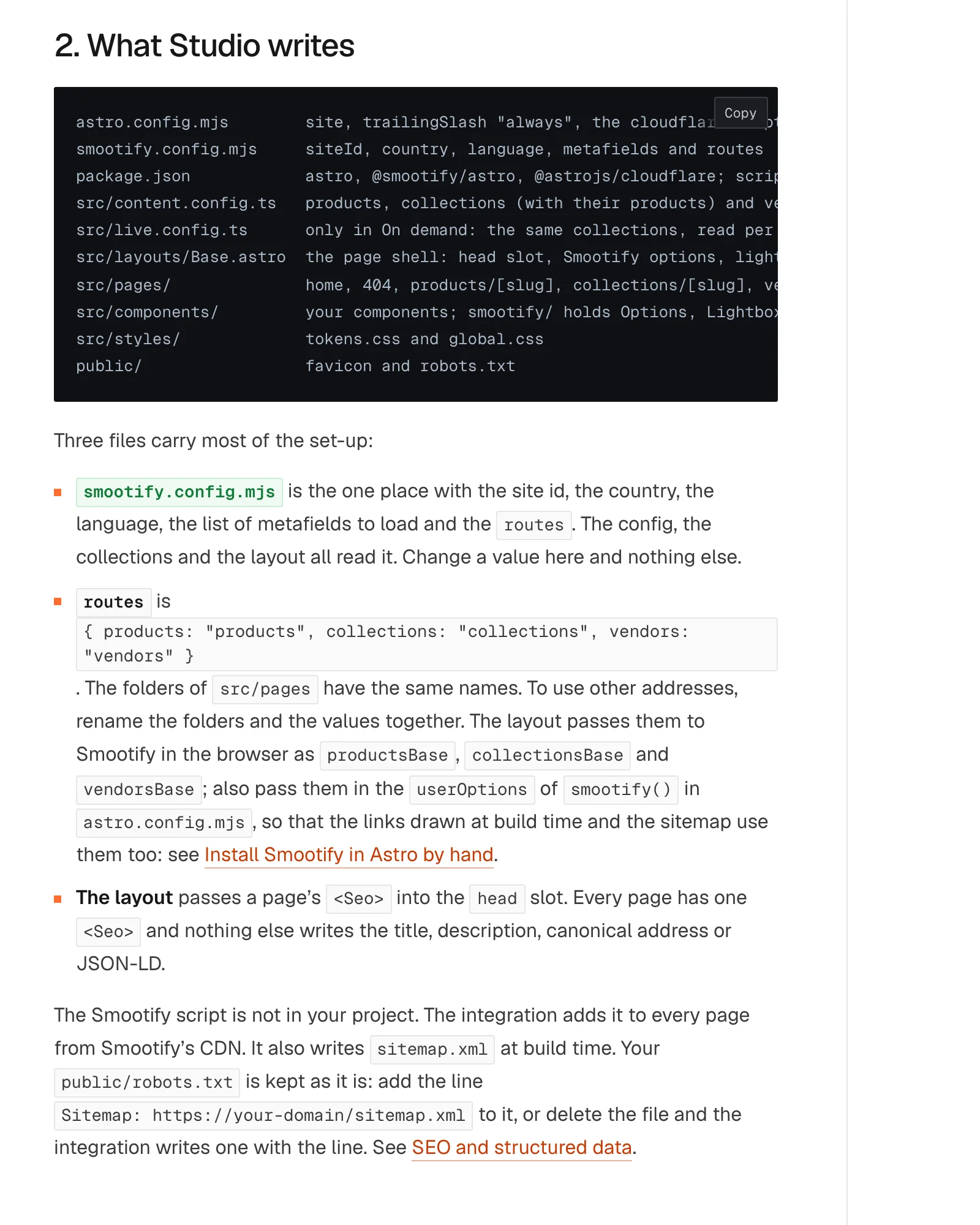
Three files carry most of the setup. smootify.config.mjs holds the site id, country, language, the metafields to load and the routes, and everything else reads it. src/content.config.ts defines the products, collections and vendors collections. The layout puts one <Seo> in every page’s head, so title, canonical and JSON-LD come from one place. Studio installs the packages and starts the dev server at localhost:4321.
Creating the project does not need Claude.
2. Build from Figma, with Claude
The next steps of Build are the Figma ones, the same as for a Webflow site. Claude opens in the project’s folder with the site’s brief, which Studio writes each time: the site id, the Shopify store and plan, the address of the site, where the code is. You do not explain the store from scratch.
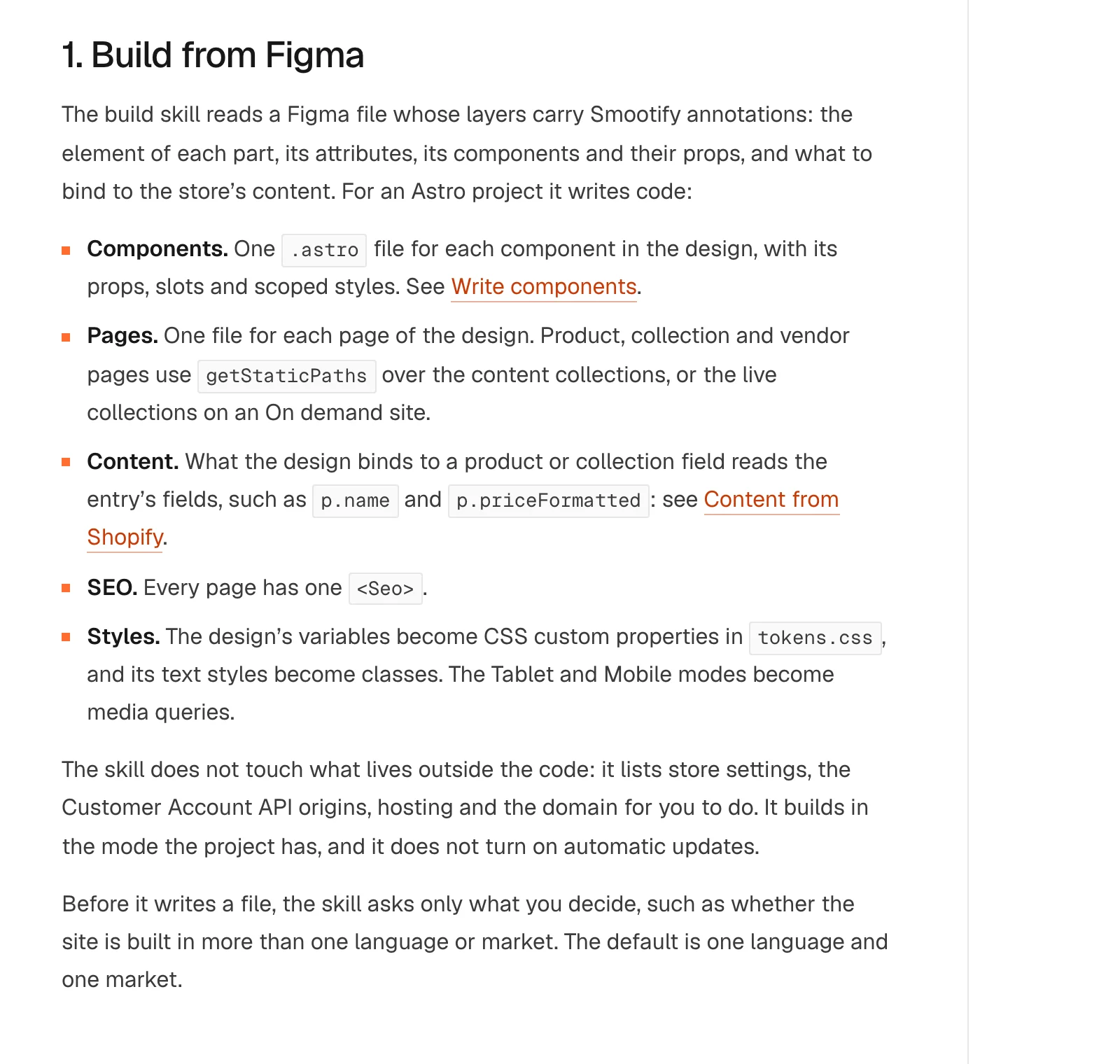
Claude uses Smootify’s build skill, which reads the Smootify annotations on your Figma layers. For an Astro project, it writes:
- one
.astrofile per component, with its props, slots and scoped styles; - one file per page, with product and collection pages looping over the content collections;
- the bindings, so a title bound to the product in Figma reads
p.namein the code; - the styles: Figma variables become CSS custom properties, the Tablet and Mobile modes become media queries.
Then it checks its own work. astro check and astro build must pass, and the Smootify MCP’s check_markup reads the built HTML of each page in dist. When a rule of the checker was written for other markup, the skill lists it as a gap instead of bending correct markup to please the checker.
Before writing, the skill asks only what you decide, such as whether the site has more than one language or market. It does not touch what lives outside the code: store settings, hosting and the domain come back to you as a list.
Iterate and Check
Review works the way it does for a Webflow site. In Iterate you open the site, click what looks wrong, write it in a sentence, and send the notes to Claude. For an Astro site you choose the address to review: the dev server, the deployed address or your domain, and Studio remembers it. Claude fixes the project’s code and answers in each note with the cause and how sure it is. It never deploys, and each note says where the fix is: only in the code, on the dev server, or already online.
Check runs the site audit on Astro sites too.
Project history
Studio saves a version of the project after each task Claude does. Undo goes back to the last one, and Save to GitHub keeps the project in your repository. When Smootify changes what Studio writes, Update project brings an older project to the new version; Claude shows the plan and asks before it starts, and your own pages stay as they are.
Deploy
The last tab puts the site on Cloudflare: first a free workers.dev address, then your own domain. Claude does it in a terminal, with your Cloudflare sign-in, and asks before each step. For each project you choose: build on your computer and upload, or let Cloudflare build from GitHub. Deploy also turns on the automatic updates, so a product changed in Shopify reaches the site on its own.
What it needs
- Claude Code on your own Claude account, for the Figma build, Iterate and Update project. Studio never reads your sign-in.
- An annotated Figma file: the Smootify Figma kit, or the Figma file of a demo store from the Templates page.
- A Cloudflare account. The Workers Free plan is enough to deploy; Workers Paid, about $5 a month, is for sending form emails.
- A Smootify plan when you go live: Free works on
localhostandworkers.dev, your domain needs Lite.
All three demo stores can be rebuilt in Studio from their Figma files, and two are online in Astro: Millimetro and Sunday Crate. Download Studio from the Smootify Studio page.