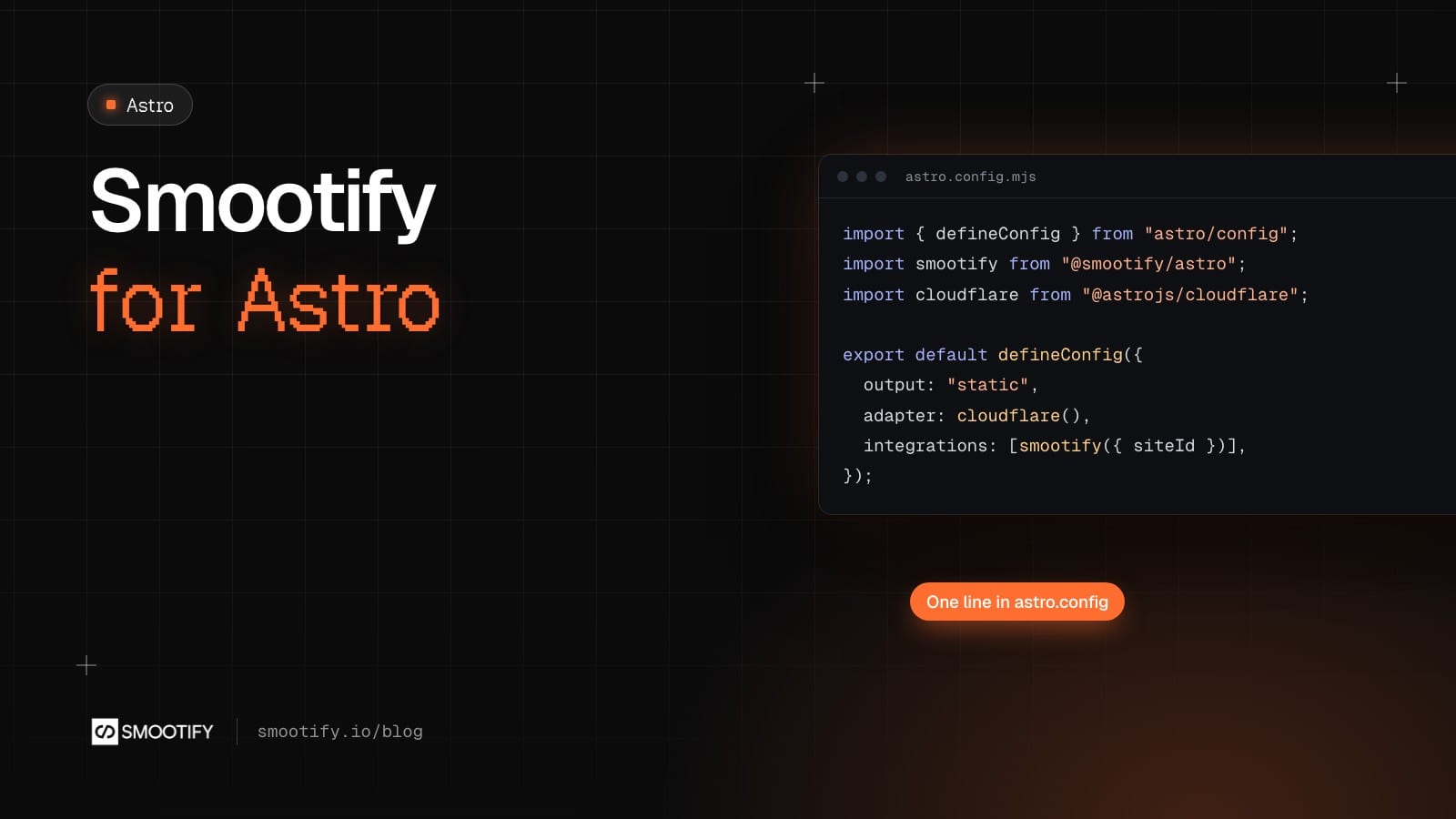
Since 1.x, a Smootify store has been a Webflow site with Shopify behind it. That path stays exactly as it is. From today there is a second one: the same Smootify 2.0, in an Astro project. Shopify still runs the products, the checkout and the orders. The front end is code in your repository, built by your agent or your developers, and hosted on Cloudflare.
Smootify for Astro is in beta. This post says what it is, what it does, and what is not there yet.
An integration, not a theme
Smootify for Astro is an Astro integration, @smootify/astro on npm. You add it to astro.config.mjs with one call, smootify({ siteId }), where the site id is the one from your Smootify dashboard. The integration adds the Smootify script to every page from Smootify’s CDN, so the runtime is never in your bundle.
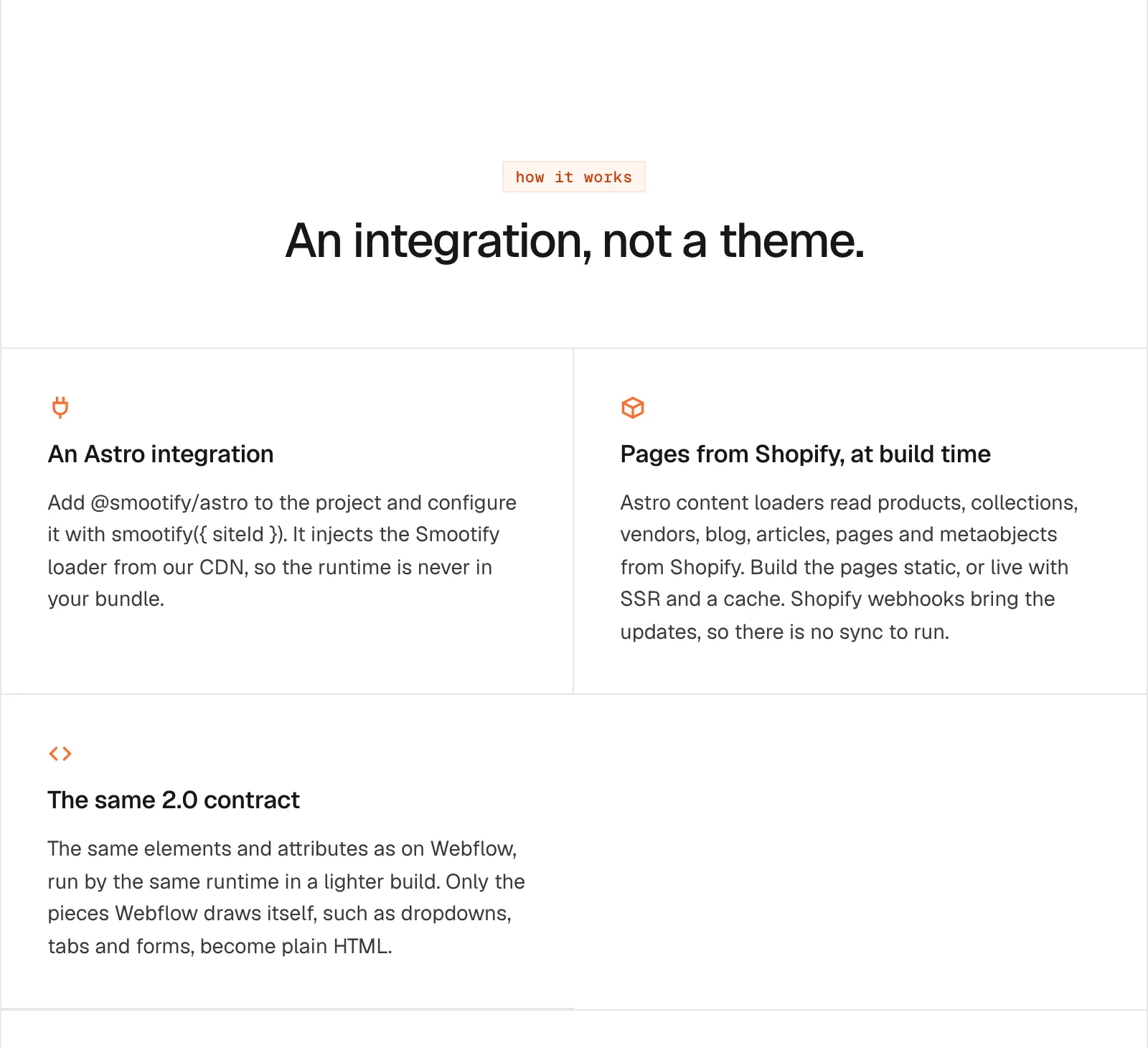
It does three jobs:
- It reads Shopify into Astro. Content loaders bring products, collections, vendors, blogs, articles, pages and metaobjects into Astro content collections. A product page is a normal Astro page that loops over the products with
getStaticPaths. - It fills the first load. At build time, it writes what each page needs from Shopify into the HTML. Home, product and collection pages arrive already filled, and make no Storefront queries on the first visit.
- It keeps the same contract. The elements and attributes are the ones a Webflow build uses:
smootify-product,product="title",smootify-cart. The cart, the customer account, filters and search run in the browser, as they always have. Only the parts Webflow draws itself, such as dropdowns, tabs and form messages, are written as plain HTML: a[popover],hidden,[form-done].
That last point matters for anyone who already knows Smootify. Nothing is renamed. The 17 add-ons work in both builds.
The project is yours
An Astro store is a folder of files: astro.config.mjs, a content config, a layout, pages and .astro components. It lives in git, you review it as a diff, and it runs with pnpm dev on your computer. There is no Smootify component library to install in Astro. The components are written into your project, by the build skill or by you, and every one of them is yours to change.
Studio creates it, Claude builds it
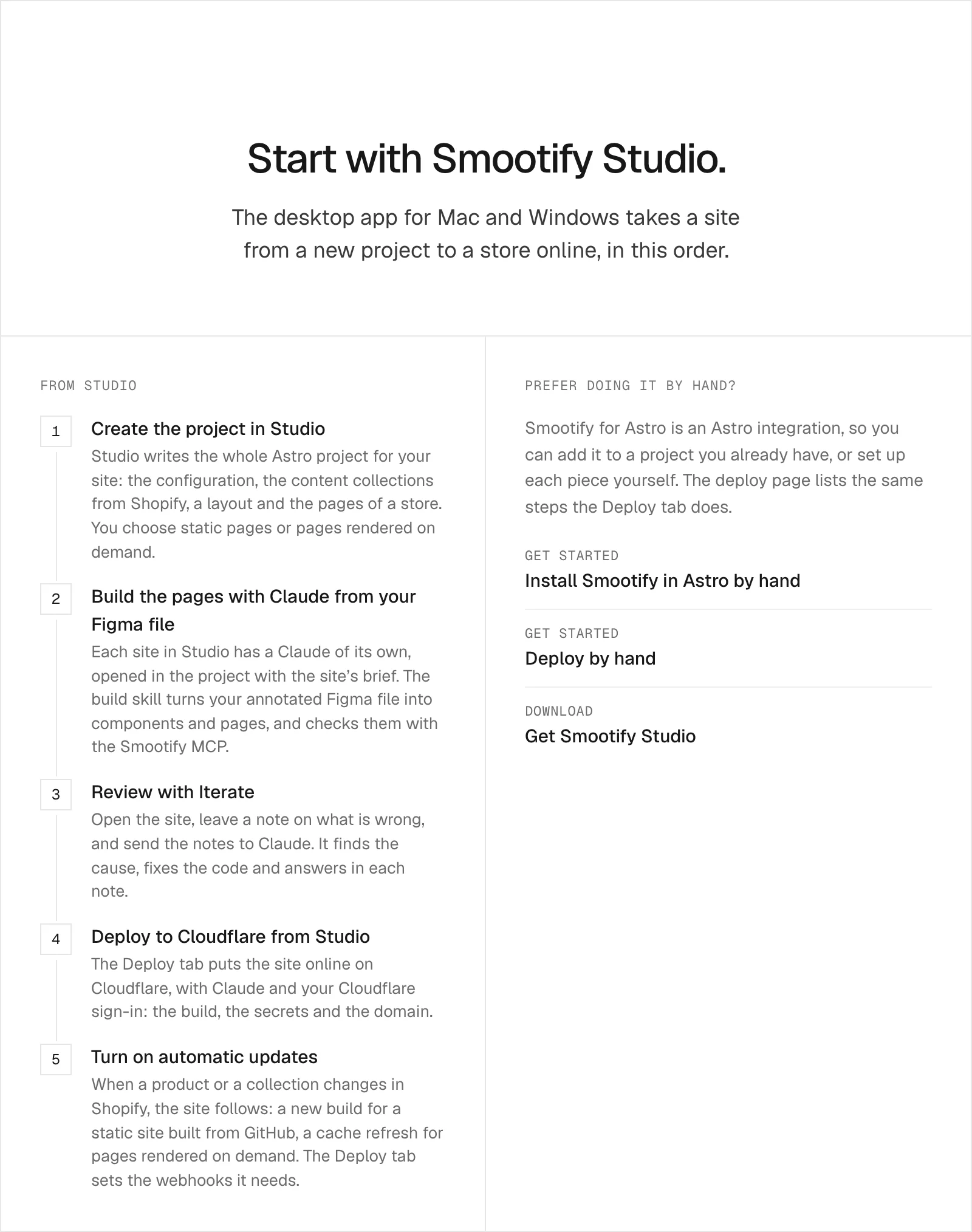
You can add the integration by hand to a project you already have: Install Smootify in Astro by hand lists each option. Most people will start in Smootify Studio, the desktop app for Mac and Windows. For an Astro site, Studio:
- writes the whole project: configuration, content collections from Shopify, a layout and the pages of a store, static or rendered on demand;
- opens Claude in the project with the site’s brief, and Claude builds the pages from your annotated Figma file with Smootify’s build skill;
- puts the site on Cloudflare from its Deploy tab, first on a free
workers.devaddress, then on your domain; - sets up the Shopify webhooks, so a change in the store reaches the site without you.
Claude runs on your own Claude account. Creating the project does not need it; building the pages from the design does.
Two demo stores, online in Astro
Two of Smootify’s demo stores are online as Astro builds, the same stores you can see in Webflow on the Templates page:
- Millimetro, furniture made to measure, with a configurator that prices the desk as you type.
- Sunday Crate, crates you build yourself or subscribe to.

The third, Spannbach, works in Astro too and can be rebuilt in Studio from its Figma file; its online Astro demo is on the way.
Same plans, same invoice
One Smootify subscription covers one project, built in Webflow or in Astro. The plans are the same: Free to build, Lite to go live on your domain, Server for the add-ons that run on our server. Smootify is one Shopify app with 17 add-ons, billed on the store’s Shopify invoice.
Free works on localhost and on workers.dev previews, with a Smootify badge. Your own domain needs Lite. With Astro there is no Webflow plan: the site is hosted on Cloudflare, and the pricing page shows the monthly total for both paths.
What is not there yet
- No public starter repository. Your agent starts from the Figma kit, or Studio writes the project.
- One host. The docs, Studio’s Deploy tab and the automatic updates are written for Cloudflare.
- Beta. The package is at 0.1.0. Expect changes, and expect Studio’s Update project to bring older projects along when the scaffold changes.
Why not Hydrogen?
Anyone who comes to Astro from Shopify will ask. Since October, with Hydrogen 2026-10, Shopify’s Hydrogen works with any JavaScript framework, Astro included. It is a great tool for a team that wants to write everything itself: it gives you a set of Shopify primitives, such as the cart, products, collections and Shop Pay, and you write the rest.
Smootify is for the team that wants the complete store without rewriting it. The server side comes already done:
- bookings, with the slots counted on the server;
- quotes saved as Shopify draft orders;
- forms that write metaobjects and customer metafields;
- file uploads;
- the newsletter sign-up;
- Magic box and the configurator, with the price calculated by Shopify.
The cart, variants, filters and the other add-ons are HTML with attributes rather than code, the same markup as on Webflow, and Studio builds the site from your Figma file with Claude.
It also means fewer apps. With Hydrogen, bundles, boxes, bookings, quotes, reviews and a wishlist are Shopify apps you install and pay for separately, or code you write. With Smootify they are add-ons included in the plan: 17 of them, in place of the 13 paid apps the savings calculator counts.
Which path is yours
Webflow stays the right path when designers or clients edit the site visually, when the content lives in the Webflow CMS, or when you are a Webflow agency with Webflow sites. Astro fits when your agent or your developers do the build, and you want the code in git. Same Smootify either way; the choice is about who builds and edits the site, and where it lives.
The docs are at /docs/astro, and Studio is on the Smootify Studio page.