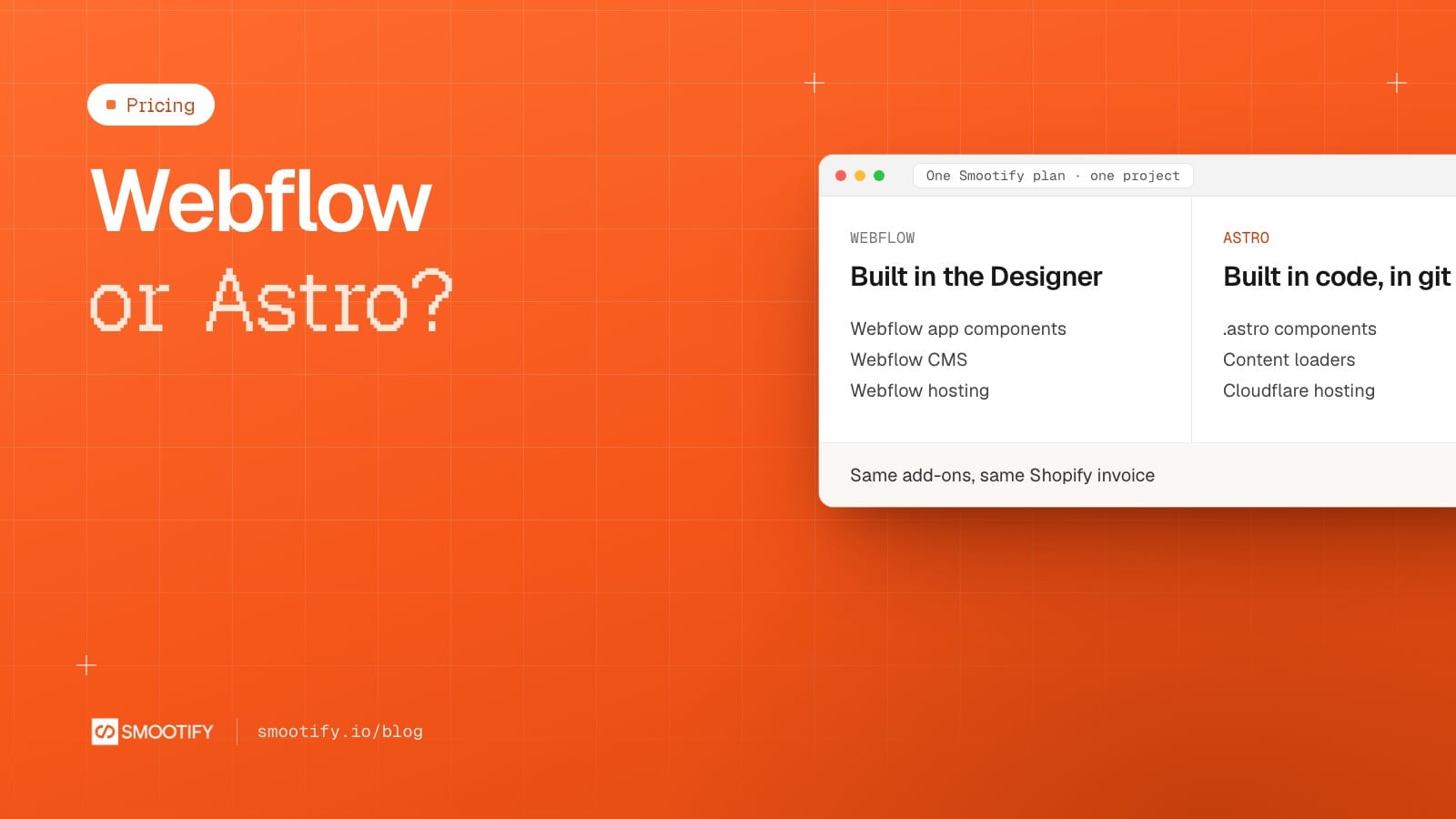
Smootify now builds a Shopify store two ways: in Webflow, as it has since 1.x, or in Astro, in beta. The store behind both is the same: the same Shopify app, the same 17 add-ons, the same elements and attributes, billed on the same Shopify invoice. What changes is who builds and edits the site, where it lives, and one line of the monthly bill.
This post is for the moment you choose. It is not a contest: both paths are supported, and the right one depends on the team.
What stays the same
- The plans. Free to build and review, Lite to go live on your own domain ($19 a month, $15 billed yearly), Server for the add-ons that run on our server ($49 a month, $39 billed yearly). Same price and same features on both paths.
- The invoice. Smootify is one Shopify app with 17 add-ons, billed on the store’s Shopify invoice. The client pays it directly; an agency has nothing to rebill.
- The contract.
smootify-product,product="title",smootify-cart: the markup is the same, and so are the skills and the Smootify MCP your agent uses. - Smootify Studio. The desktop app works on both kinds of site, with Claude inside.
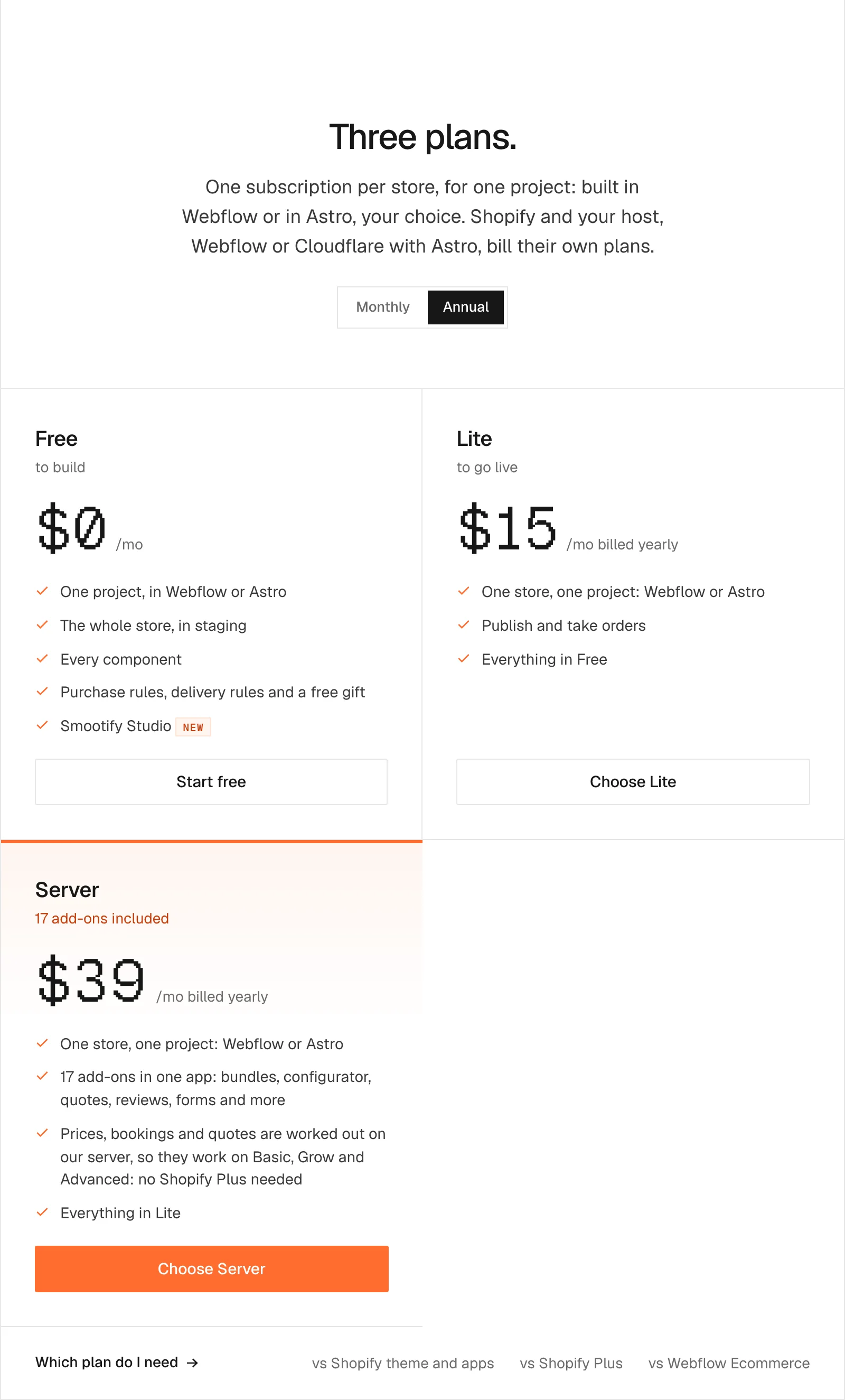
One subscription covers one store and one project, built in Webflow or in Astro: you choose. A second site, on either path, is a second subscription.
Choose Webflow if
- designers or clients edit the site visually, in the Webflow Designer;
- you want the Webflow app’s ready components;
- the content is edited in the Webflow CMS;
- you already have a Webflow site, or you are a Webflow agency;
- you build interactions visually.
On Webflow, Studio keeps the CMS in step with Shopify, and the Server plan can do it from our server with nothing running on your side.
Choose Astro if
- your agent or your developers do the build;
- you want the code in your own repository, reviewed as diffs;
- you want pages generated from Shopify at build time, and updated by Shopify’s webhooks;
- you host on Cloudflare, or are happy to.
On Astro, Studio writes the project, Claude builds the pages from your Figma file, and the Deploy tab puts the site on Cloudflare. There are no ready-made components to install: the build skill writes .astro components into your project. And it is a beta: there is no public starter repository yet, and the docs and automatic updates are written for Cloudflare.
What it costs a month
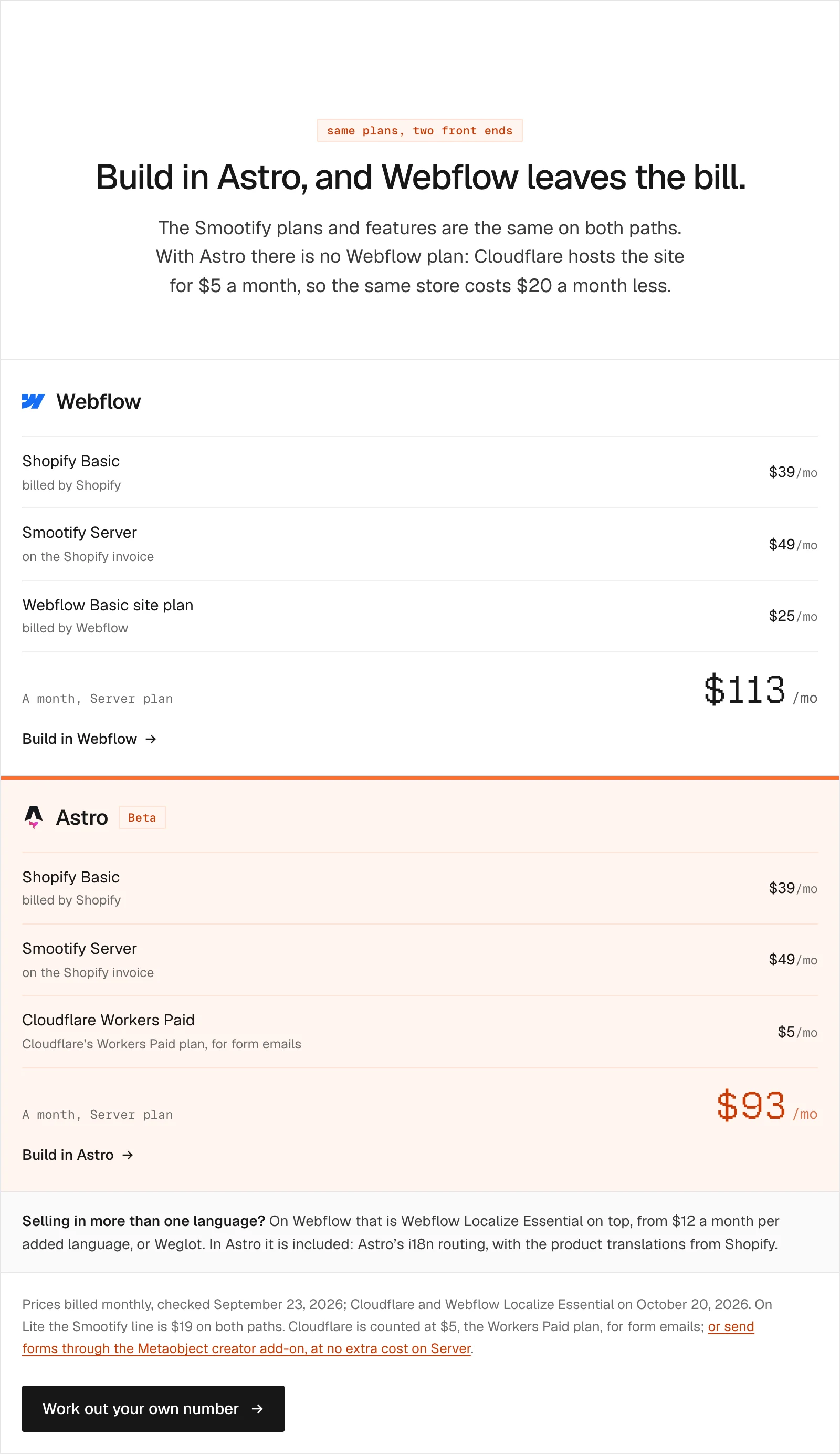
The Smootify line is the same. The host is not: a Webflow site plan on one side, Cloudflare on the other. With Shopify Basic and the Server plan, billed monthly:
| Webflow | Astro | |
|---|---|---|
| Shopify Basic | $39 | $39 |
| Smootify Server, on the Shopify invoice | $49 | $49 |
| Hosting | Webflow Basic site plan, $25 | Cloudflare Workers Paid, $5 |
| A month | $113 | $93 |
On Lite, the Smootify line is $19 on both paths. Prices were checked on the official pricing pages on September 23, 2026, and Cloudflare and Webflow Localize on October 20, 2026.
A note on the $5: Cloudflare’s Workers Free plan is enough to deploy an Astro store. The Workers Paid plan is counted because a store almost always has a form, and sending its email through Cloudflare needs it. On Server, the Metaobject creator add-on can take the form into Shopify instead, at no extra cost.
More than one language
On Webflow, selling in a second language means Webflow Localize on top of the site plan: Localize Essential costs $12 a month per added language, billed monthly, or you use Weglot. In Astro, languages are included: Astro’s i18n routing makes one page per language and market, and the product translations come from Shopify through Smootify.
Not sure yet?
Both paths are free to build. Start on localhost or a workers.dev preview in Astro, or on a webflow.io address in Webflow, and pay when the store goes live on its domain. The demo stores show both builds: Millimetro in Astro and Sunday Crate in Astro are online, and the Webflow versions are on the Templates page.

The plans are on the pricing page, the Astro path on the Astro page, and the Webflow path on the Webflow app page.