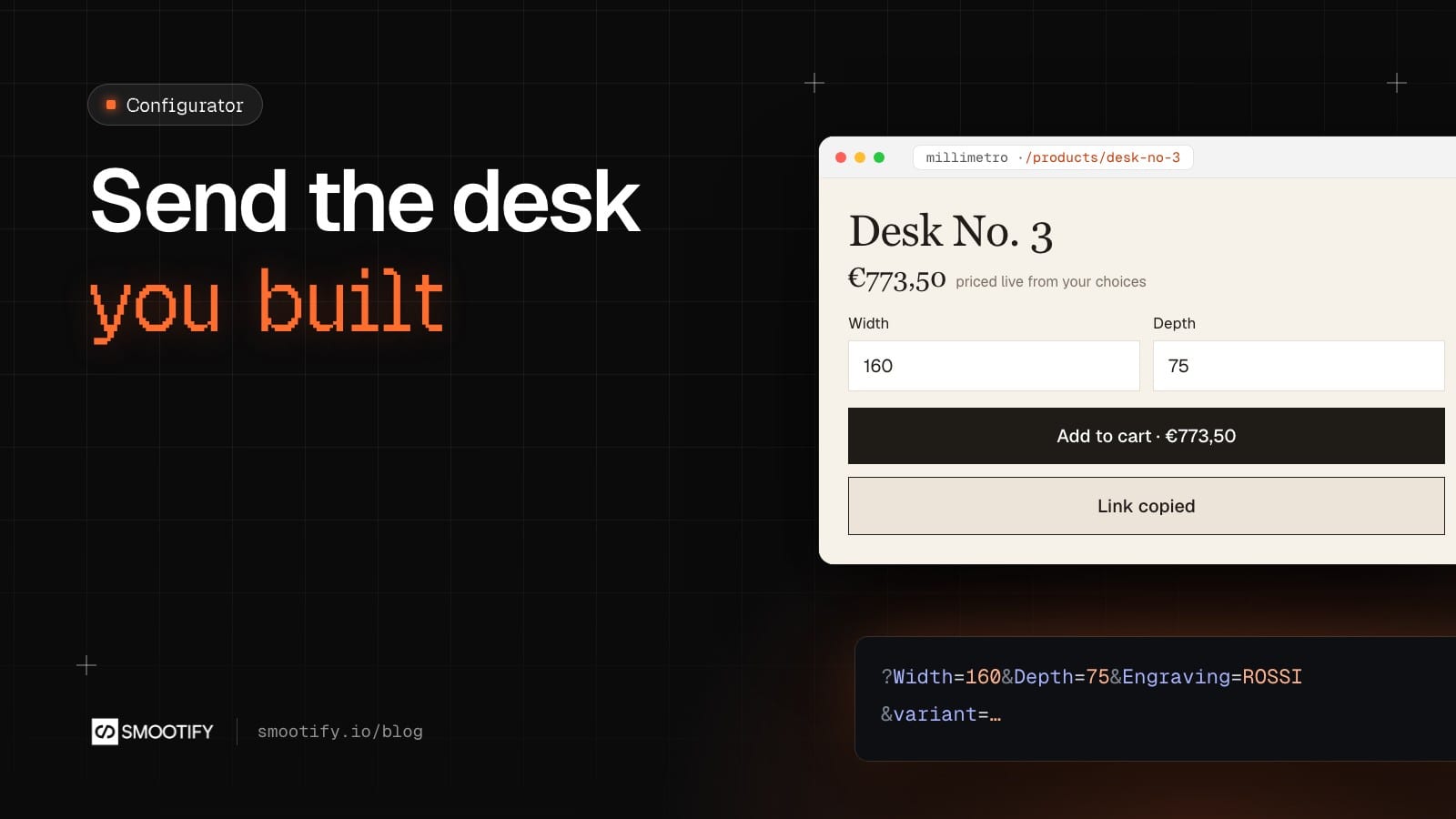
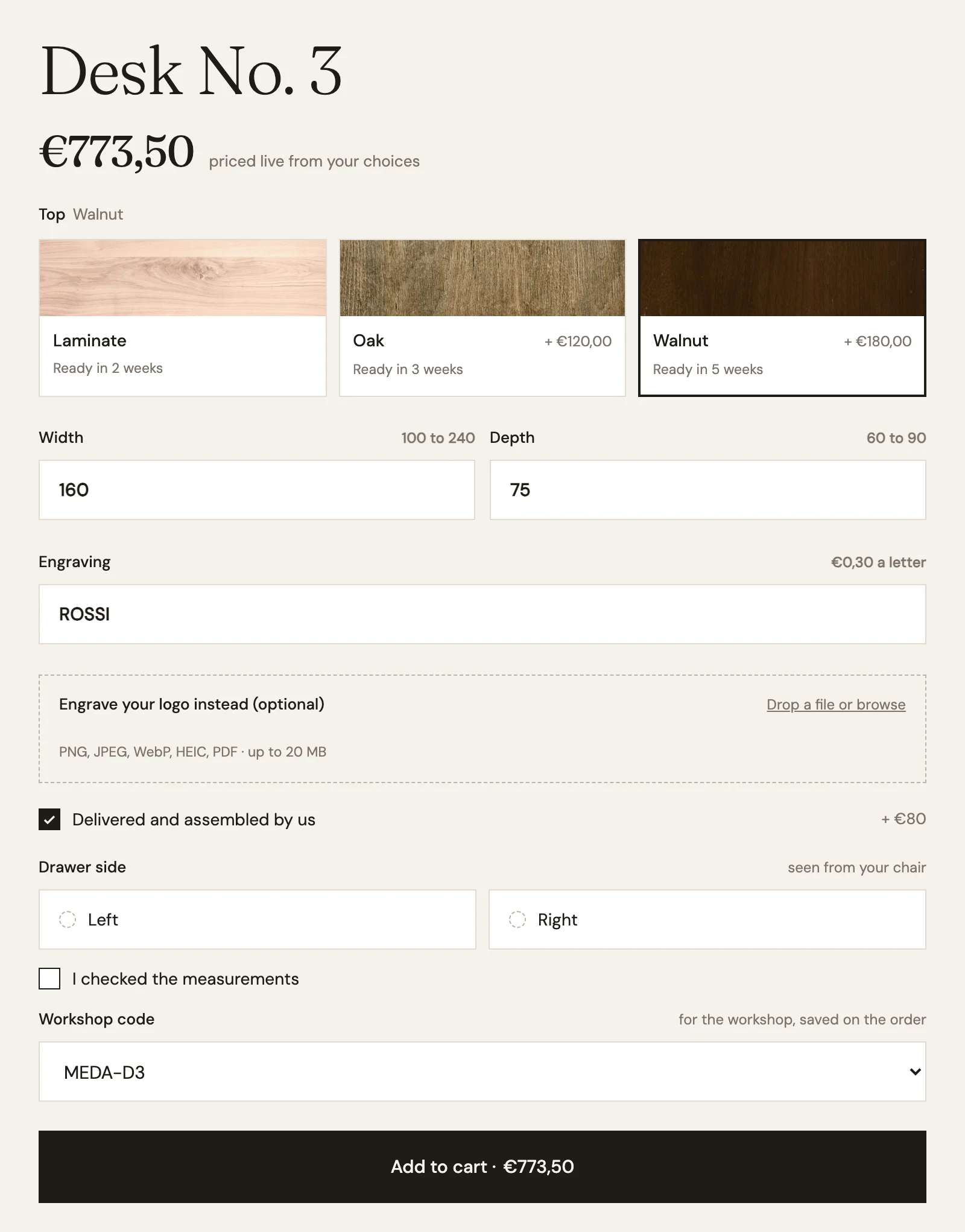
Nobody buys a made-to-measure desk on the first visit. Someone opens Desk No. 3 on Millimetro, sets the width to 160 cm and the depth to 75, picks the walnut top, types a name to engrave, and adds delivery and assembly. Then they stop. They want to measure the wall again. They want to ask their partner if walnut is too dark. They close the tab.
When they come back, the page is empty. Every choice is gone, and so is the price they had in mind. Some of them rebuild it. Many don’t, and the workshop never knows how close the sale was.
Smootify 2.0 gives the configuration two ways to survive the closed tab: a link, and a quote.
A link with every choice in it
configurator-share goes next to the add-to-cart button of a configurable product. On a phone, a tap opens the share sheet; on a computer, it copies a link. The link points to the same product page, with one parameter per field, named after the field, and the variant when the product has more than one:
/products/desk-no-3?Width=160&Depth=75&Engraving=ROSSI&Delivered+and+assembled=✓&variant=…On Millimetro the button reads “Save this configuration”. On a computer it copies the link and says “Link copied” for a moment.
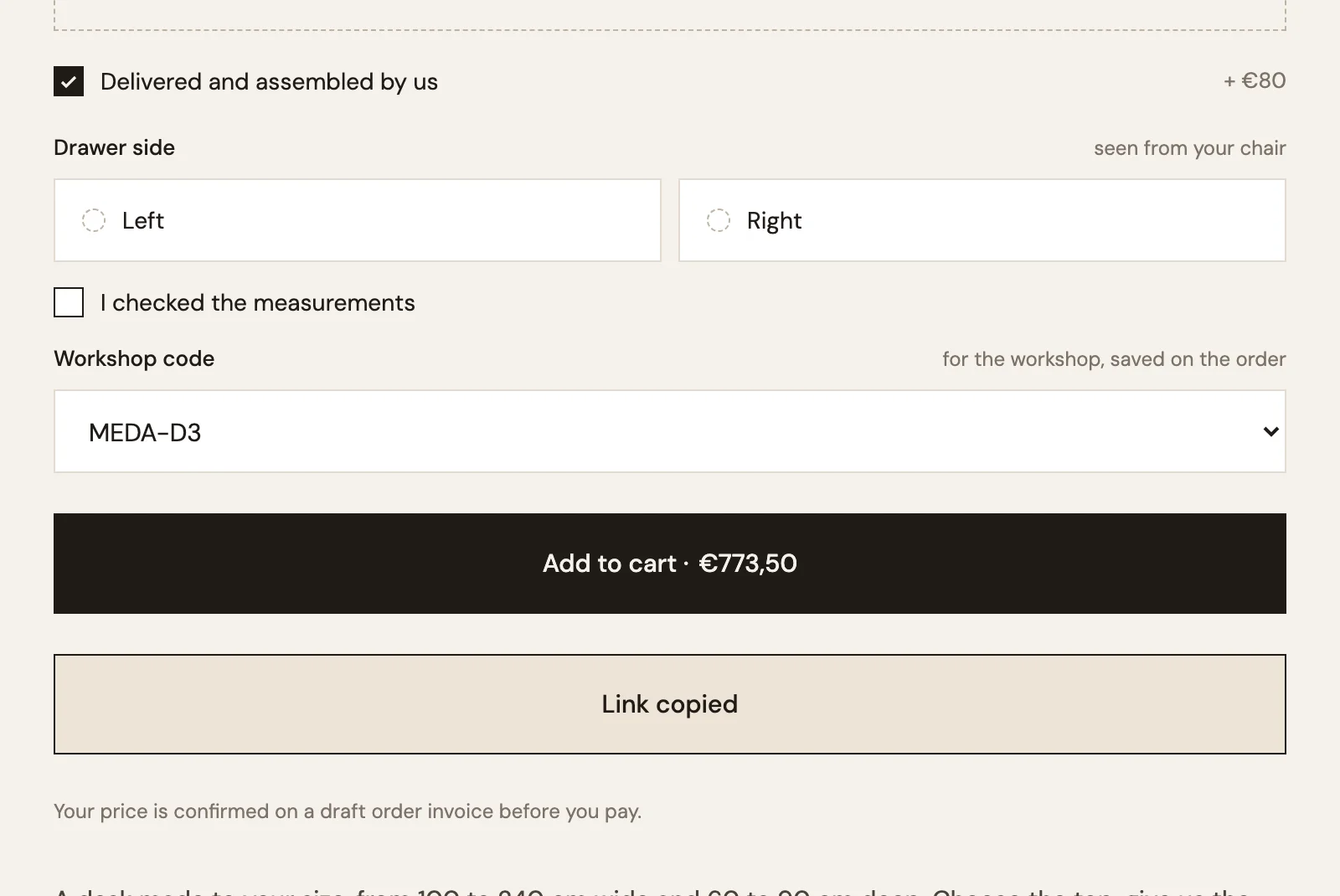
Whoever opens it sees the page with the fields already filled, as if they had typed and chosen everything themselves. The top is walnut, the width 160, the depth 75, the engraving is there, assembly is ticked, and the price follows from the same formulas. No account, no form, nothing saved on a server.
That covers the three situations we see on furniture stores:
- “Do you like it like this?” The customer sends the link to their partner, who sees the same desk at the same price.
- Phone first, computer later. They configure on the sofa, then open the link on their laptop to pay.
- The shop suggests a desk. A newsletter links to Desk No. 3 already set to a popular size and top.
With data-copy, the button always copies, even on phones. data-title sets the title of the share. The combo classes is-copied and is-shared last two seconds, so the button can say “Link copied” for a moment, and a toast="link-copied" template inside smootify-toasts can show a toast when the link is copied (not when the share sheet opens).
Or a quote the shop reviews
Some customers want a person to look at the price before they pay: an office buying six desks, an odd size, a question about delivery. For them, the cart can turn into a quote.
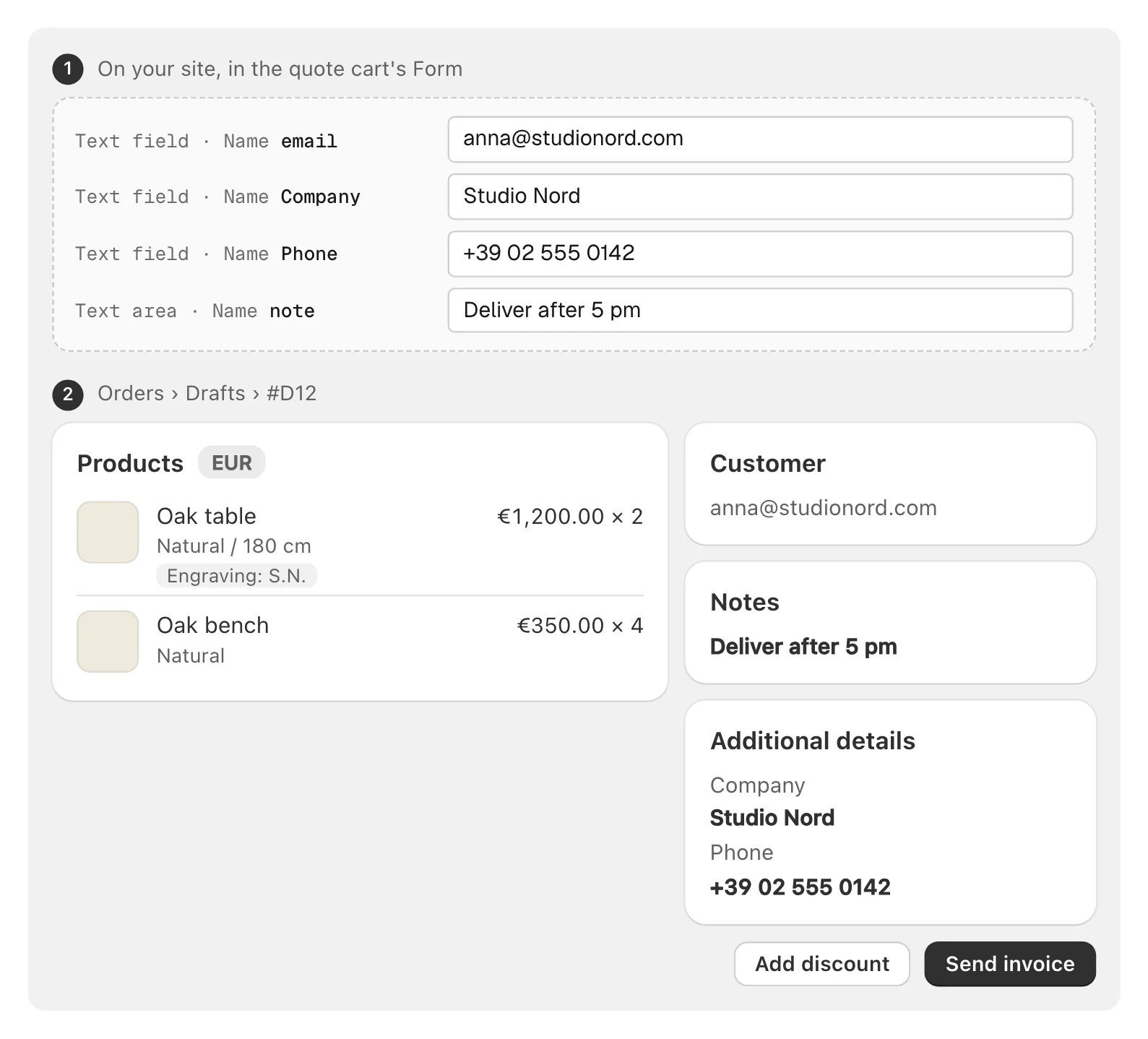
A Custom element with the tag button, name="draft-order" and type="submit", next to the checkout button, plus a Text field named email (in an Astro project, a <button> and an <input name="email"> in the cart’s form). Millimetro’s cart has both: “Ask for a quote” under “Continue to your invoice”, and an email field that says “for a quote, we reply here”.
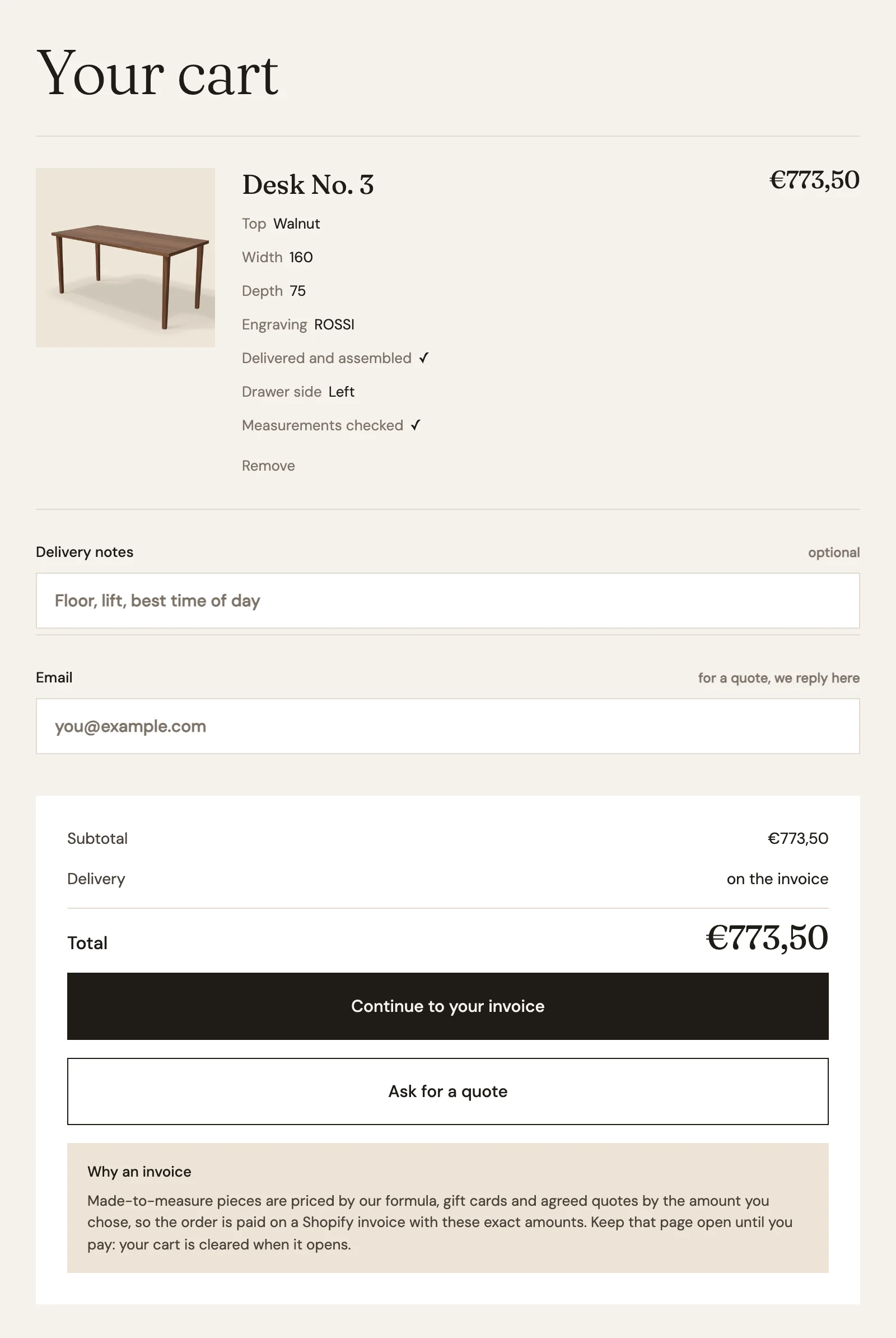
The customer clicks “Ask for a quote”, and the cart arrives in Shopify as a draft order, with its lines and the choices saved on each of them. The workshop opens it under Orders › Drafts, checks it, changes the price or adds a discount if it wants, and sends the invoice. The customer pays from that email when they are ready, days later if they need to.
Two things to say clearly on the site, because customers will ask:
- The invoice comes from the shop. Nothing arrives until someone at Millimetro opens the draft and sends it. Tell the customer who does it and how soon, for example “We check every quote within one working day.”
- Store credit cannot be spent on it. Shopify does not accept store credit on draft orders, and a configured desk already pays through a draft order invoice.
What does not travel in the link
The link is a snapshot of the choices. It fails quietly in a few cases, and these are the ones to know:
- Uploaded files. A logo uploaded for the engraving cannot go in a link. Whoever opens it uploads the file again. Once the desk is in the cart, the file is saved on its line like the other choices.
- Values the field refuses. A width below the field’s
min, or a top the product no longer offers, stays off. The customer sees an empty field where they expected a value. - Answers to dynamic properties. The link carries the configurator fields and the variant. Millimetro’s “Drawer side” is a dynamic property, so it opens empty and the customer picks it again.
- Renamed fields. The link names each choice after the field’s Name in Webflow (its
namein Astro). Rename “Width” to “Desk width” and every link already sent opens with that field empty. Fields with no Name never come back at all. - New formulas. If the shop changes a formula, the price is recalculated with the new one when the link opens.
What you need
The configurator and configurator-share need the Server plan with the Product configurator add-on turned on in the Smootify dashboard; the link asks for nothing more. The quote button needs the Draft Orders add-on, on the same plan. The draft order, the invoice and the payment are Shopify’s.
If you already built a configurator like Desk No. 3’s, in Webflow or Astro, the link is one element and one button inside the form you have. The steps are in the guide: Product configurator › Save and share a configuration.