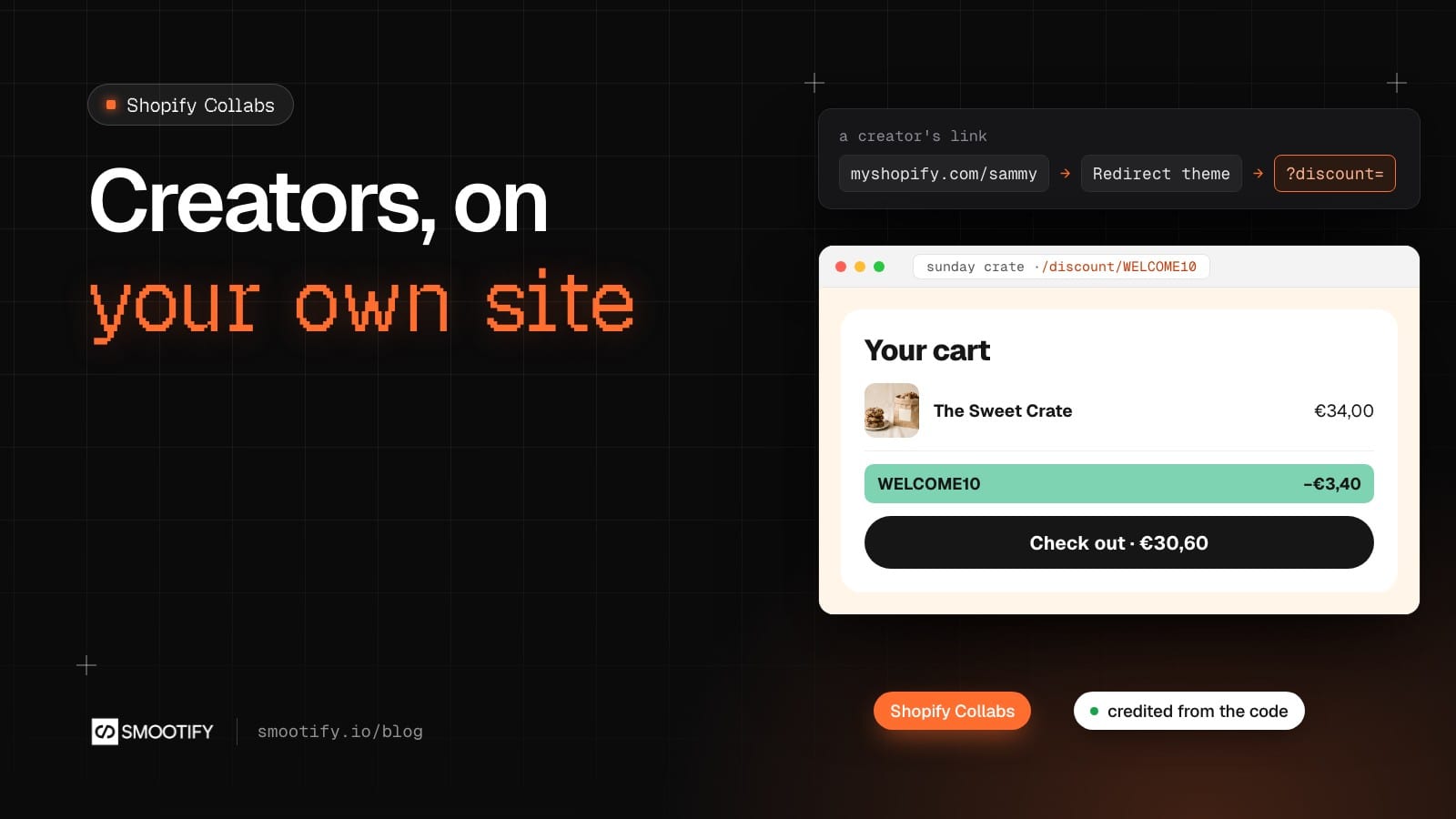
Sunday Crate would like a few creators to talk about its breakfast crates: someone who posts slow Sunday mornings, someone who bakes. Shopify has a free app for exactly that, Shopify Collabs. Each creator gets a personal link and often a discount code, and Collabs pays them a commission on the sales they bring.
On a store built in Webflow or in Astro, the first worry is the link. Collabs puts it on the store’s Shopify address, something like sunday-crate.myshopify.com/sammy, and a headless store does not use the Shopify storefront. It looks as if the creator would send people to a shop nobody maintains, without the code and without the credit. So stores give up on creators, or count typed codes by hand at the end of the month.
It works, and nothing changes in Collabs. Here is the path of a creator’s link, what it needs, and the two other kinds of link that now work on your own domain.
The creator’s link, step by step
Smootify’s Redirect theme is a small Shopify theme that sends every page of the Shopify storefront to the same page of your site. With it as the store’s live theme, a creator’s link goes like this:
- Shopify follows the creator’s link to the discount link Collabs set up for them.
- The Redirect theme sends the visitor to your site, with the code as
?discount=and every other parameter of the link, Collabs’ own included. - Smootify puts the code in the cart, as it does for any
?discount=link. - At checkout the order carries the creator’s code, and Collabs credits the sale to the creator, with their commission.
You change nothing in Collabs: the creator shares the link Collabs gave them. The credit comes from the code at checkout, not from a cookie, so it does not depend on the visitor accepting cookies.
We followed a creator’s link to a paid test order on a development store of ours. The code was in the cart when the page opened, the order carried it, and the sale showed in Collabs under Sales, credited to the creator, a few hours later. Collabs shows sales with that delay, so an order missing in the first hour is not a problem yet.
Sunday Crate’s own Shopify address sits behind Shopify’s password page, as development stores do, so a creator’s link cannot be followed on the demo store. That part is described from the guide and from our test above.
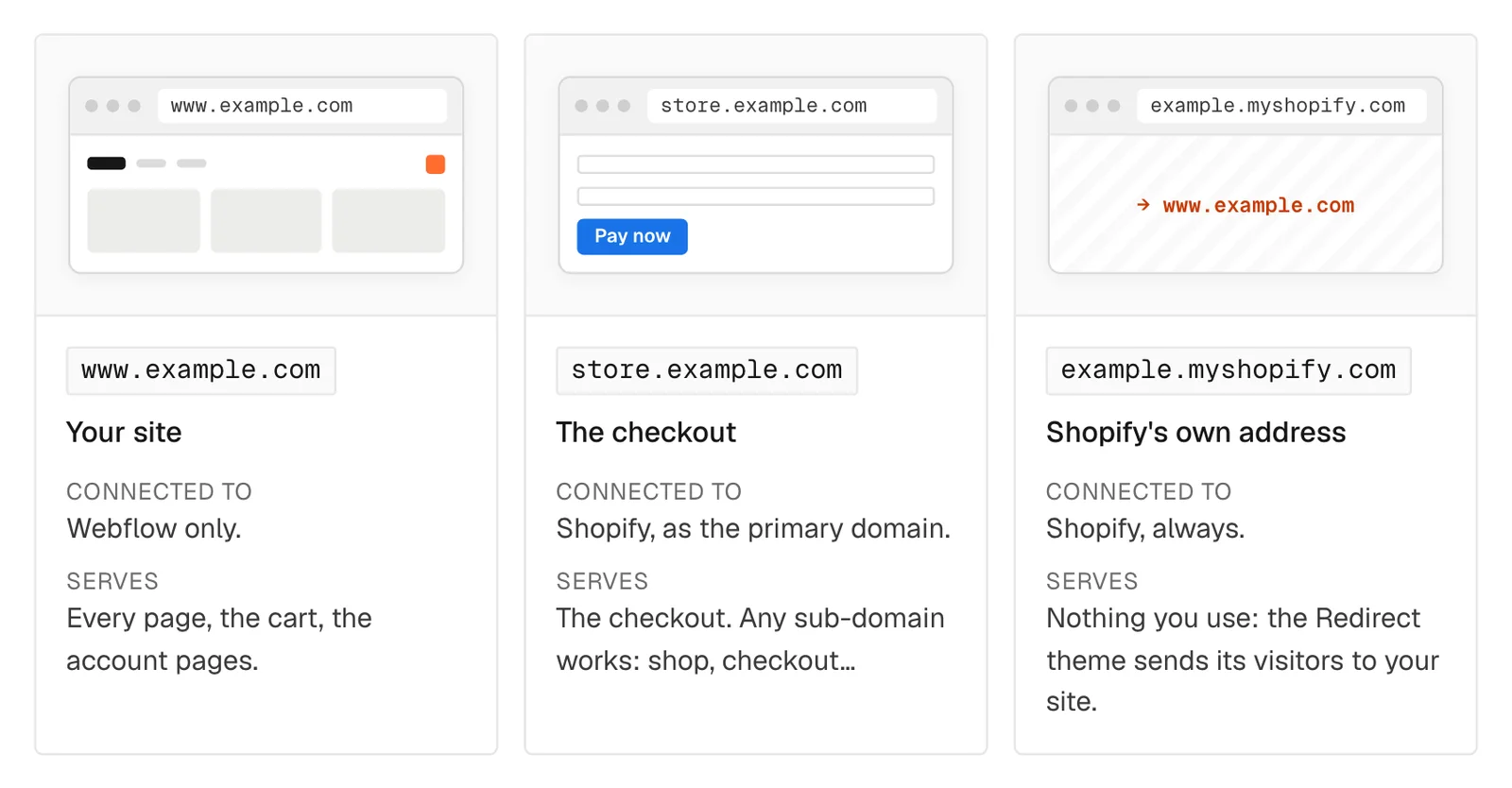
The one thing the store needs is that theme as the live theme. Download it from Domains and checkout, upload it in Online Store → Themes, fill in the Hostname of your site and the bases of your product and collection pages, and publish it. On Astro the same theme is explained in Send Shopify’s storefront visitors to your site.
A discount link on your own domain
The Shopify admin shares a link for any discount code, such as /discount/WELCOME10?redirect=/collections/curated-crates. Since Smootify 2.0 beta.3 that link works on your own domain too, not only on the Shopify address. This part is live on Sunday Crate: open sunday-crate-smootify.webflow.io/discount/WELCOME10?redirect=/collections/curated-crates in a private window.
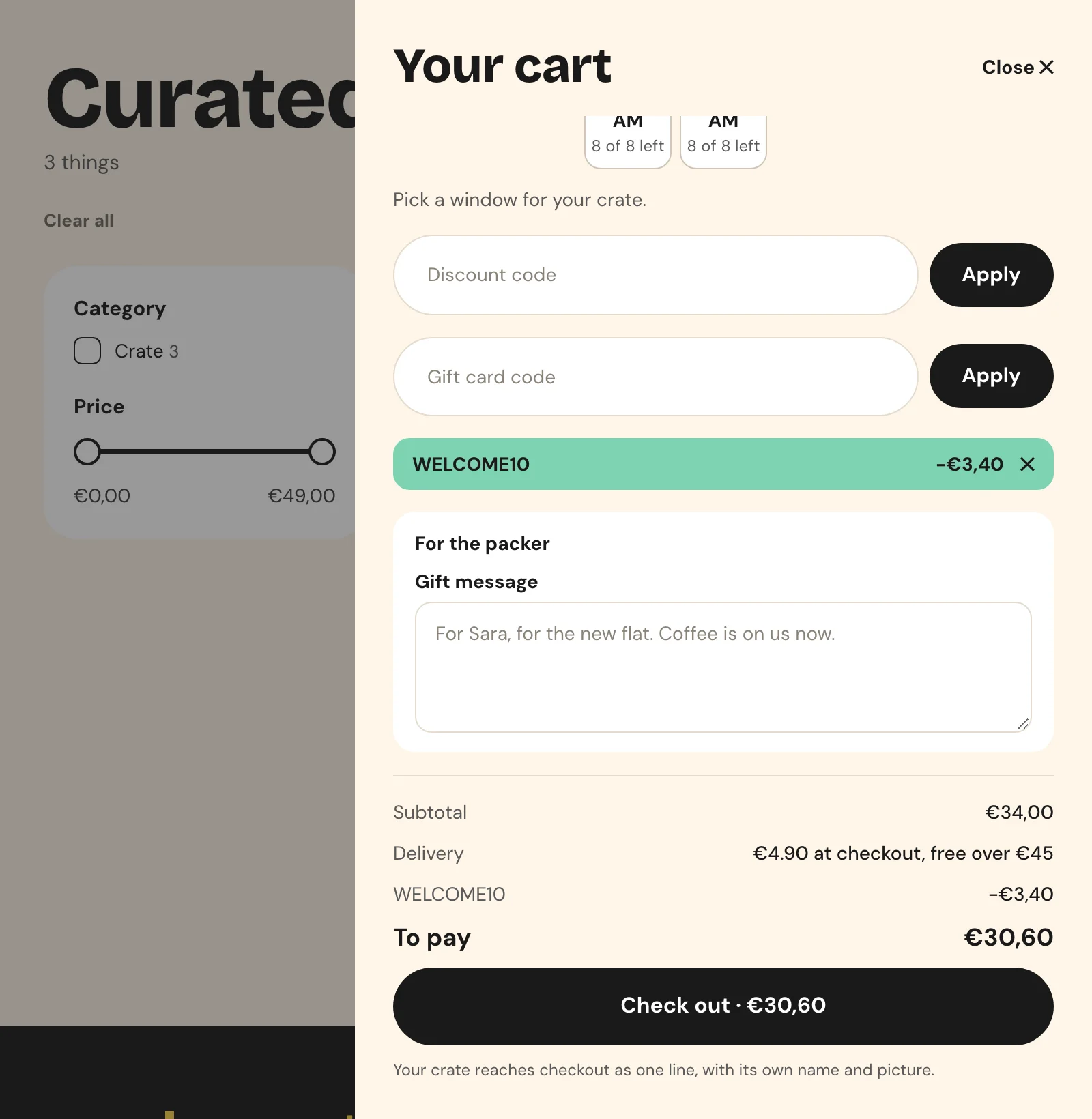
The address does not exist as a page, so for a moment it opens the site’s 404 page. There Smootify reads the code, puts it on the cart and sends the visitor to the page in redirect, here the Curated crates collection. Other parameters of the link, such as utm_source, go along. Add The Sweet Crate at €34.00 and the cart opens with WELCOME10 in its discount list and €3.40 off.
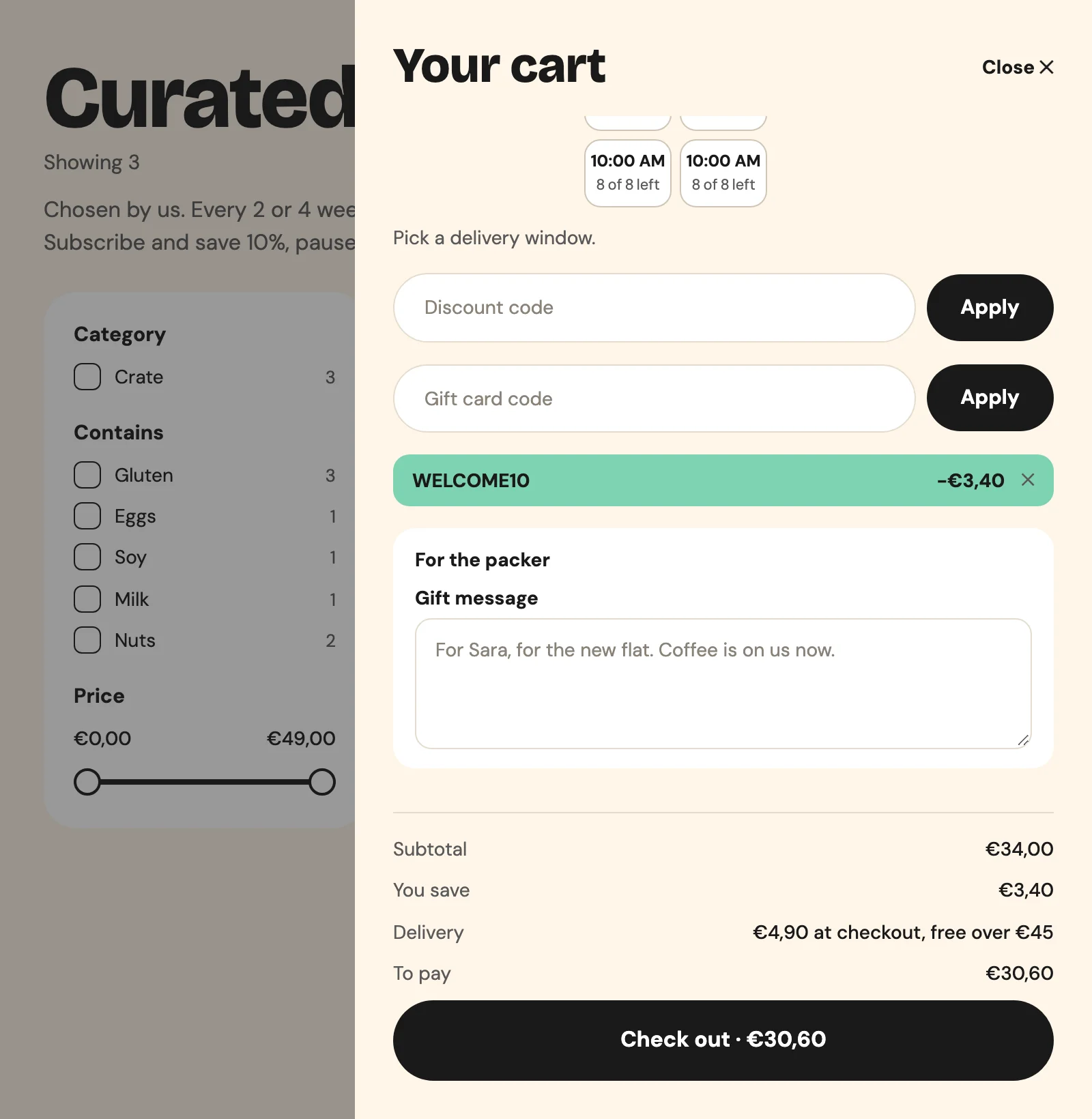
The cart was empty when the visitor arrived. In 2.0 the code waits on the Shopify cart and applies as soon as the cart qualifies, then shows in the cart="discount" list. The same link works on Sunday Crate built in Astro: same store, same code, same €3.40.
Two details decide where the visitor ends up:
- The page in
redirect(orreturn_to) must be on your site. Without it, or with an address on another site, the visitor lands on the home page. - A language prefix works:
/it/discount/WELCOME10withoutredirectends on the Italian home page.
On Webflow the site needs a 404 page of its own (Pages → Utility pages → 404, even empty), with Smootify’s loader in the site’s head code. Without it, Webflow answers with a generic page that never loads Smootify, and the link does nothing.
The store’s URL redirects
The Shopify admin also keeps URL redirects, under Online Store → Navigation → URL redirects. Collabs writes the creators’ paths there, and a store that moved from a Shopify theme keeps its old links there. Two cases open them on your domain: a link written by hand on your domain, such as yourdomain.com/sammy, and the old links of a store that moved its main domain from Shopify to Webflow or Astro.
The visitor lands on the 404 page, Smootify looks the address up among the store’s URL redirects and sends the visitor to its target, with the parameters of the link. This needs the content permission on the site’s Storefront token: turn it on in the Headless channel, or approve the Smootify app’s new permissions in the Shopify admin. Sunday Crate has no URL redirects to show yet, so this part is described from the guide.
For creators, keep it simple: give them the link Collabs makes. It already works through the Redirect theme, without the 404 page and without the permission. A “nicer” link on your own domain is one more thing to keep in sync.
When it does not work
- The creator’s link stays on the Shopify store. The live theme is not the Redirect theme. It is the first thing to check.
- An order from a creator is missing in Collabs. Wait a few hours before looking for a problem.
- A link on your domain shows a plain “Page not found”. The Webflow site has no 404 page of its own.
- A URL redirect stays on the 404 page. The Storefront token has no content permission. If no link works at all, the 404 page does not load Smootify: keep the loader in the site’s head code, not in one page’s settings.
- A discount link ends on the home page. Its
redirectis missing, or points to another site. - The code does not show in the cart. The cart is empty or under the code’s minimum. The code waits and applies by itself once the cart qualifies.
What it costs
Shopify Collabs is free in Shopify. On the Smootify side there is no plan and no add-on to turn on: the Redirect theme is a free download, and the discount links and URL redirects come with the 2.0 runtime on every plan.
The whole setup, Webflow or Astro, is in Shopify Collabs and discount links (Astro version), and the ?discount= link and the cart’s discount list in Discounts, notes and progress bars.