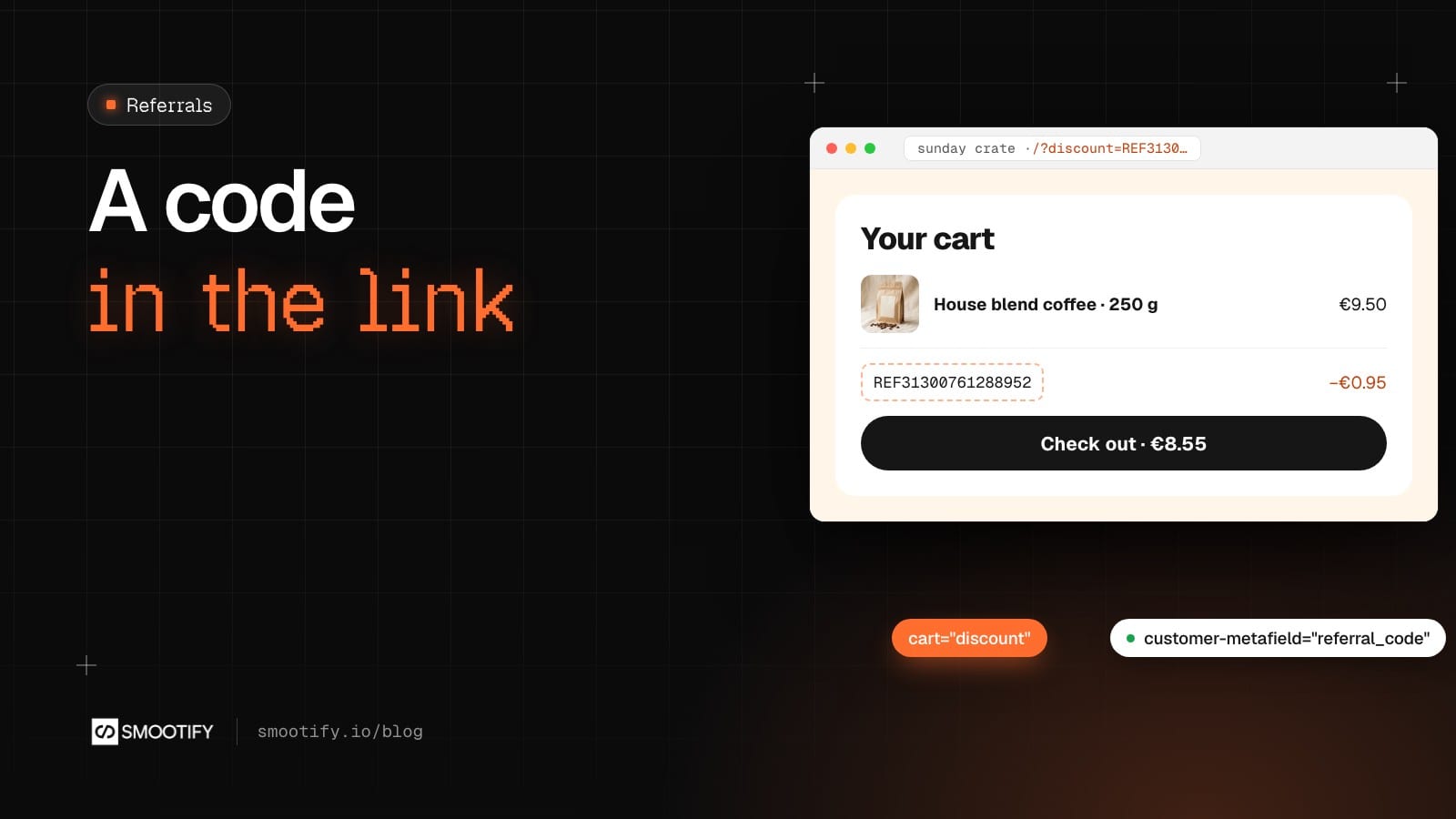
Sunday Crate sells food crates from its kitchen in Milan. Its best customers already talk about it: a jar of sour cherry jam on a friend’s table, a crate photographed on a Sunday morning. The shop would like to thank them for it, and to give the friend a reason to order the first time.
On Shopify, that is usually a referral app with a monthly fee, often bundled with a points program the shop never asked for. Look at what a referral program does, though, and every part of it is already in the store: a personal discount code, a page where the customer finds it, a link that carries it, and a reward when the friend pays. Shopify Flow makes the code and pays the reward. Smootify shows the code and carries the link, on a store built in Webflow or in Astro.
Every customer gets a code
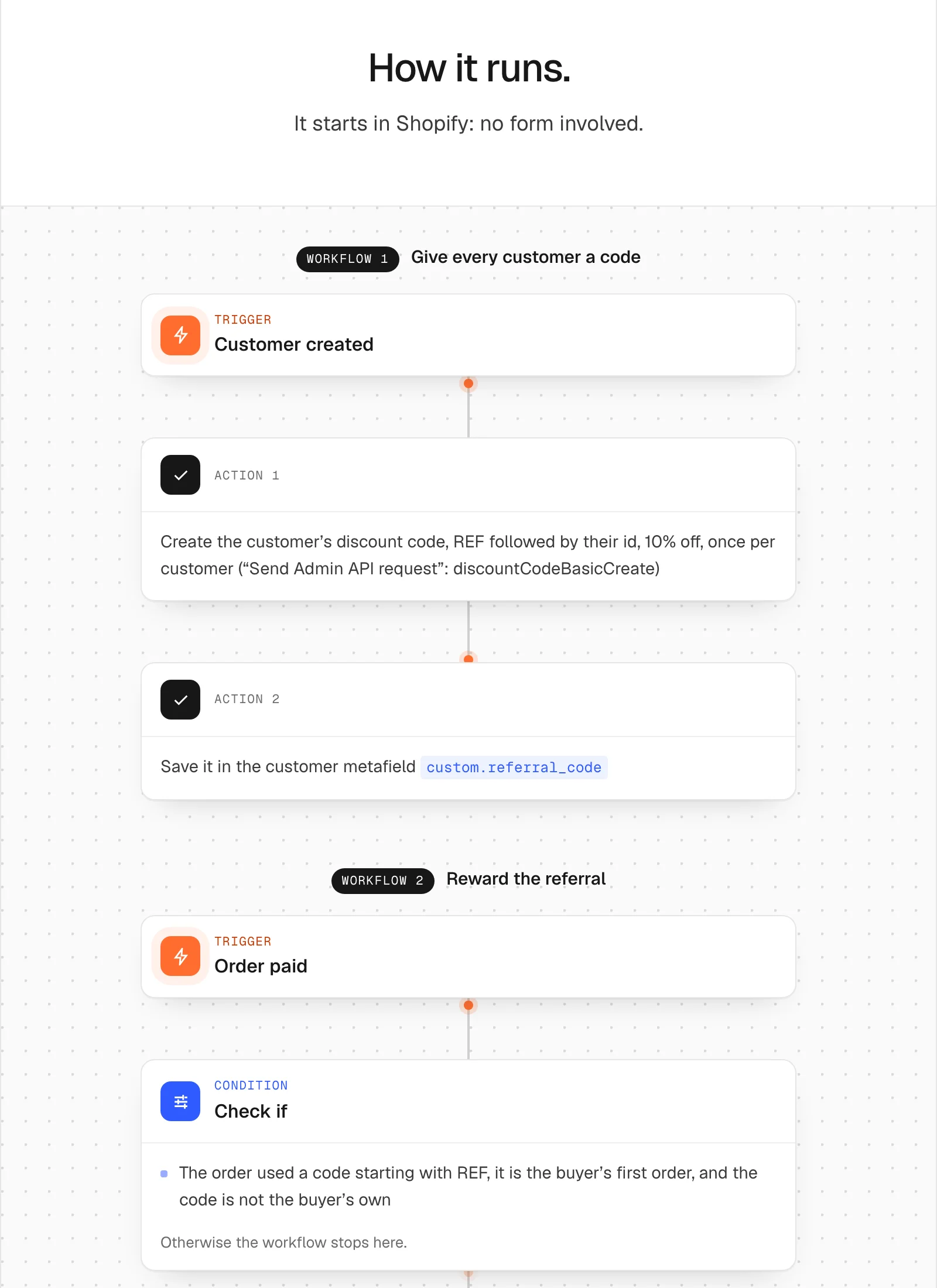
The first workflow of Referral with store credit, in our Flow library, starts when a customer is created. It makes a Shopify discount code for them, REF followed by their customer id, 10% off, once per customer, and saves it in the customer metafield custom.referral_code.
An account page shows the code with one attribute, customer-metafield="referral_code", on a Text block. The metafield’s definition needs Customer accounts access set to Read. Without it, the workflow writes the code and the account shows nothing at all.
Because the code is an ordinary Shopify discount, it follows Shopify’s rules: once per customer, an end date if the shop wants a campaign, and the checkout already knows it.
The link carries the discount
This is the part almost nobody knew they had. A link to any page of a Smootify site with ?discount= and a code adds that code to the visitor’s cart when the page opens. No cart element is needed on the page, and nobody has to type anything.
On Sunday Crate, one test customer’s code is REF31300761288952. Open sunday-crate-smootify.webflow.io/?discount=REF31300761288952 in a private window and browse. The cart is empty when you arrive, and an empty cart cannot use a code. In 2.0 the code waits on the cart, even while other codes are typed or removed, and applies by itself as soon as the cart qualifies: here, with the first product. Add a bag of House blend coffee at €9.50, and the cart opens with the code in its discount list (cart="discount") and €0.95 off.
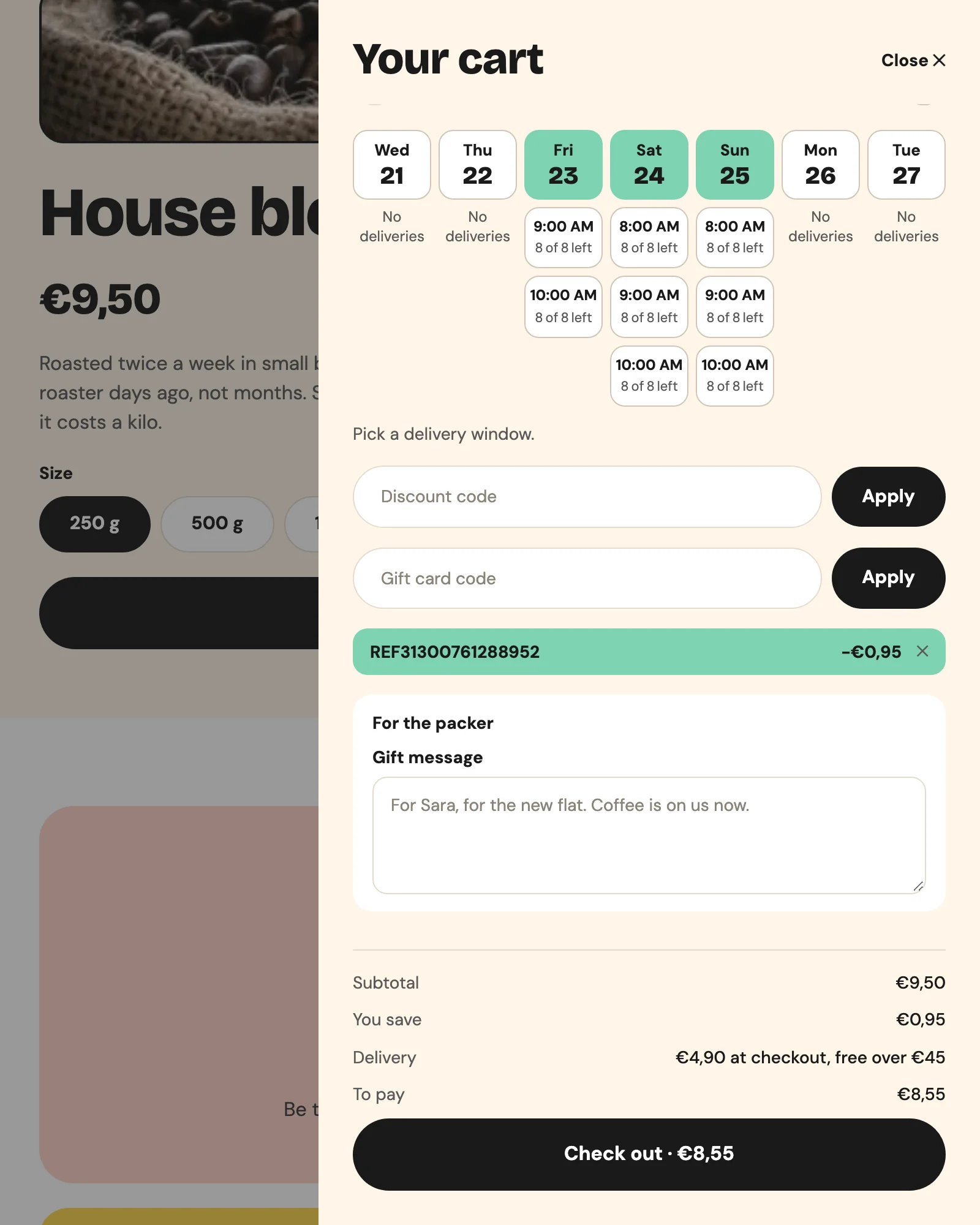
The code is saved on the Shopify cart, so it stays on every page and on the next visit, until it is removed or an order is placed. Since it shows only once there is something in the cart, say it on the page: “Your 10% is waiting in your cart.”
The same link works on Sunday Crate built in Astro: same store, same code, same €0.95 off the first product.
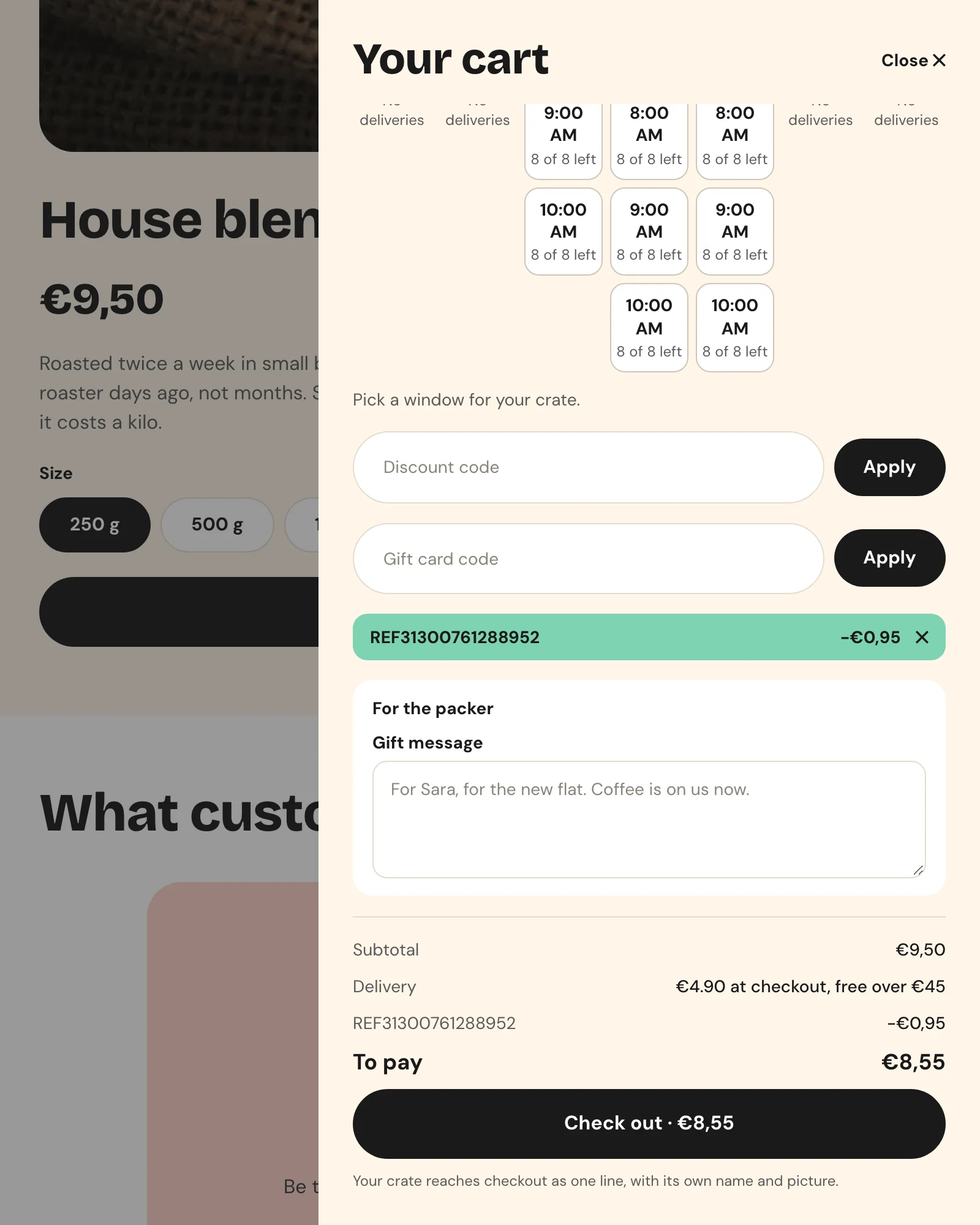
The link works for any code, not only referrals: ?discount=WELCOME10 in a newsletter, a QR code in the crate, a campaign link.
The reward is money, not points
The second workflow starts when an order is paid. If the order used a code that starts with REF, if it is the buyer’s first order, and if the code is not the buyer’s own, it reads the customer id from the code, credits 10 in the shop’s currency to that customer’s store credit, and emails them.
The customer then sees it in the account with store-credit: the balance with store-credit="balance", and each movement in a store-credit-transaction. They spend it at checkout on the next order, with no code to remember. Store credit needs Shopify’s new customer accounts, the accounts Smootify’s login uses.
None of this needs a Smootify plan or add-on: the code and the credit live in Shopify, and showing them needs customer accounts. In Astro the same attributes go on the account page’s elements: see Customer data and Discounts and notes in the Astro docs.
The limits, said before they surprise you
- The code is not only for new customers. Shopify does not limit it: anyone can use it once, its owner included. The workflow rewards only the friend’s first order, and never the owner of the code.
- The discount is invisible on an empty cart. It waits and applies with the first product. Tell the friend before they look for it.
- The credit stays if the friend returns the order. The workflow does not take it back: decide in advance whether you will.
- Every new customer gets a code, including those created by a newsletter form. The discounts list in the admin grows with them.
- No one-click copy.
customer-metafieldwrites the code; the link next to it is text the customer copies or shares by hand. - Ask the customer to share, not to type a friend’s email. A form that collects the friend’s address collects data from someone who never asked the shop for anything.
- The account shows nothing. The metafield has no Customer accounts access, or the customer is not logged in.
What it costs
The two workflows run in Shopify Flow, which is free. The code is a Shopify discount and the reward is Shopify store credit. Smootify adds the account card and the link, on any plan.
The link is in Discounts and notes, the code and the credit in the account in Customer data and newsletter, and the two workflows, with the metafield to create, in the Flow library: Referral with store credit.