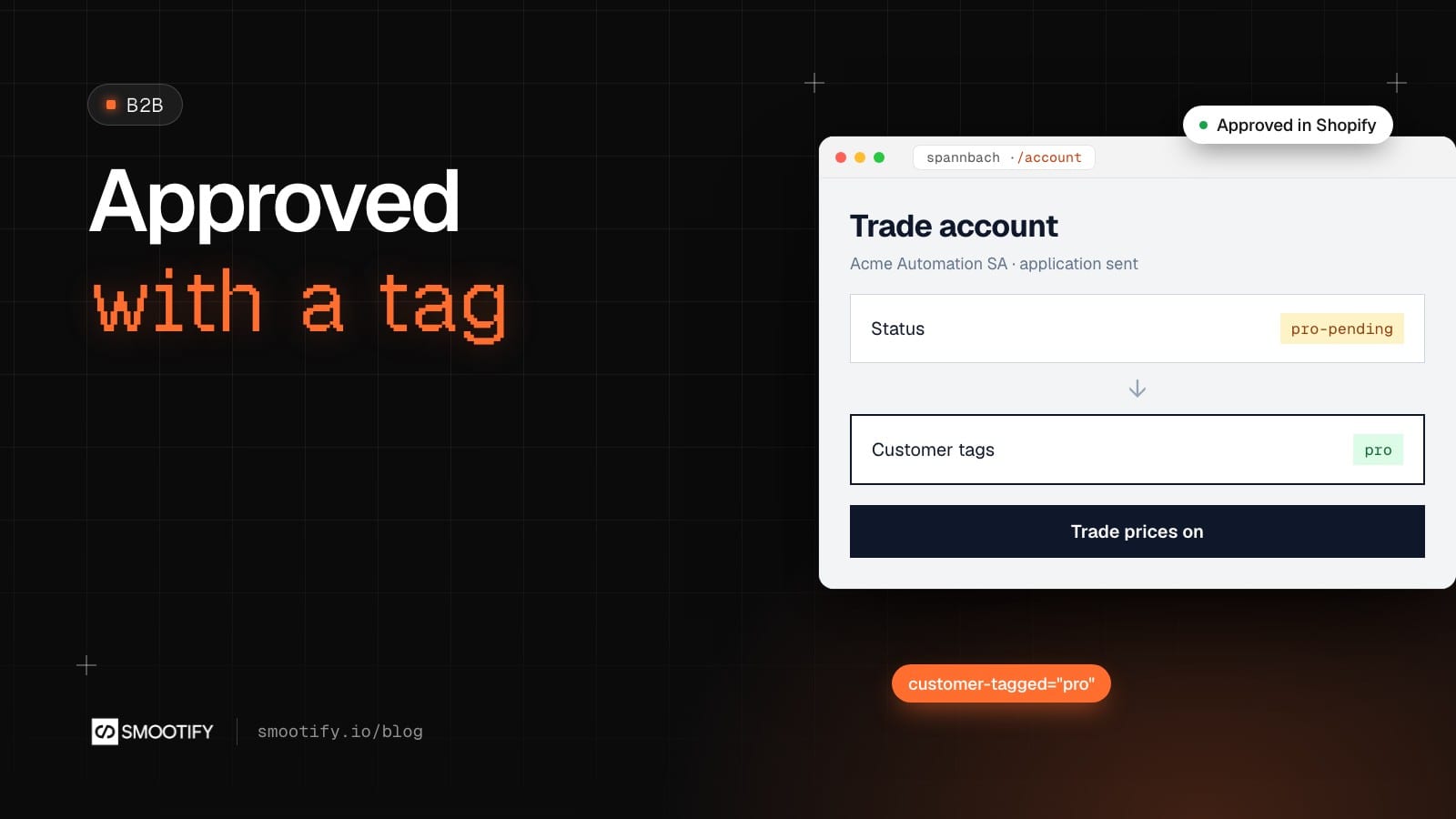
A machine builder in Lugano wants to buy bearings at trade terms. On most Shopify stores, they find a “Become a reseller” page with a contact form. The form lands in a shared inbox. Someone on the sales team opens it two days later, copies the VAT number into a register search, asks by reply for the company register extract the form never asked for, then goes into the Shopify admin, finds the customer by email, adds a tag, and forgets to tell them. The buyer finds out a week later, when they log in and see the same page as before.
None of that work is hard. It is just scattered: an inbox, an attachment, a search in the admin, a tag nobody announces. With Smootify 2.0 the same application is one form that saves to Shopify, one tag, and two Shopify Flow workflows, and the site changes for that customer as soon as the tag is there. It works the same on a store built in Webflow or in Astro.
Where Spannbach starts
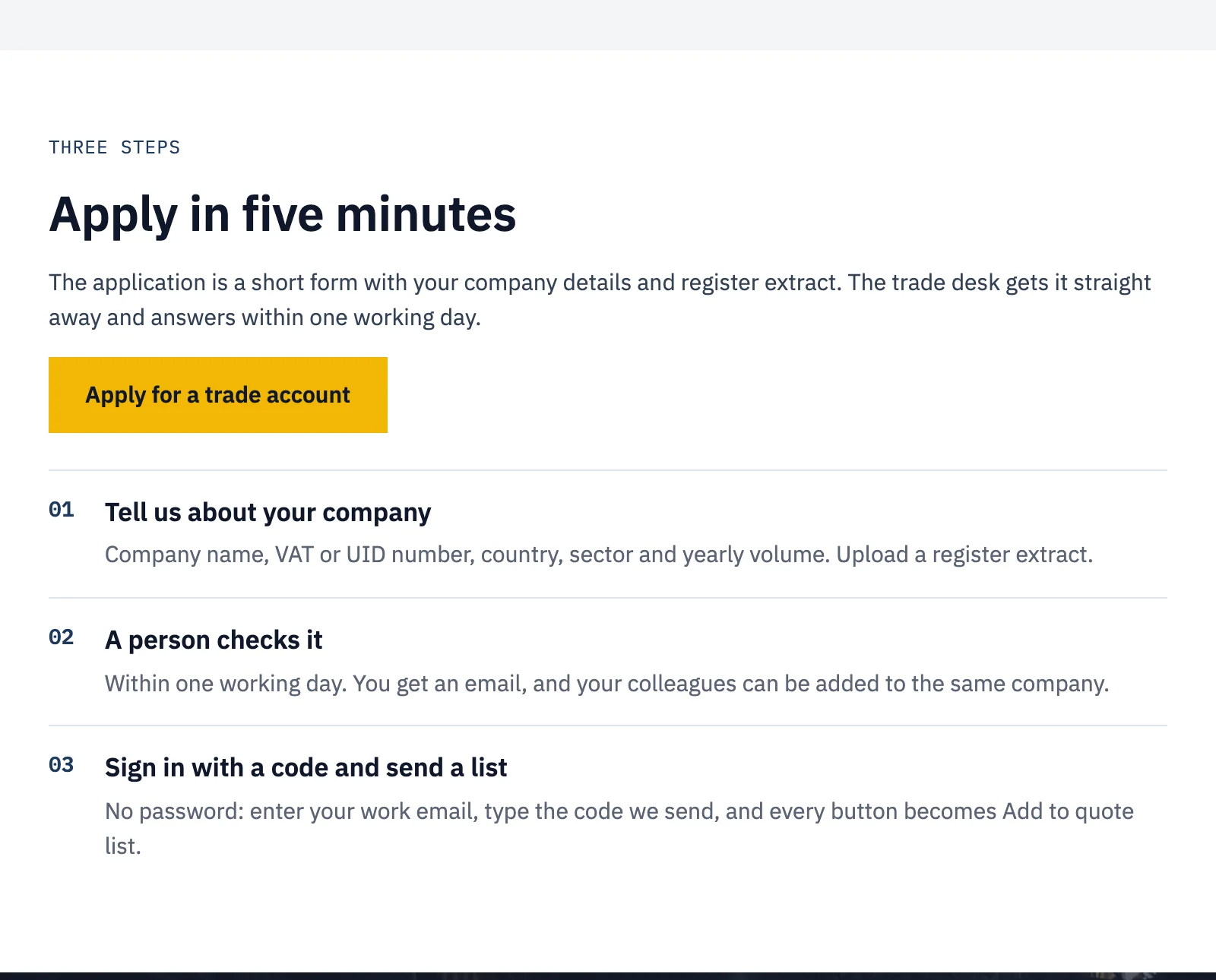
Spannbach, our industrial components demo store, already asks for the extract up front. Its Trade account page explains what changes for a company, and the application is a short form: company name, VAT or UID number, country, sector, yearly volume, a work email and the company register extract.
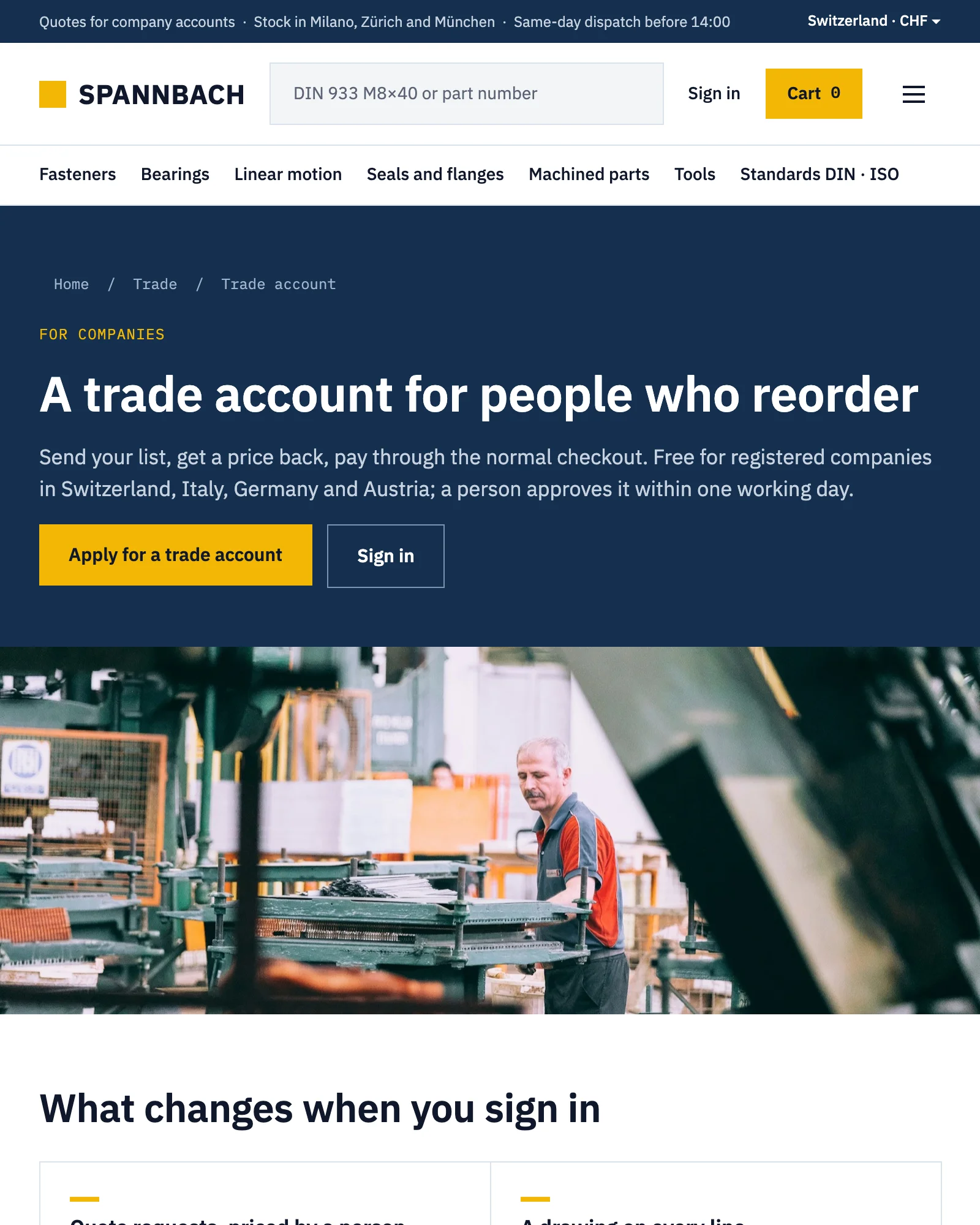
The form is a Webflow Form Block inside a Custom element with the tag metaobject-creator. Each application is saved as an entry of a Shopify metaobject, in the same admin as the orders, instead of in Webflow’s form submissions. The extract goes up with a file-input while the buyer fills the rest of the form, and lands in the store’s Shopify Files. Shopify accepts up to 20 MB per file.
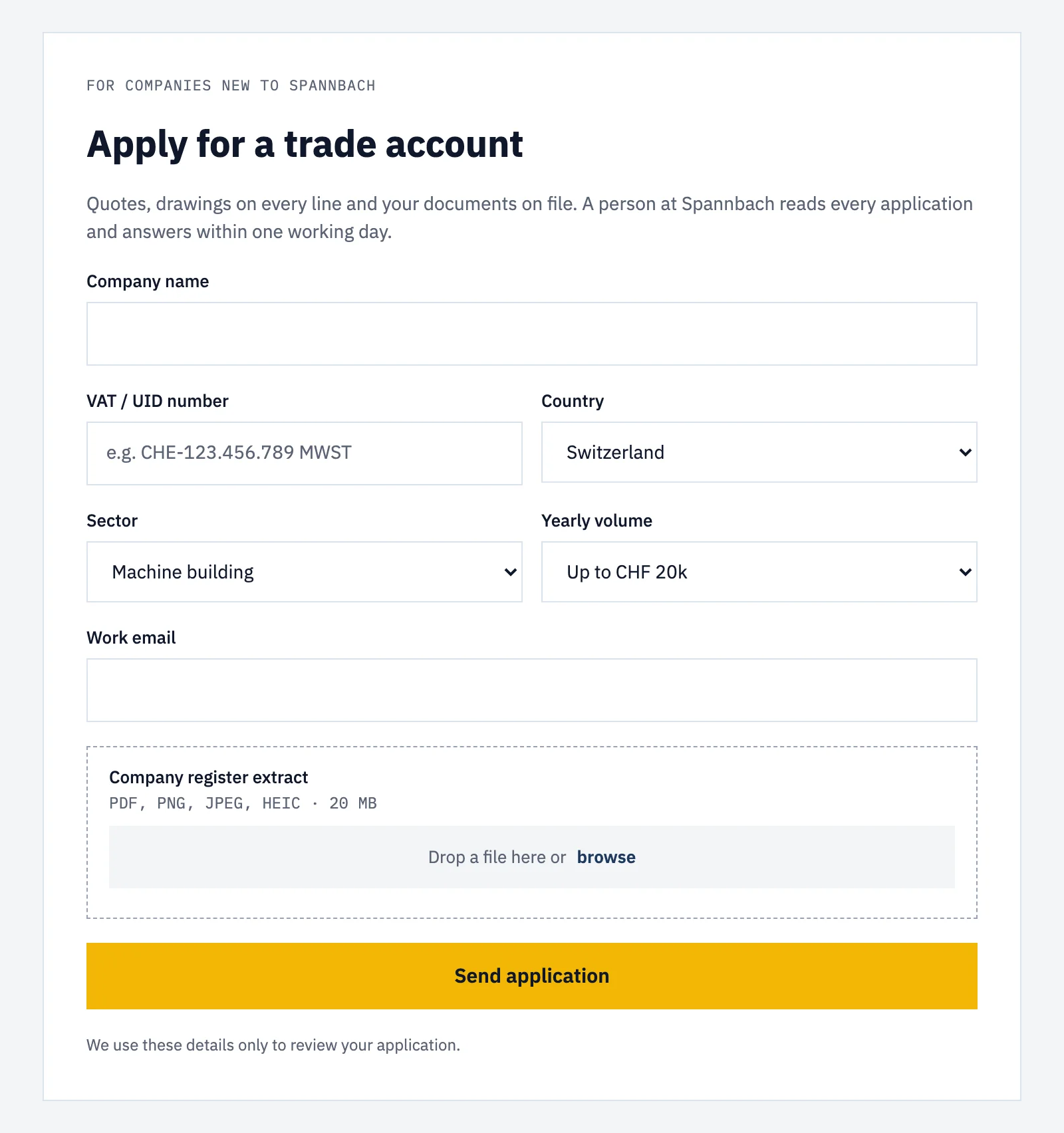
Spannbach’s form is open to companies that have no account yet, so it asks for a work email. The Flow library’s Trade registration goes one step further, and that is the version this post builds: the buyer signs in first, and the application knows who sent it.
The application knows who sent it
The definition from the Flow library is a metaobject called Trade application, type pro_application, with the company name, the VAT number, the trade, the website, notes, a list of documents and a Customer field.
The attribute that matters is customer-field="customer" on metaobject-creator. Smootify’s server writes the logged-in customer into the entry’s Customer field. Nobody types an email that the sales team then has to match to an account, and nobody can send an application in someone else’s name: a value sent under that key is ignored. Open the entry in the admin and the customer is one click away, with their orders and their company.
The definition has no Storefront access. It holds company data, and the site never needs to show it.
Approving is adding a tag
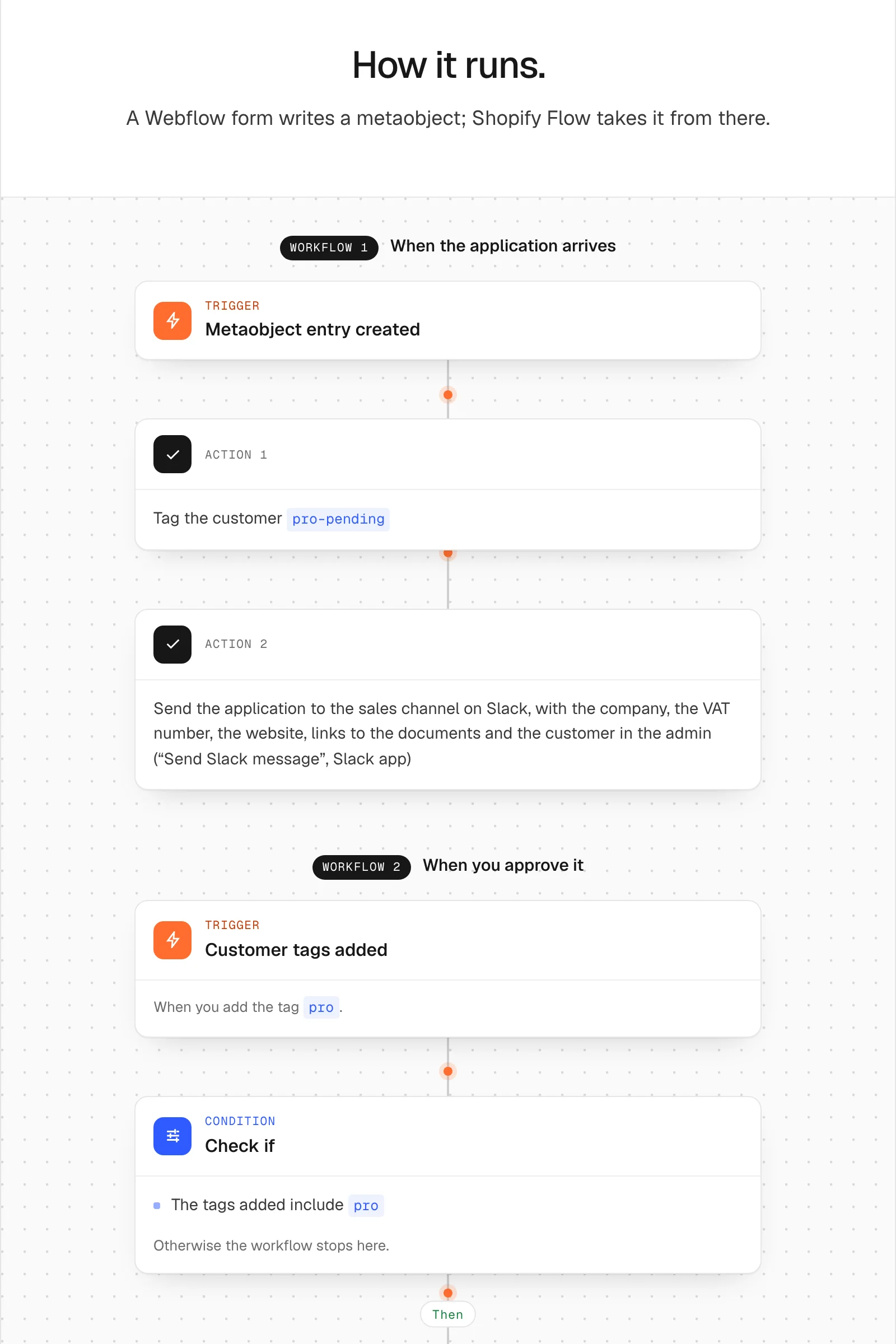
When the entry is created, the first workflow tags the customer pro-pending and posts the application in the sales channel on Slack, with links to the documents and to the customer in the admin.
Someone checks the VAT number and the extract, and adds the tag pro to the customer. That is the approval. The second workflow starts on Customer tags added: it removes pro-pending and emails the buyer that their trade account is active, with a button to their account. The tag alone sends no email, which is why that second workflow exists.
The site reads the tag
The trade page has three blocks, and each signed-in customer sees one:
- Not applied yet: the form, inside
customer-not-tagged="pro, pro-pending"withany="true", so it shows only to customers with neither tag. Withoutany="true", a customer would have to carry both tags to lose the form, and the one waiting for an answer would see it again. - Under review: inside
customer-tagged="pro-pending", “Your application is being reviewed. The trade desk answers within one working day.” The buyer who comes back the next day does not fill in the form twice. - Approved: inside
customer-tagged="pro", what a trade customer gets, such as the quote button Spannbach has in its cart: abuttonwithname="draft-order"next to Check out, so the buyer sends a list and gets a price back from the trade desk. The Quotes guide shows how to put that button inside acustomer-taggedblock. If the store links the customer to a company in Shopify, the same block showscompany="name", such as Acme Automation SA, and company metafields such as the customer number withcompany-metafield="customer_number".
No deploy, no developer, no second account. The tag changes the page on the next load. In Astro the same attributes go on plain elements, and the form is a metaobject-creator around a <form>: see the Astro guide to collecting data with forms.
The limit
customer-tagged hides an element from the page. It does not protect it: what it hides is still in the published page’s code, and Shopify’s public prices stay readable to anyone who knows where to look. A price that only trade customers may pay has to be made in Shopify:
- a quote, priced by a person, which is how Spannbach works: no price lists, every list priced as a draft order;
- a B2B catalog for the customer’s company. Companies and catalogs are on every paid Shopify plan; outside Shopify Plus a store can have up to 3 active B2B catalogs, with Shopify’s new Markets;
- a discount limited to those customers, such as one whose eligibility is a customer segment built on the tag.
The site shows what Shopify decides. It is the right place for buttons, pages and messages, not for secrets.
Where it stops without a word
- The form never shows. It has
customer-field, so it waits for a logged-in customer. Put a sign-in next to it withcustomer-condition="not-logged-in", or the buyer sees an empty space. - The buyer under review sees the form again.
customer-not-taggedlists both tags withoutany="true". - Nothing is saved, and the Error message names a field. A field’s Name is not a key of the definition. Webflow renames fields when you copy a form.
- The documents are missing. The
file-inputis not nameddocuments, the key of the file list. - The approved buyer never hears back. The second workflow is off, or its email key is wrong. The tag sends nothing by itself.
- The form disappears on the live site. The Server plan or Metaobject creator is missing, or the page is not on the licensed domain.
The form, customer-field and the documents are in Collect data with forms; the tags in Customer accounts and the company in Quotes and B2B. The two workflows, with the definition to create, are in the Flow library: Trade registration.